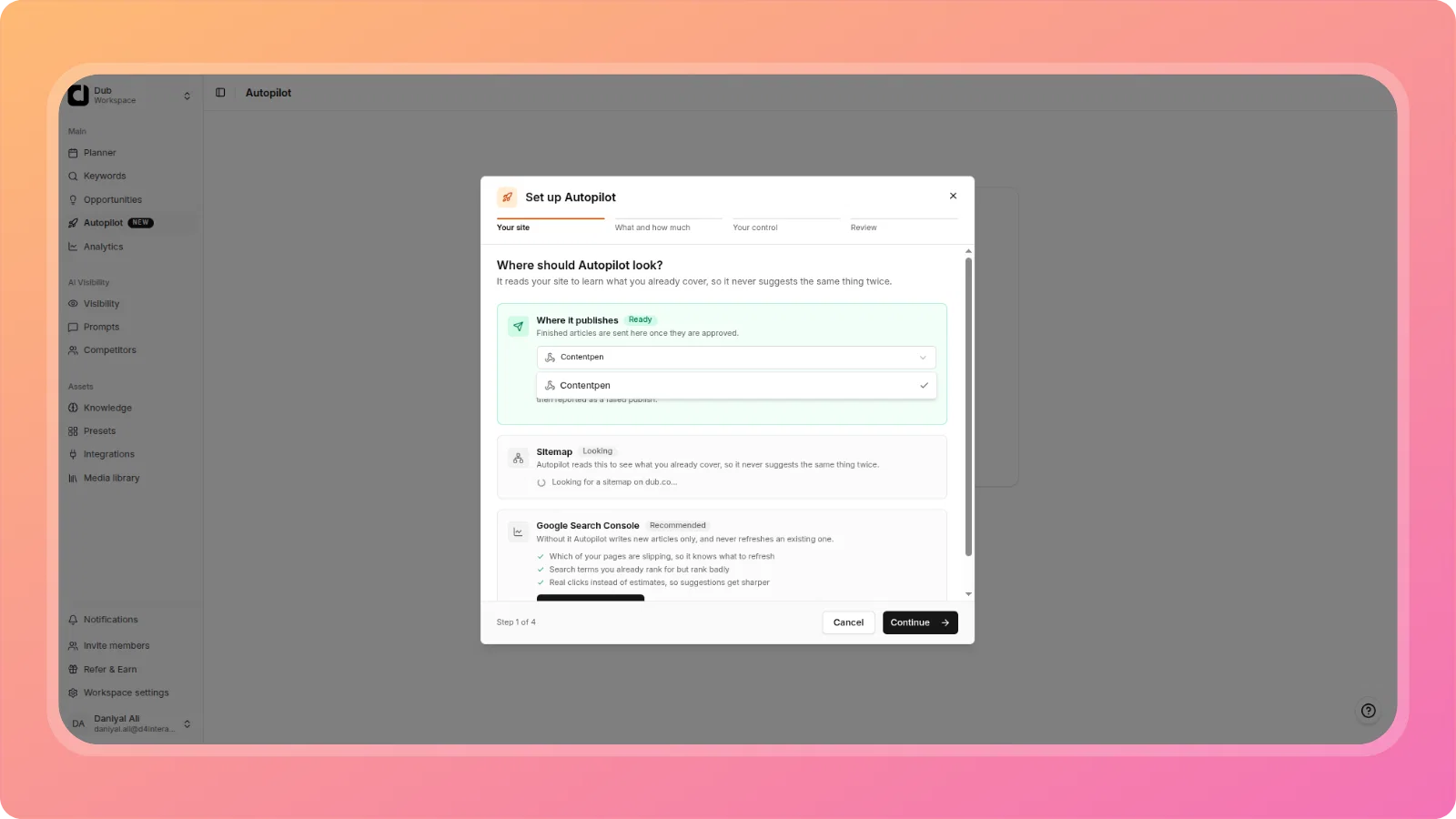
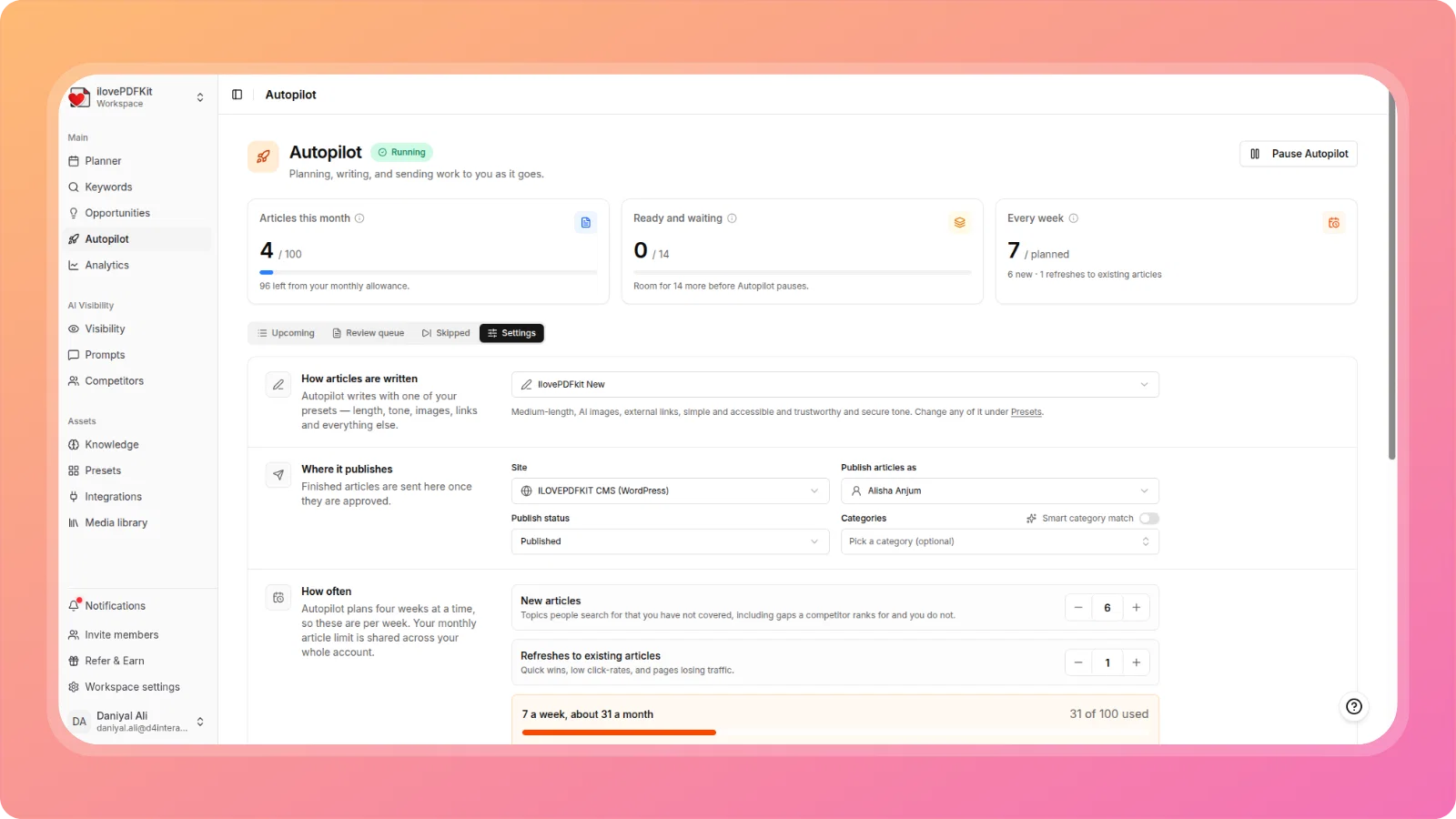
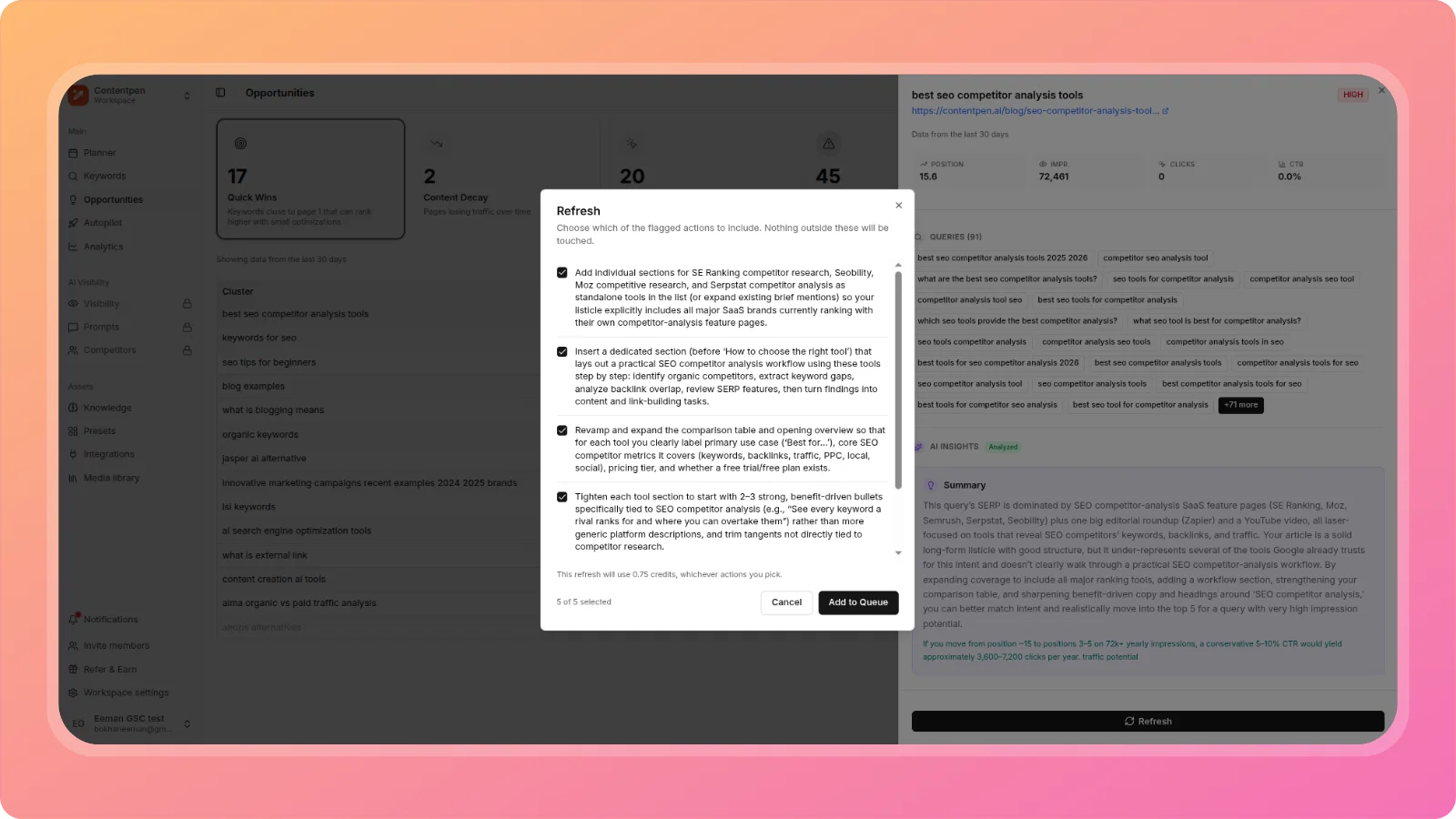
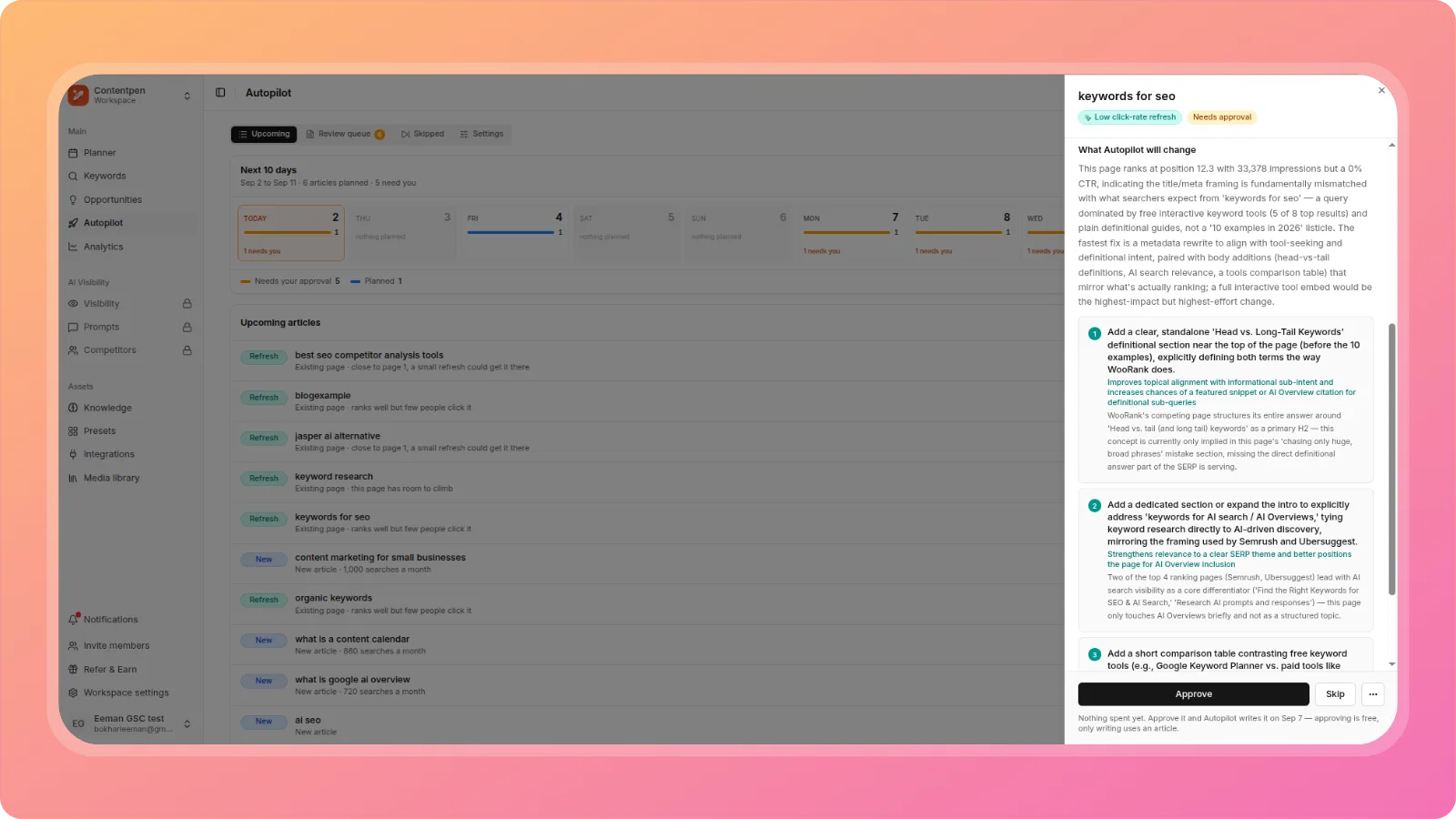
Announcements

  1. πŸš€ New Features: Social Publishing, Custom Instructions per Article, CSV Keyword Export, Article Regeneration & much more

    New Feature
    Improvement
    Announcement

    We're excited to announce a major feature release that expands ContentPen's publishing capabilities, improves content workflow flexibility, and adds powerful new editor tools.

    🎯 New Features

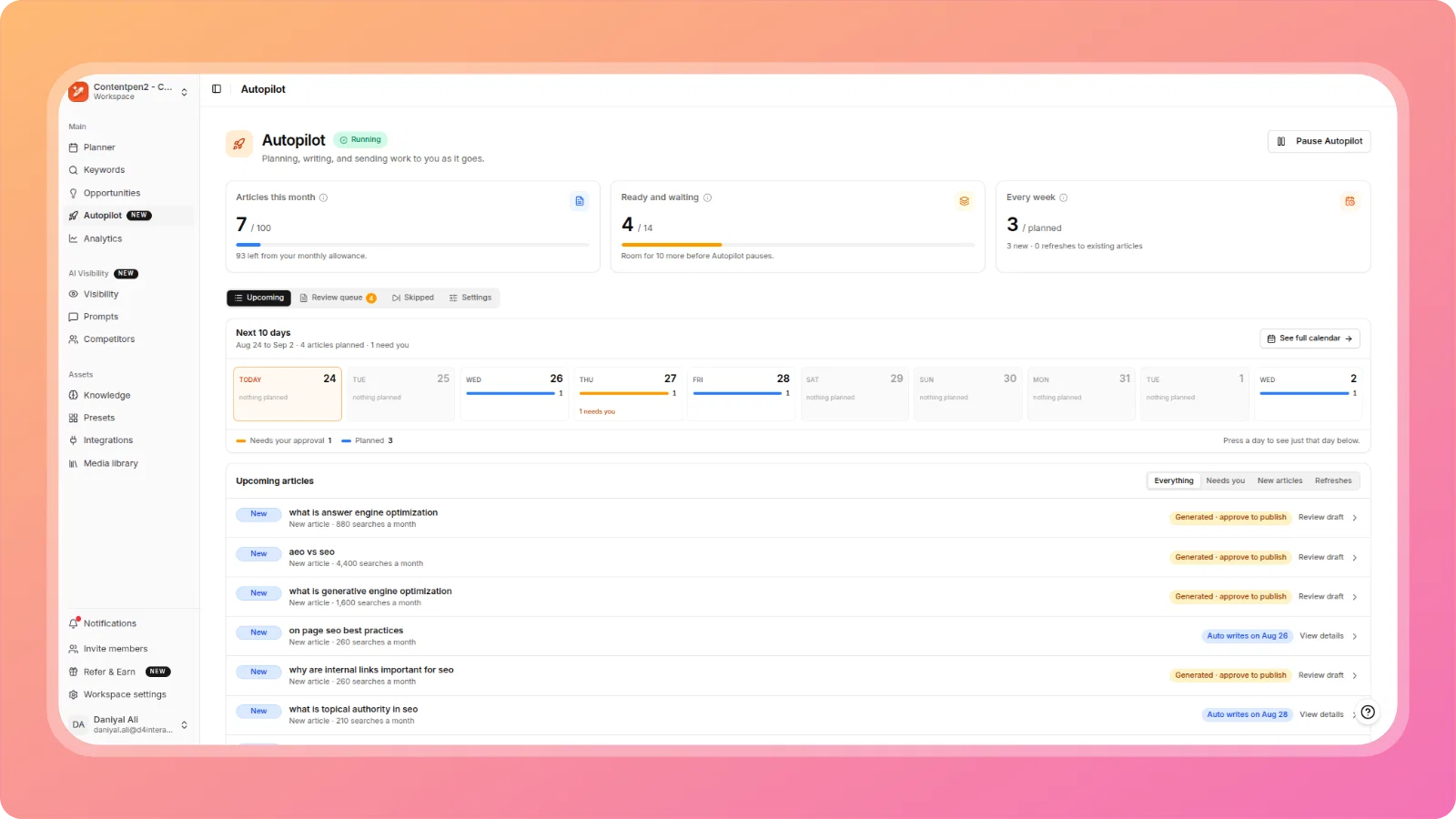
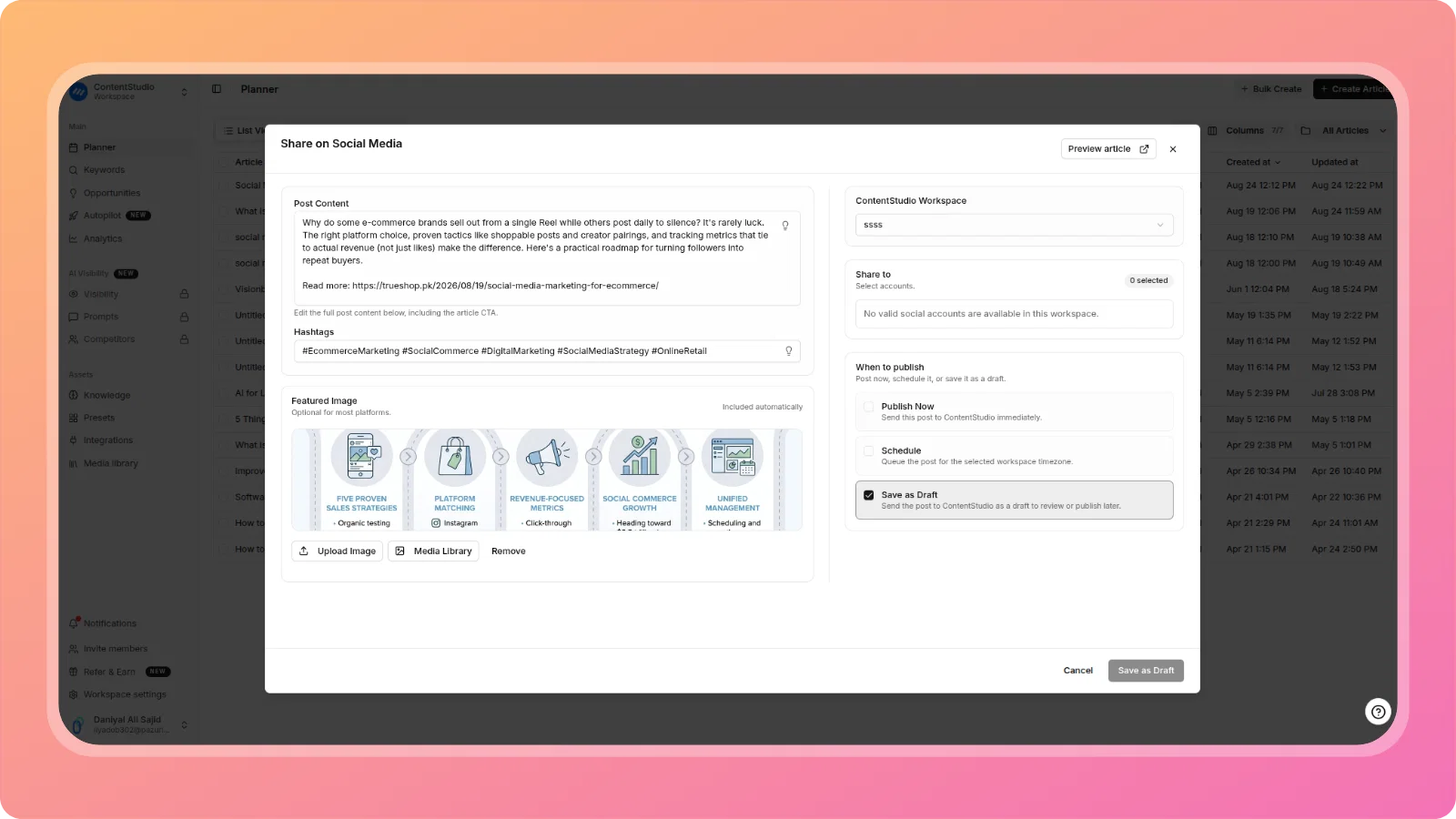
    Social Media Publishing via ContentStudio

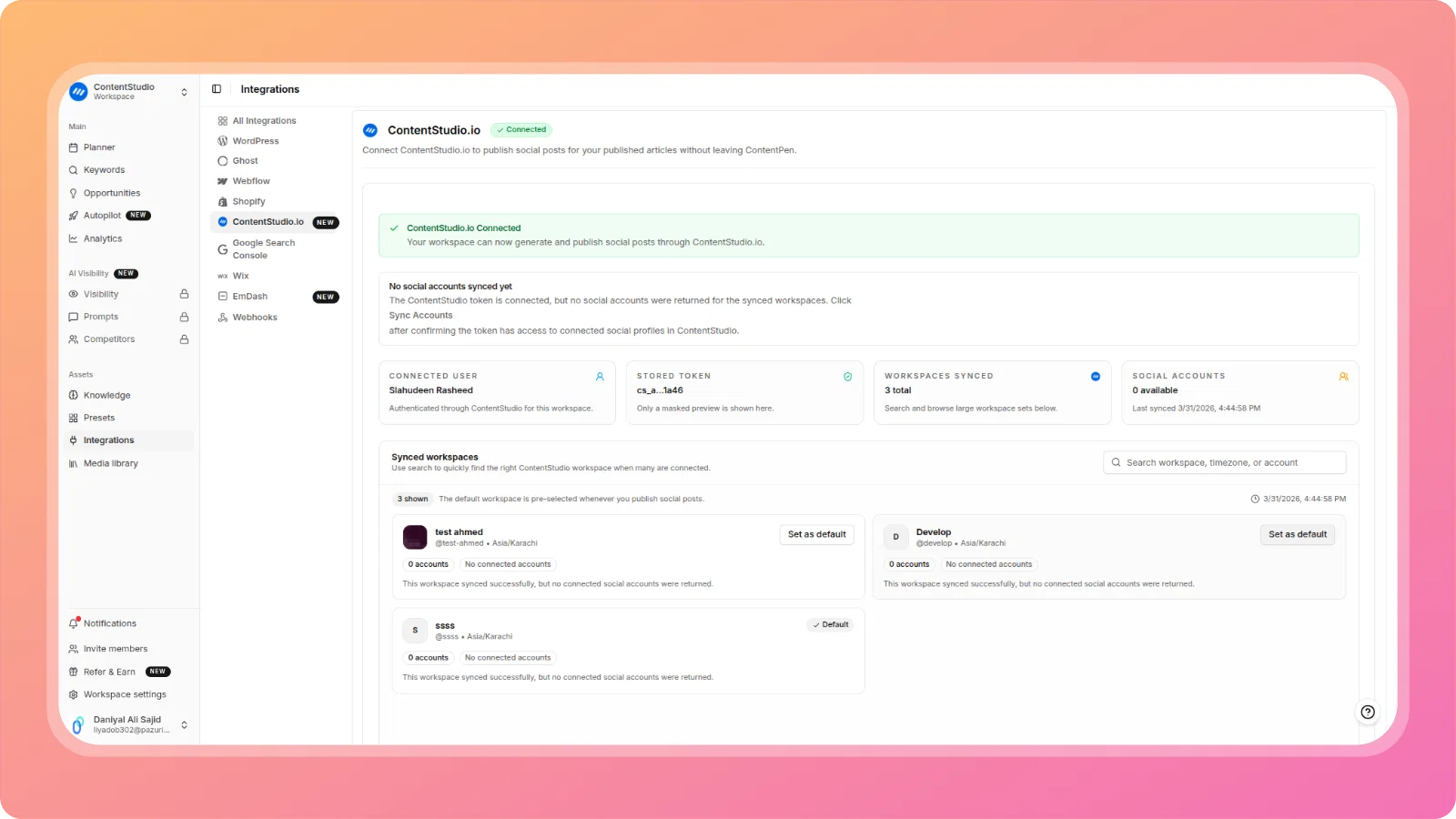
    Amplify your content reach by publishing directly to social media! Connect your ContentStudio account to automatically share published articles across multiple social channels from inside ContentPen.

    How it works:

    • Connect your ContentStudio account in Integrations
    • Configure post copy, hashtags, and featured images
    • Publish or schedule social posts when your article is ready
    • Reach your audience across all connected social platforms
    cleansnap-16x9 (17)

    Article & Outline Regeneration

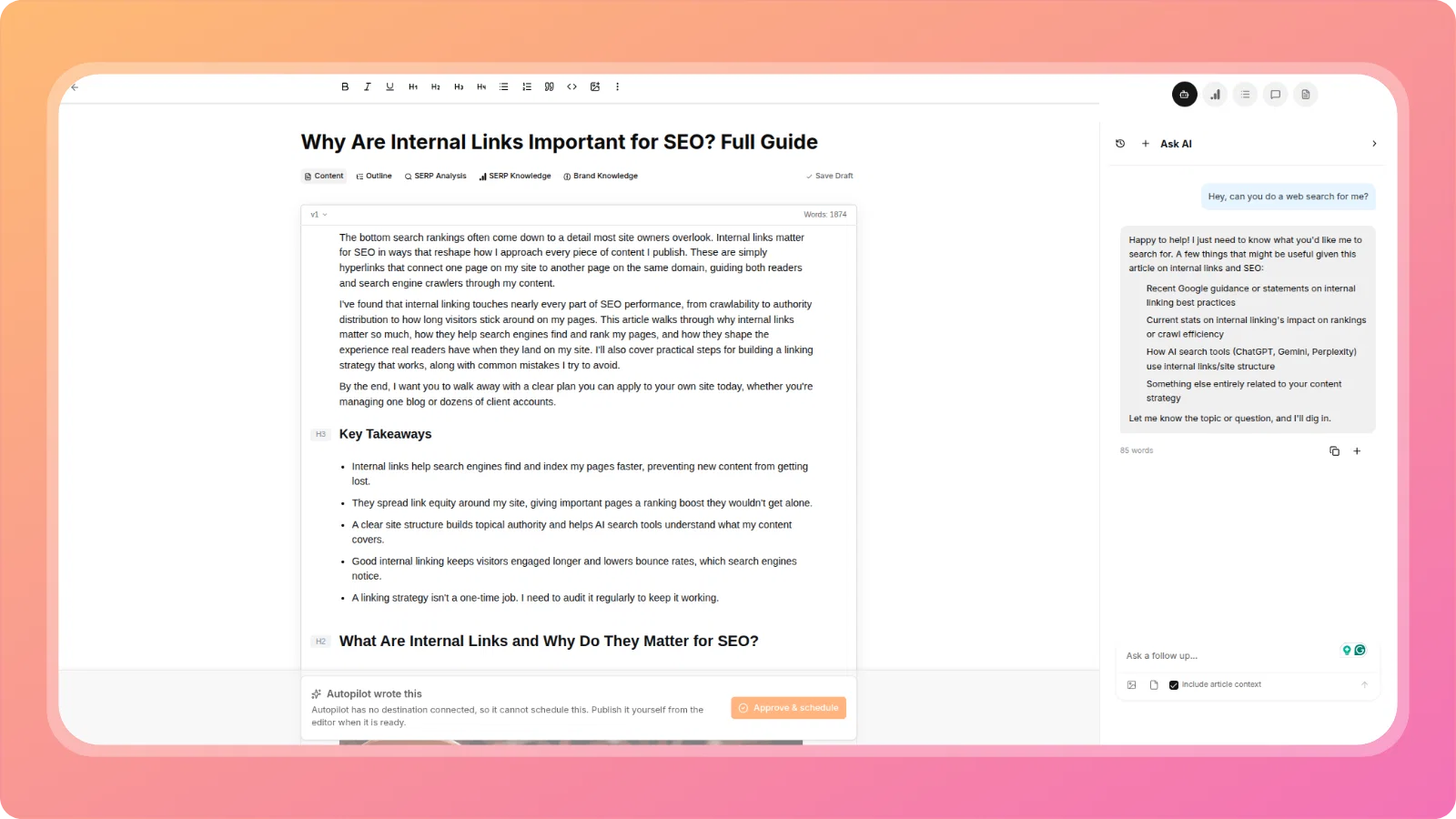
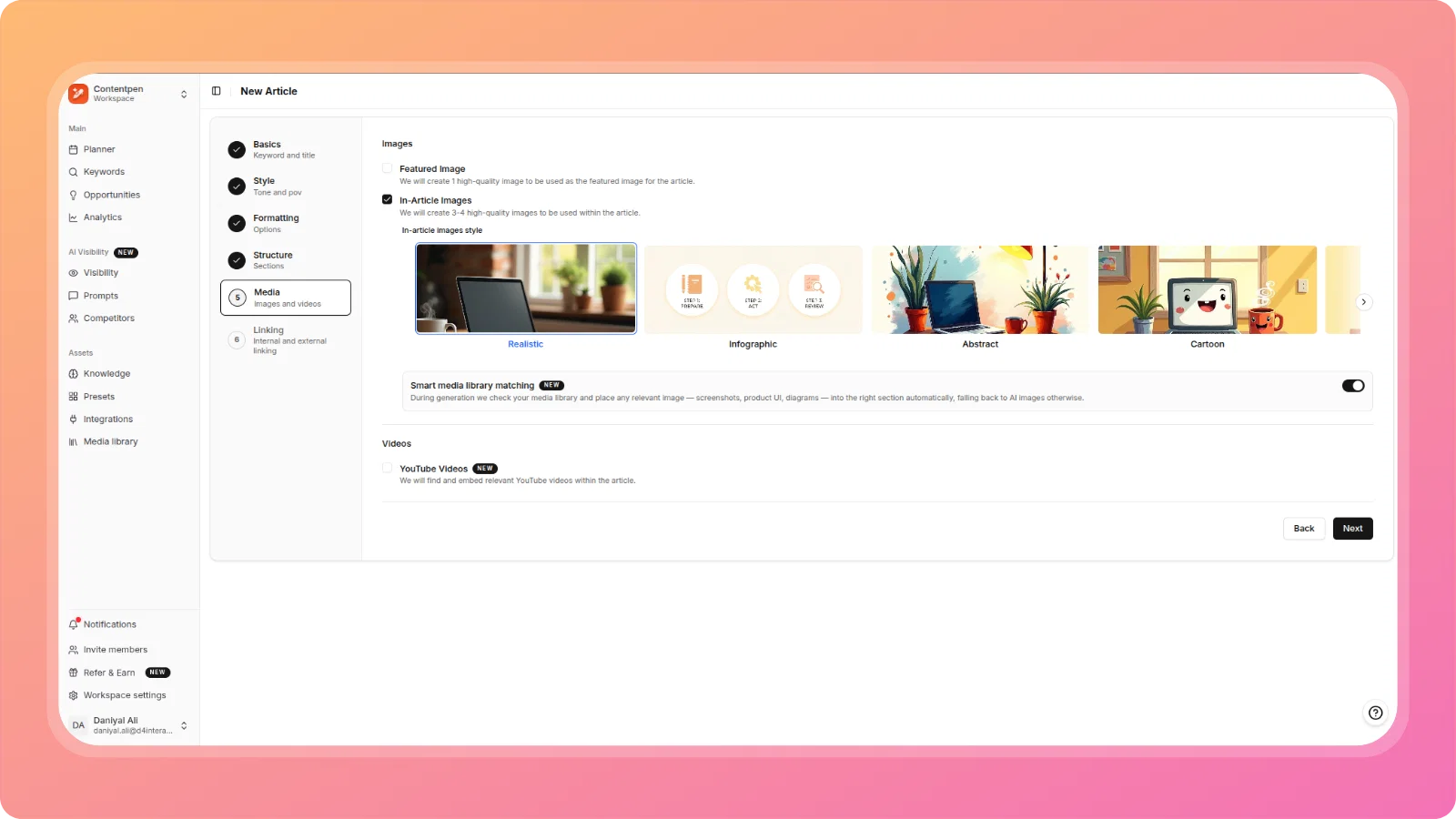
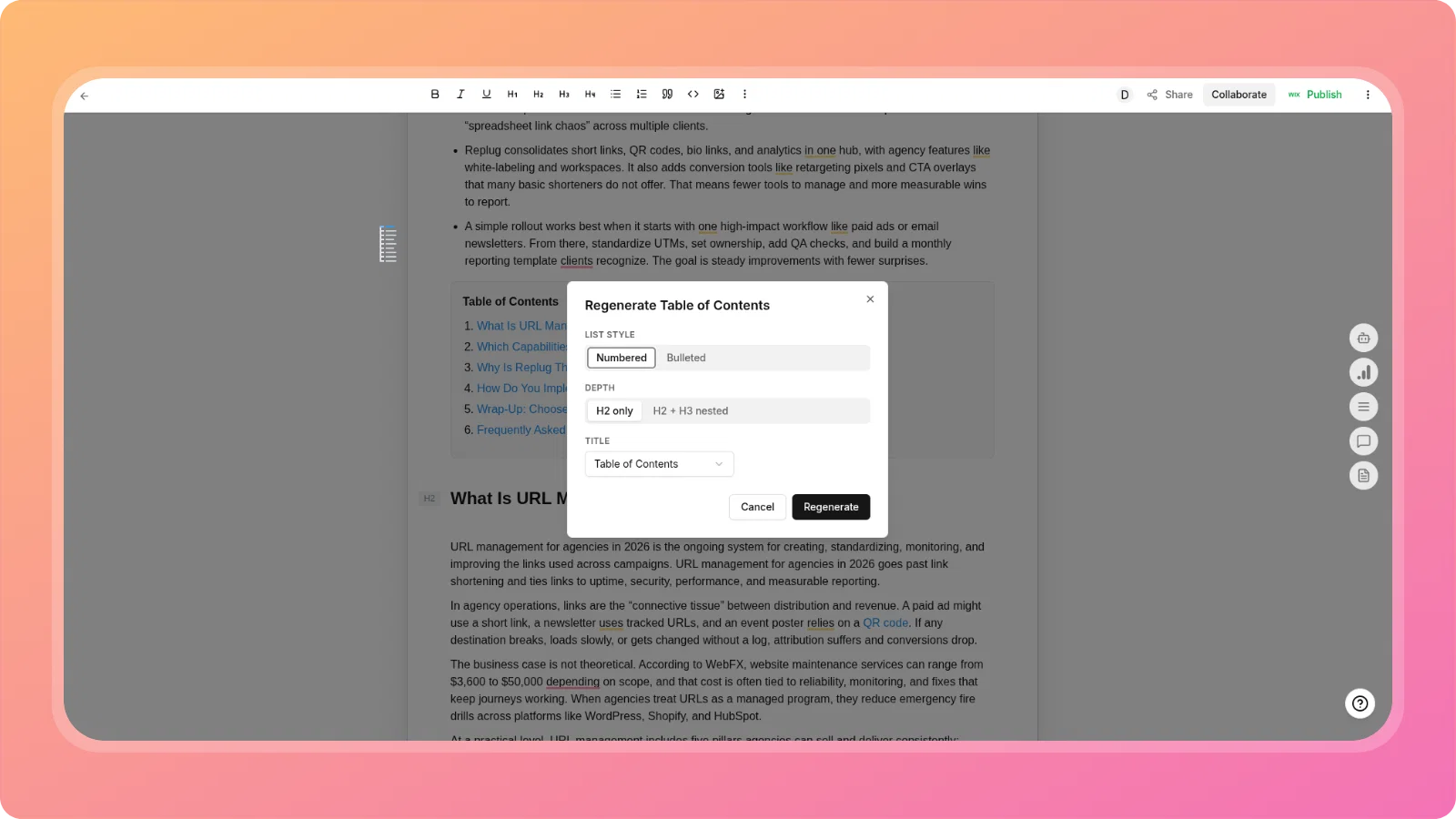
    Need to refresh your content? You now have two powerful regeneration options:

    Regenerate Article - Replace current content with a fresh version based on your original settings (costs 1 credit)

    Regenerate Outline - Create a new outline in Two-Step generation to explore different content structures

    Both options give you more control and flexibility when your content strategy evolves.

    cleansnap-16x9 (18)

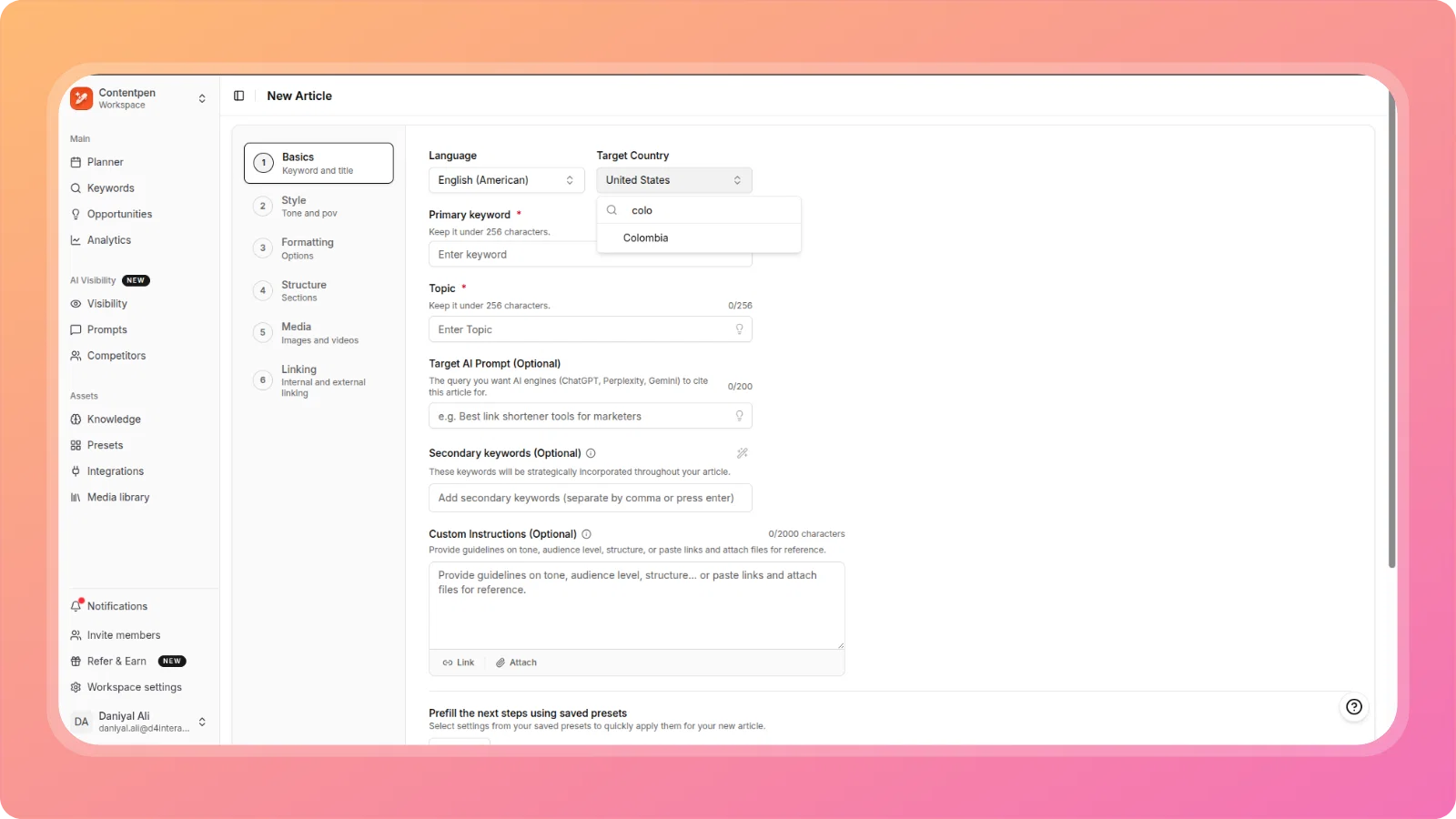
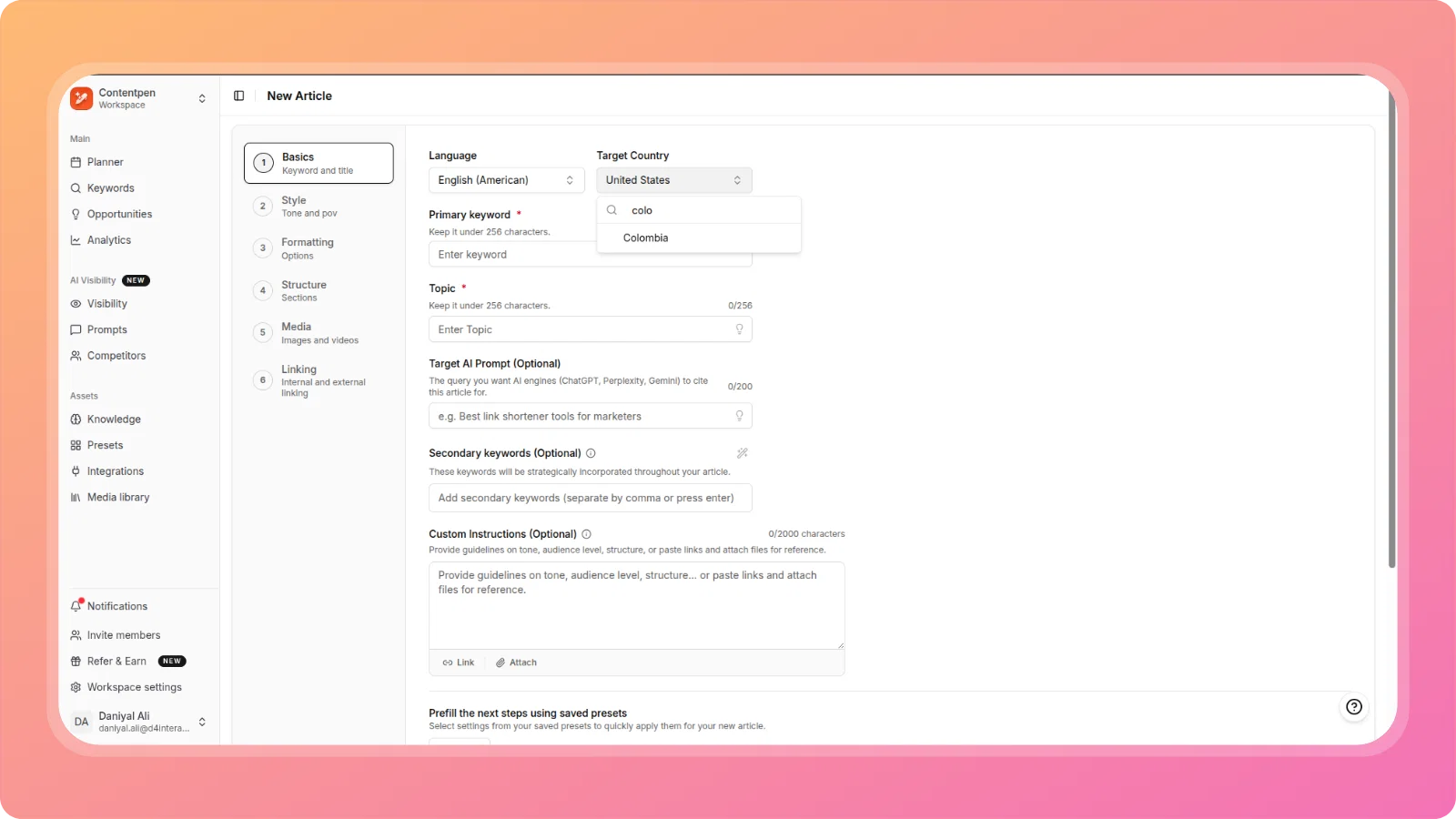
    Custom Instructions with File & Link Support

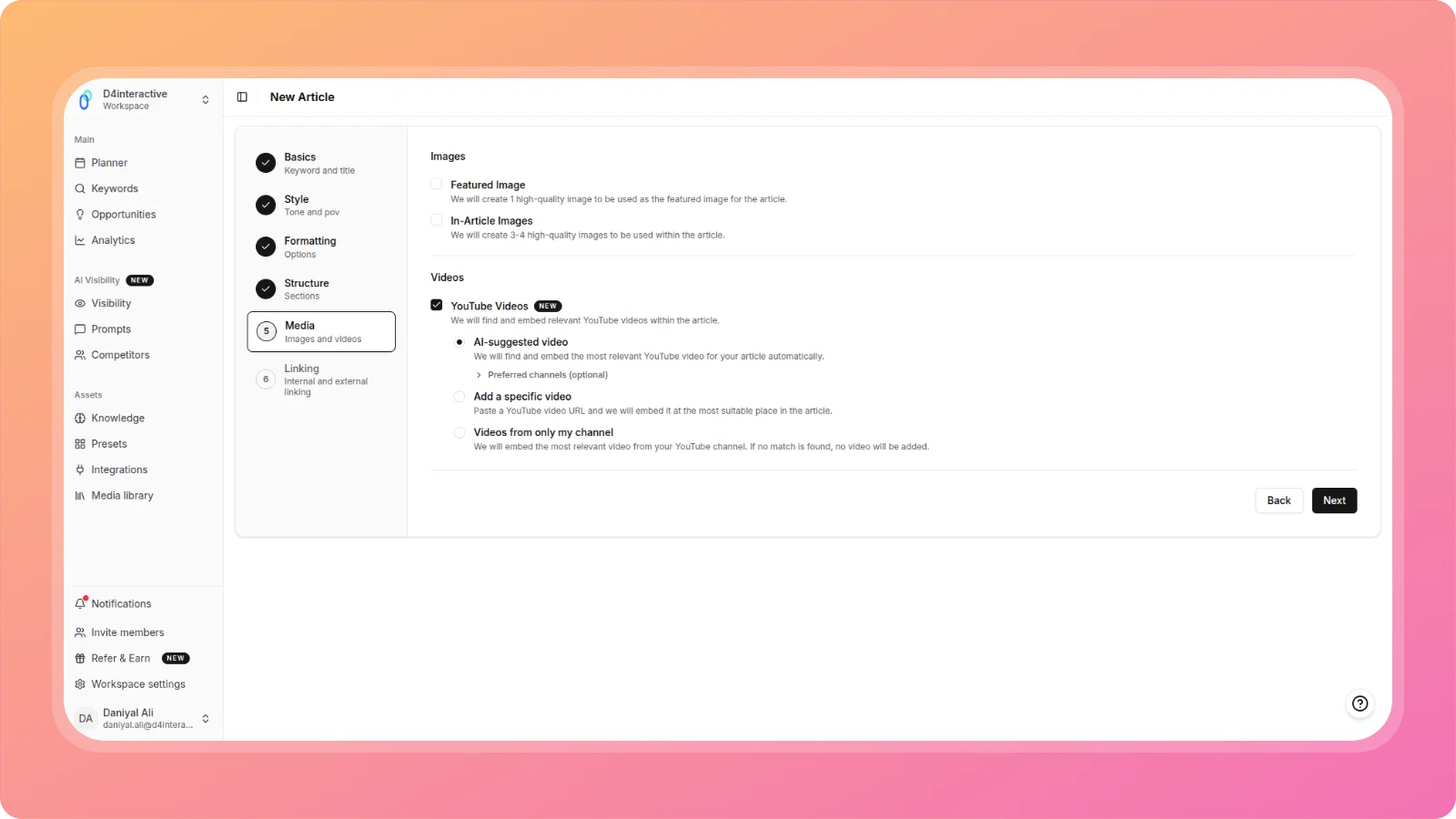
    Provide richer context for AI content generation with our new custom instructions feature:

    • Attach links for reference materials
    • Upload files (PDFs, docs) to provide additional context
    • Give AI more detailed guidance for better content generation

    Available in both One Shot and Two Step article creation flows.

    cleansnap-16x9 (19)

    Full Image Upload to WordPress

    Images in your published articles are now fully uploaded to your WordPress media library instead of hotlinked. This ensures:

    • Complete ownership of your visual assets
    • Better site performance and reliability
    • No broken image links
    • Full control over your media library
    cleansnap-16x9 (20)

    One-Click Keyword Export

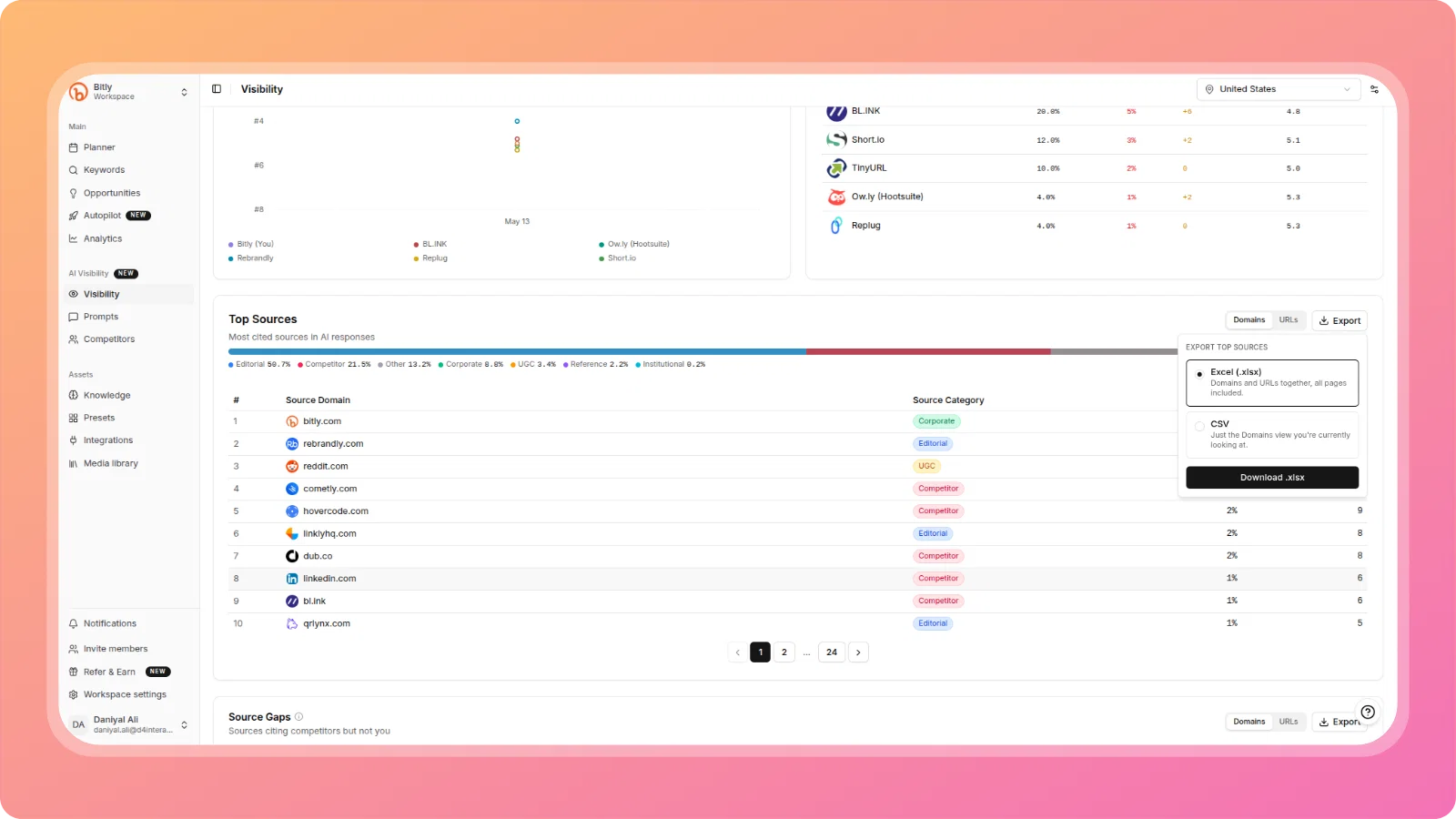
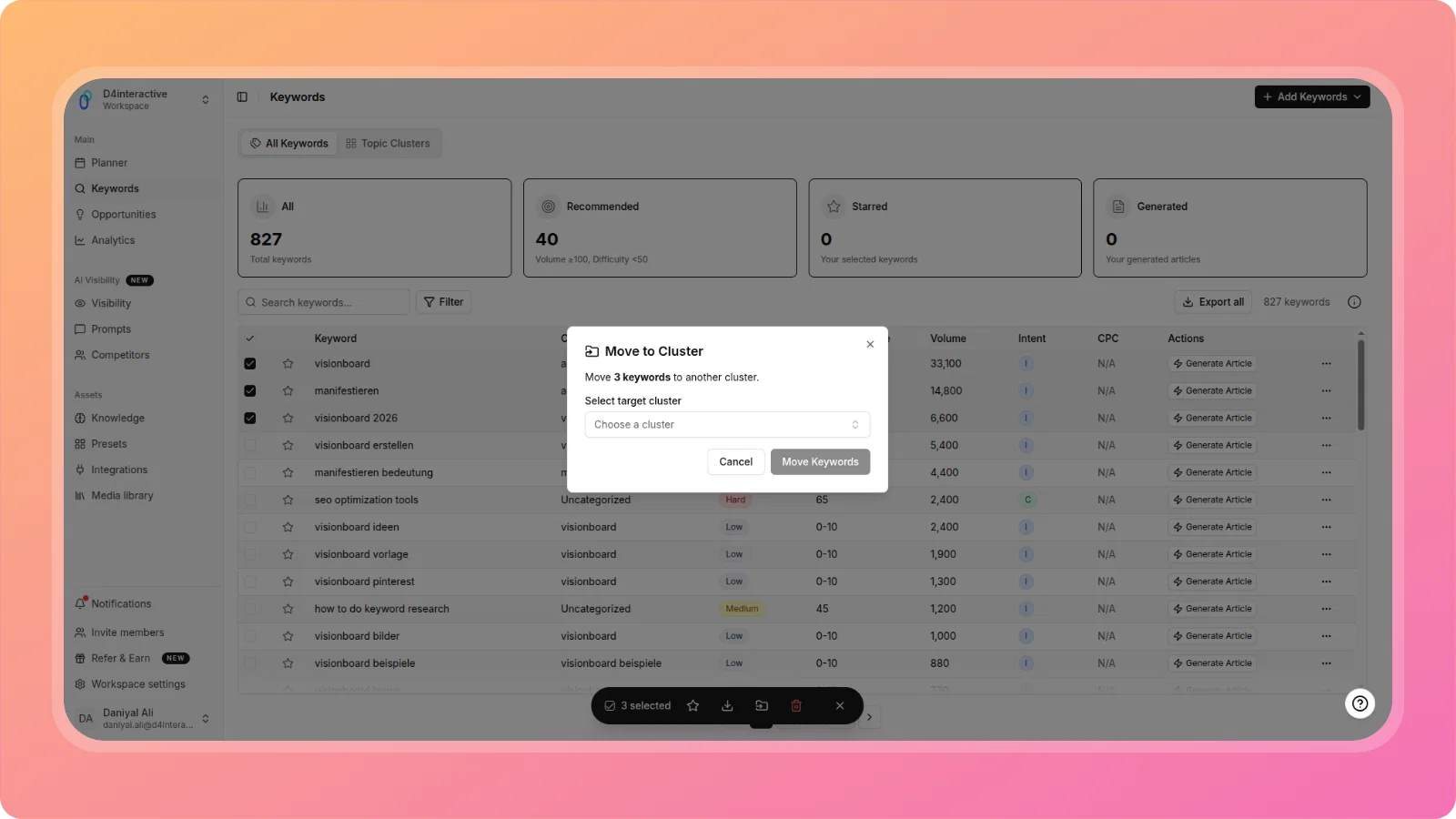
    Export all your keywords to CSV with a single click from the Keywords page. Perfect for:

    • Backup and archiving
    • Sharing with team members
    • External analysis and reporting
    • Integrating with other SEO tools
    cleansnap-16x9 (21)

    Find and Replace in Editor

    Quickly update content across your entire article with the new Find and Replace tool. Perfect for:

    • Updating brand terminology
    • Fixing repeated errors
    • Changing product names
    • Bulk content updates
    cleansnap-16x9 (22)

    Estonian Language Support

    ContentPen now supports Estonian for content creation, expanding our language offerings for international users.

    cleansnap-16x9 (23)

    ✨ Improvements & Fixes

    Workflow Enhancements

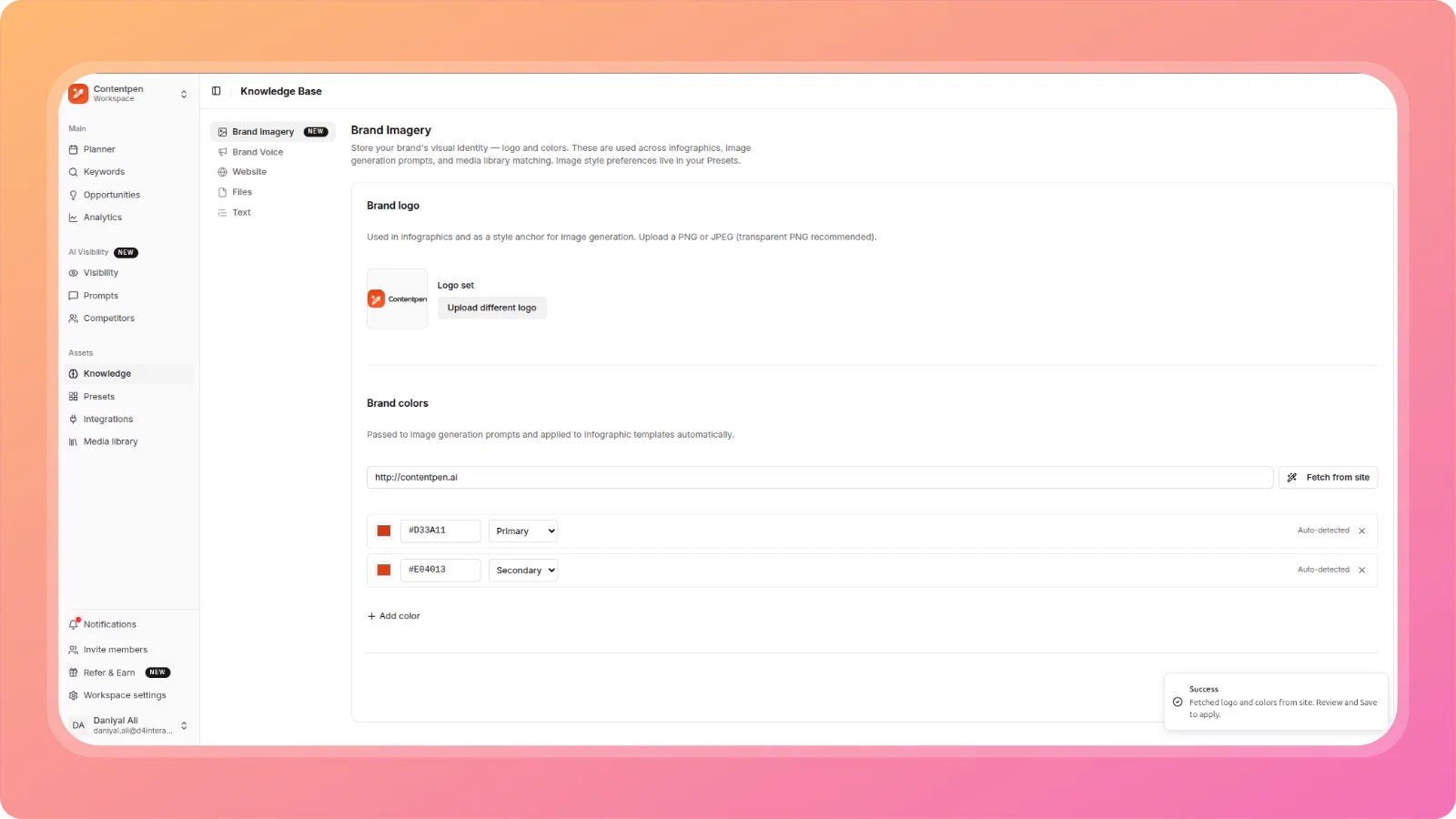
    • Improved Brand Information Updates - Brand and company names now update immediately throughout the platform when you modify brand information, ensuring consistent references across all new articles.
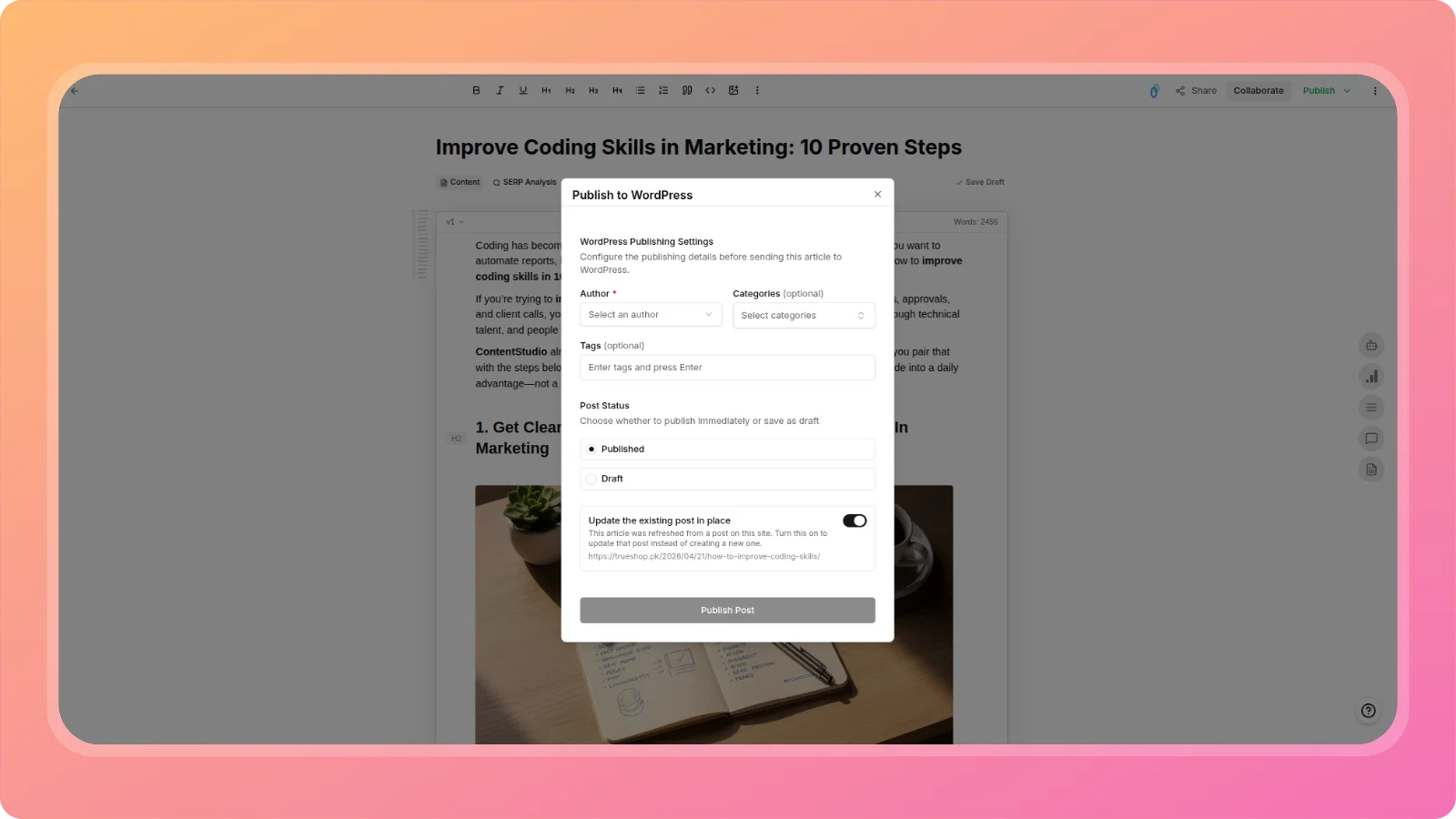
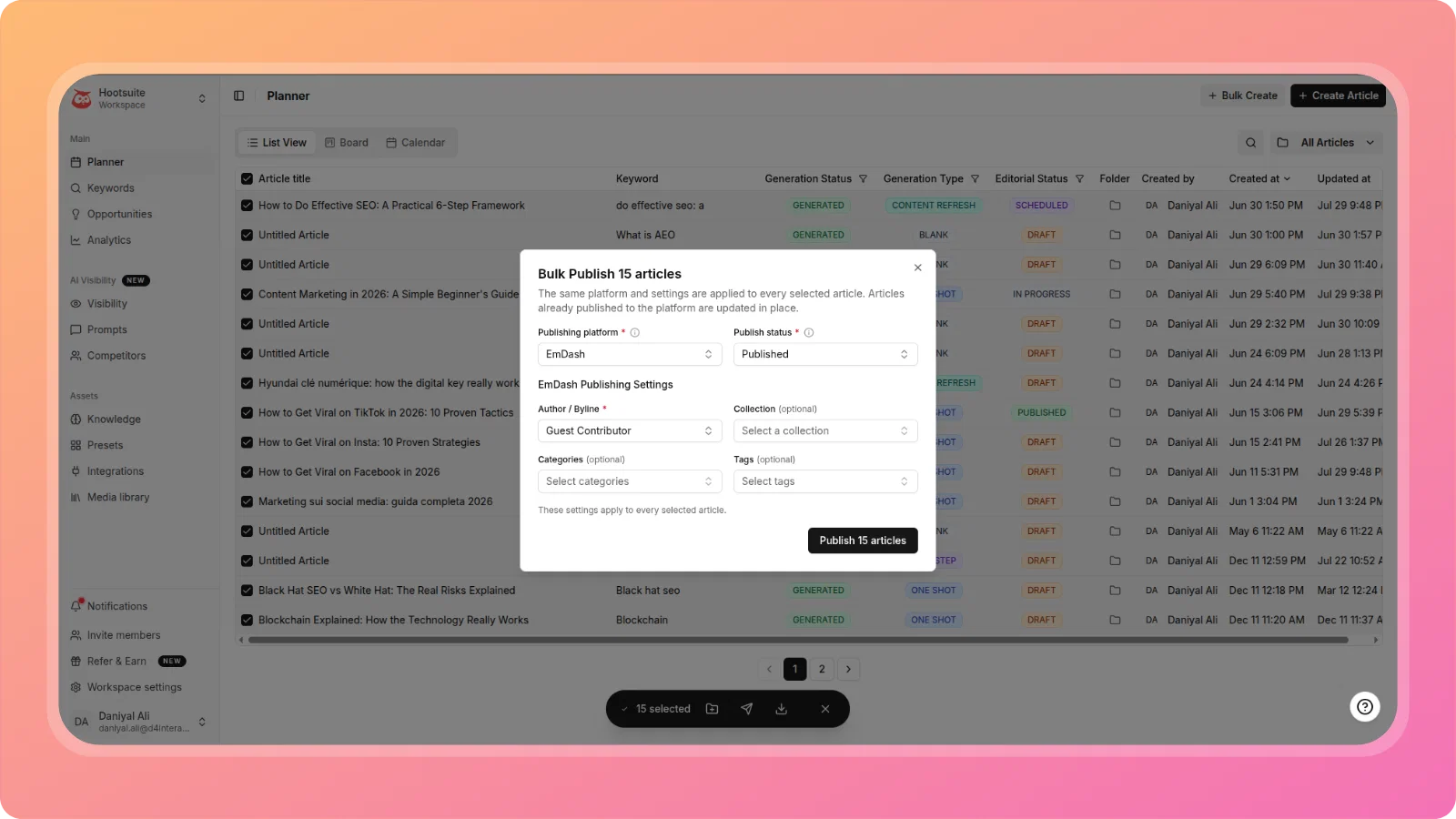
    • Pre-filled WordPress Publishing - When updating an already-published article, the "Publish to WordPress" modal now pre-fills with your previous publishing settings (Author, Categories, Tags) for faster updates.
    • Better Generation Progress Tracking - The brand knowledge analysis progress tracker now accurately reflects backend completion status instead of using estimated timing.
    • Topic Suggestions Display - Fixed an issue where topic suggestions weren't displaying in Bulk Generation even after a successful API response.

    Interface & Usability

    • Topic Cluster Keyword Table - Resolved viewport overflow issues in the Topic Clusters grid view, making the keywords table properly scrollable for large datasets.
    • Generation Status in Topic Clusters - Article generation status is now visible directly in the Topic Cluster view, making it easier to track content production progress.
    • AI Insights Display Fix - Resolved text overflow in the AI Insights popup (Opportunities dashboard), ensuring all analysis and recommendations are fully visible.

    Error Handling

    • Credits Validation - Fixed incorrect "Upgrade Required" errors that appeared even when users had purchased credits available.
    • Article Title Validation - Added proper frontend error handling for article titles exceeding 255 characters, previously only caught by backend validation.

    We're committed to making Contentpen.ai the best content creation platform for your needs. Stay tuned for more exciting features and improvements!

    The ContentPen.ai Team
  2. 🀝 Introducing Contentpen Affiliate Partner Program + Platform Improvements

    New Feature
    Improvement
    Announcement

    We're excited to announce our new affiliate partner program, along with several important UI improvements that make ContentPen.ai smoother and more intuitive to use.

    🎁 Contentpen Affiliate Partner Program

    Grow with ContentPen! Join our affiliate program to get your personal referral link, invite new customers, and track payouts from one hosted dashboard.

    How it works:

    1. Join - Create or link your affiliate account to unlock your personal referral dashboard
    2. Share - Use your unique referral link to invite others to ContentPen
    3. Earn - Track referrals, commissions, and payouts directly inside your affiliate dashboard

    Access the Refer & Earn section from your workspace sidebar to get started.

    cleansnap-16x9 (10)

    ✨ UI & Experience Improvements

    Image Upload Modal State

    The "Add File Link" image modal now properly resets when reopened, ensuring a clean state every time you upload images across different articles.

    cleansnap-16x9 (13)

    Image Generation Progress

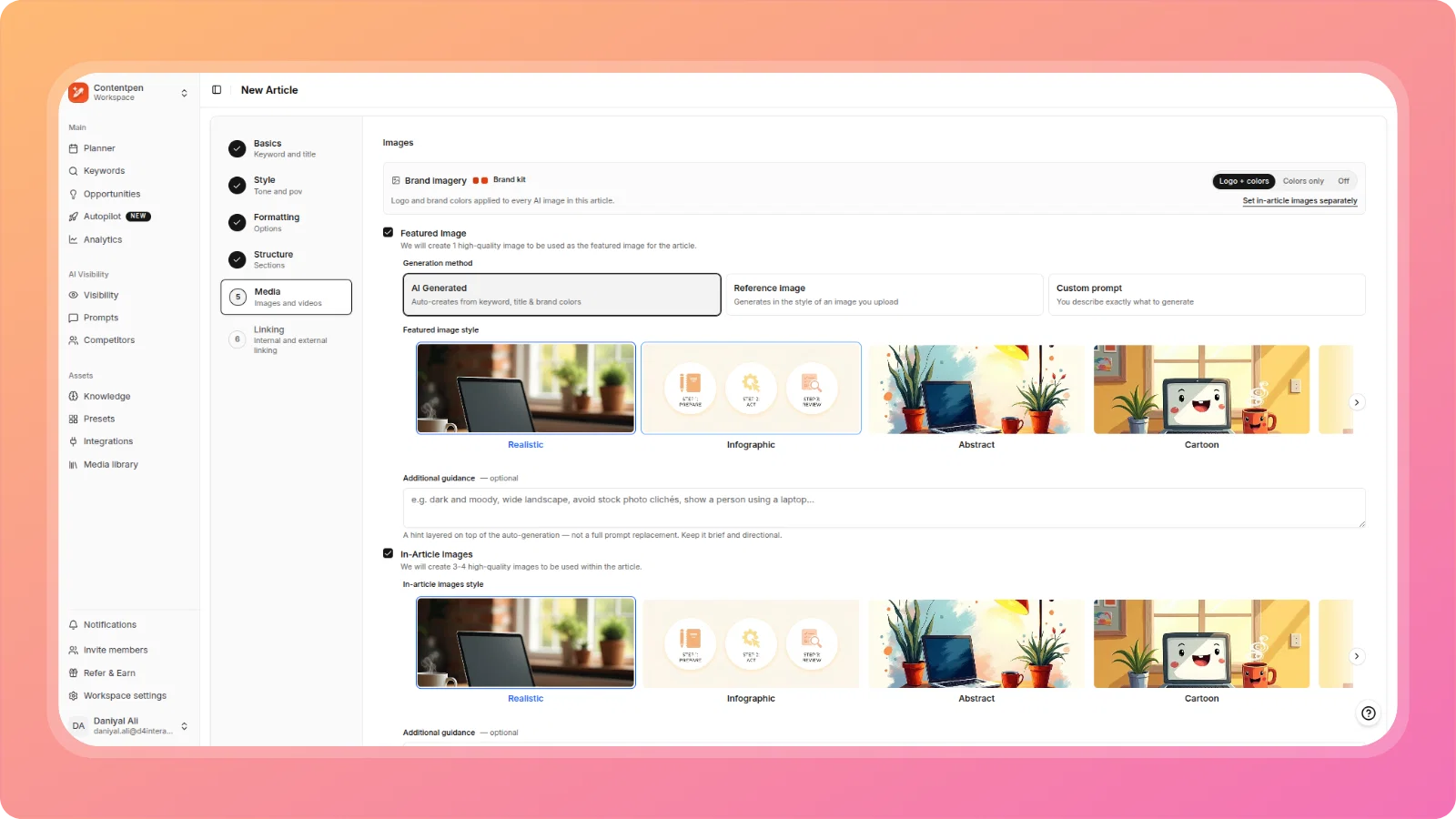
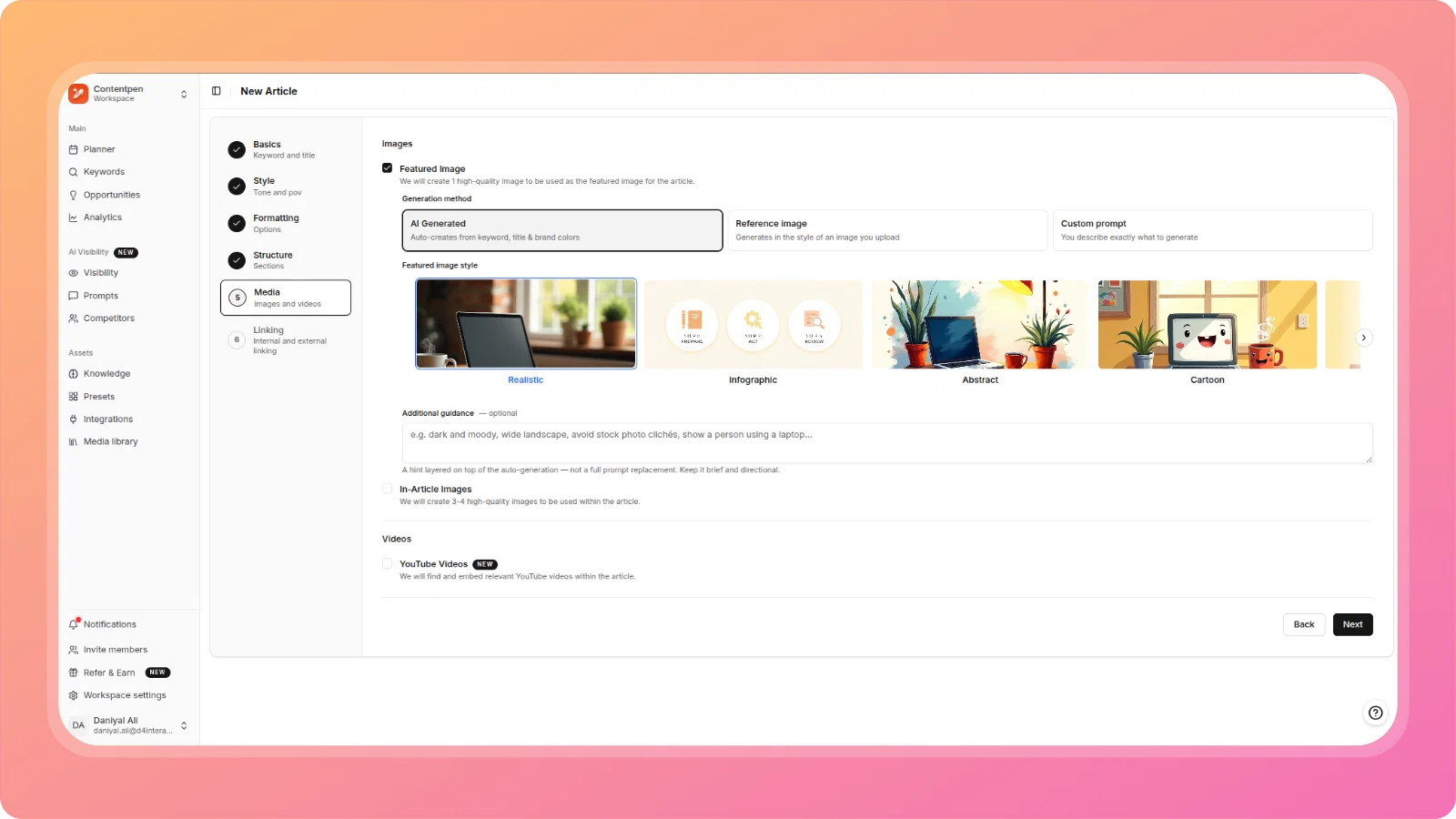
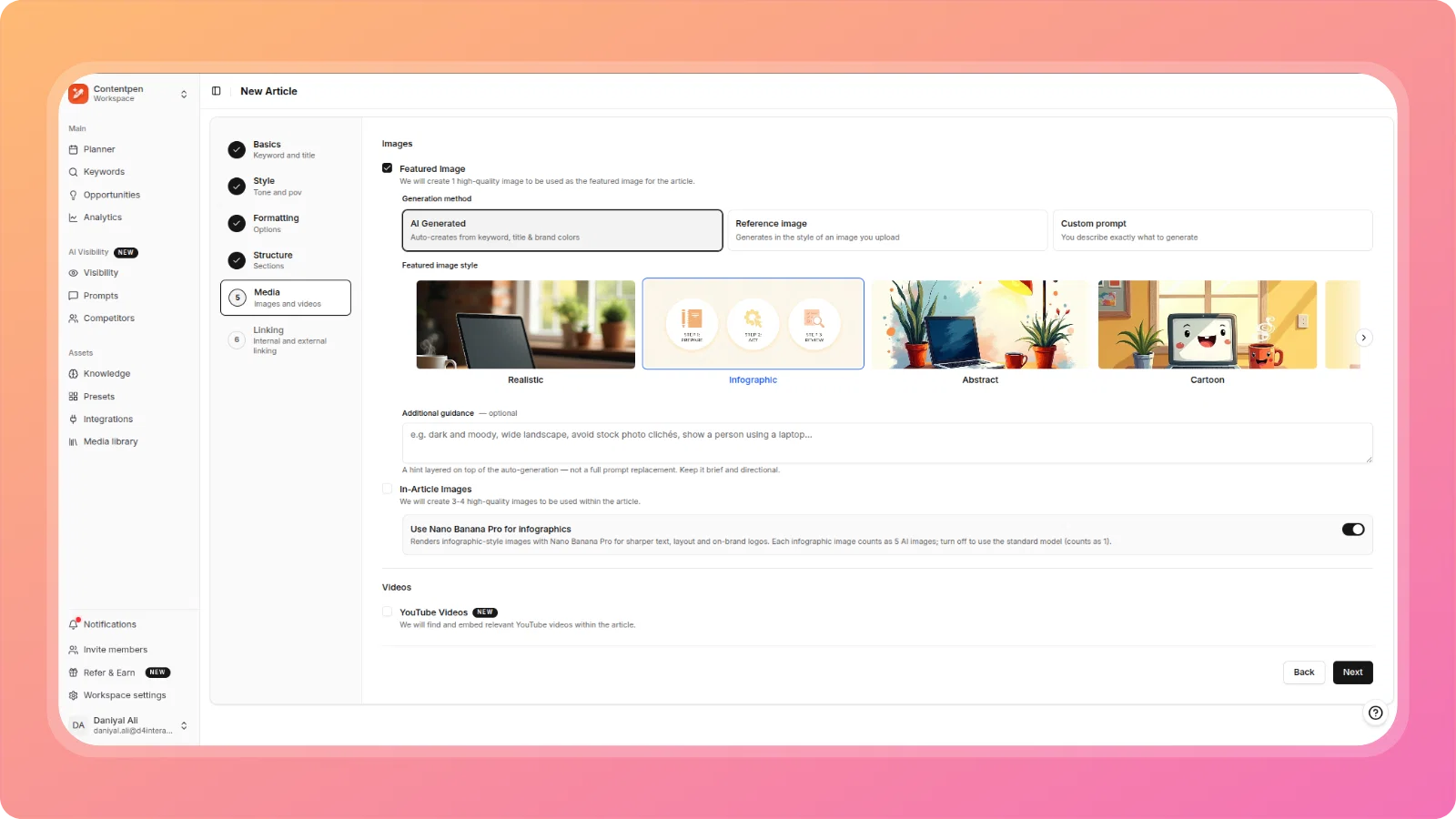
    When generating images to use, you'll now see a clear upload progress screen with checkmarks showing images being processed.

    cleansnap-16x9 (12)

    Stock Images Scrolling

    Fixed scrollbar issues in the Stock Images modal, making it easy to browse through all available stock image results.

    cleansnap-16x9 (11)

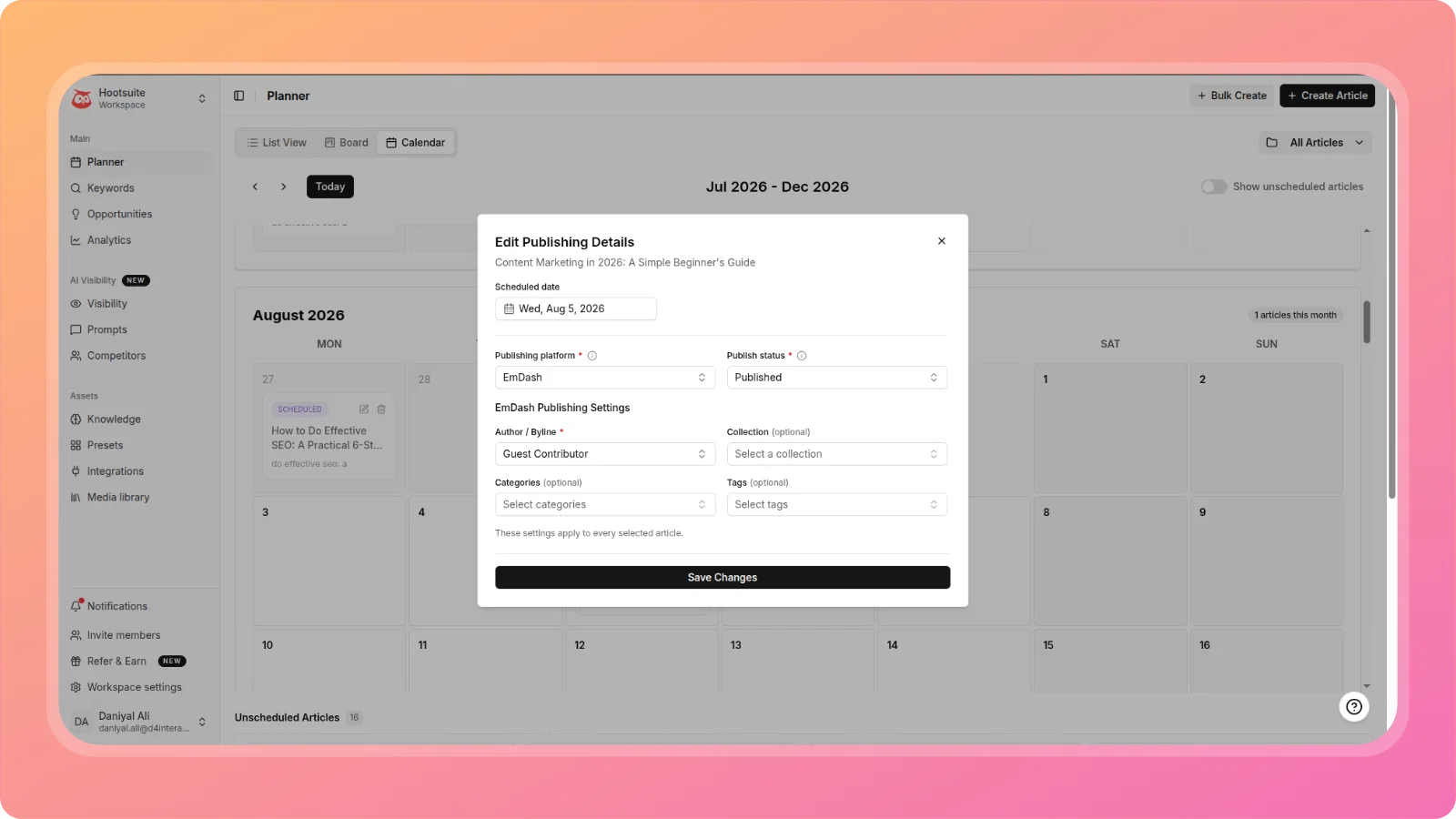
    Schedule Articles Modal

    Increased modal width for better readability and improved field layout in the WordPress Publish modal for easier interaction.

    cleansnap-16x9 (14)

    AI Insights Display

    Fixed text overflow issues in the AI Insights pop-up in the Opportunities dashboard, ensuring all analysis and recommendations are fully visible.

    cleansnap-16x9 (15)

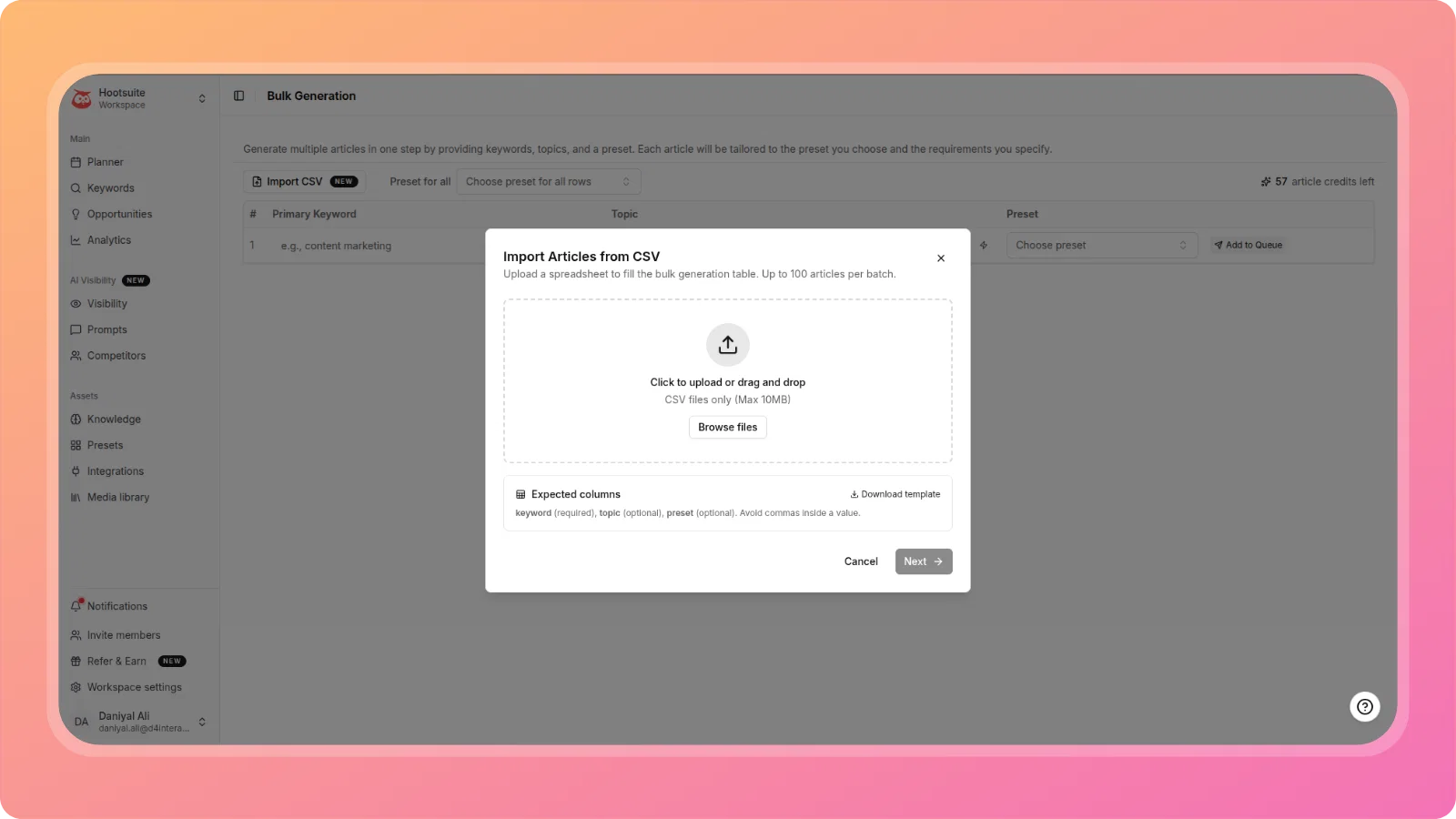
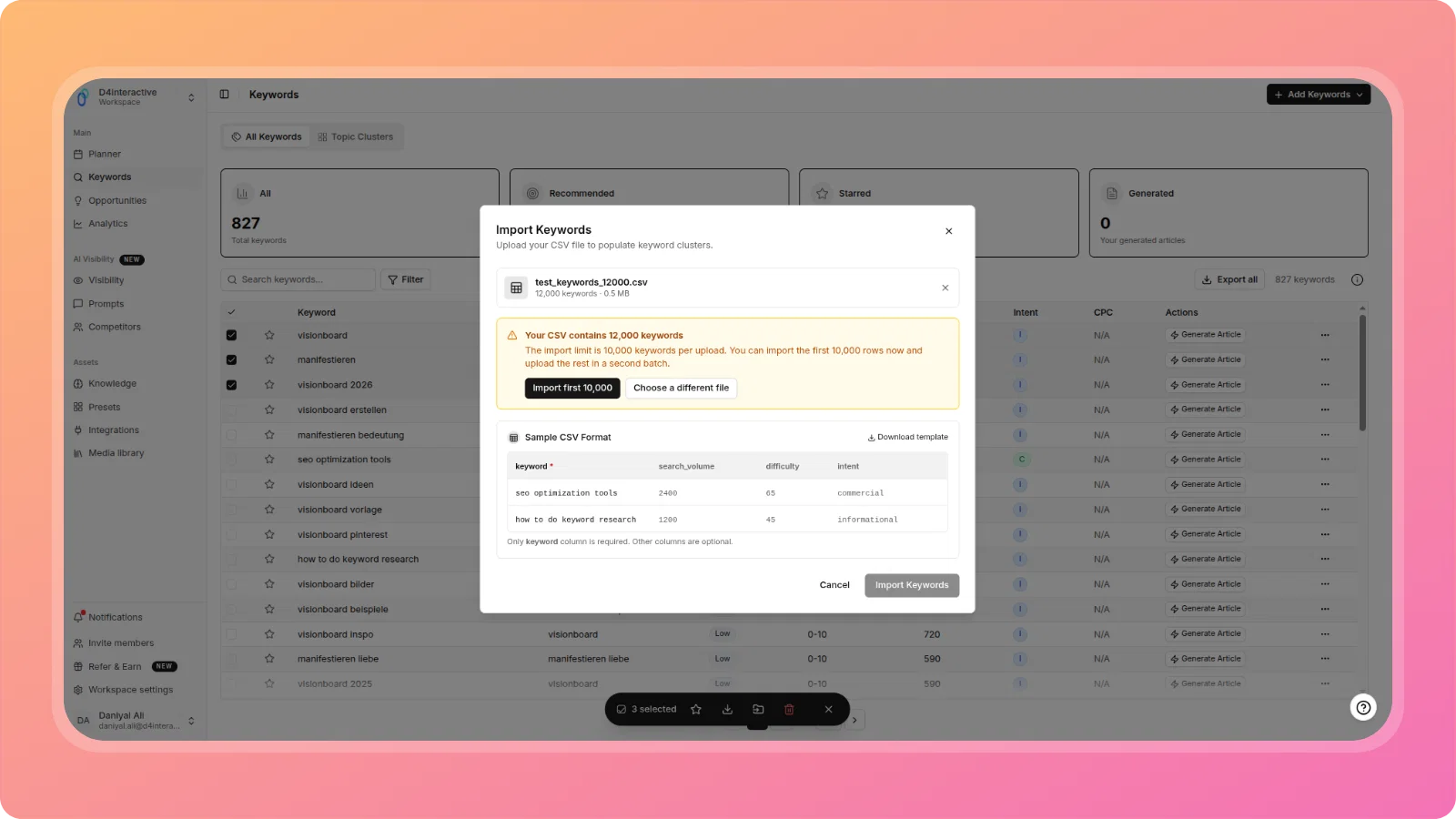
    CSV Keyword Import Progress Tracking

    The CSV keyword import progress panel now properly updates in real-time and shows completion state without requiring a page refresh. You'll see accurate progress through all steps until completion.

    cleansnap-16x9 (16)

    We're committed to making Contentpen.ai the best content creation platform for your needs. Stay tuned for more exciting features and improvements!

    The ContentPen.ai Team
  3. πŸ› οΈ Platform improvements: Publishing improvements, bug fixes & stability updates

    New Feature
    Improvement
    Announcement

    We've released a major stability update focused on fixing critical bugs and improving your content creation experience. This release addresses key issues across authentication, WordPress publishing, article generation, and workspace management.

    πŸ” Authentication & Workspace Management

    Fixed: User Signup Password Requirements

    Resolved an issue where the signup page requested 6 minimum characters while the backend required 8, preventing users from completing registration without showing an error message.

    cleansnap-16x9 (1)

    Fixed: Workspace Invitation Flow

    Team members invited to workspaces are now properly directed to the workspace instead of being redirected to a plan selection/payment screen.

    cleansnap-16x9 (3)

    Fixed: Role Permission Escalation

    Editor and Manager roles can no longer create Admin-level users or new workspacesβ€”these actions are now properly restricted to Administrators and Owners only.

    cleansnap-16x9 (2)

    πŸ“ WordPress Publishing Improvements

    Support for Multi-Select Categories

    You can now select multiple WordPress categories when publishing articles, giving you better content organization control.

    cleansnap-16x9 (4)

    Publishing Metadata in Scheduled Posts

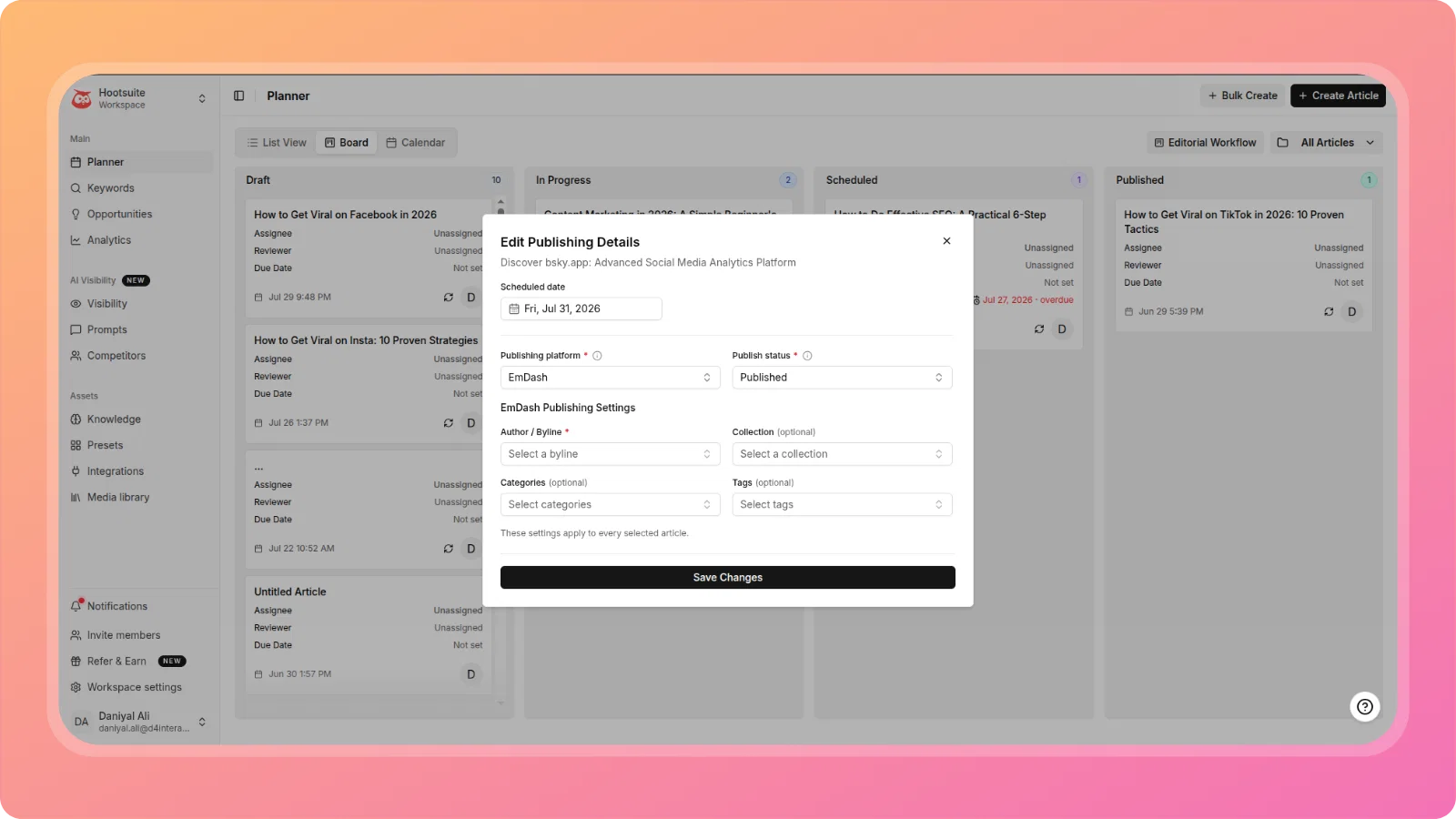
    Scheduled publishing now supports metadata like Author and Categories, ensuring your scheduled content is published with complete information.

    cleansnap-16x9 (8)

    Fixed: Categories Field Missing

    The WordPress Categories field is now properly displayed in the Publish modal, allowing you to assign categories before publishing.

    cleansnap-16x9 (4)

    Fixed: Re-Publishing Not Updating Content

    Article edits made in ContentPen now correctly update on WordPress when re-publishingβ€”the system properly calls the WordPress REST API update endpoint with the stored post ID.

    Fixed: Corrupted Content Blocks

    Resolved an issue where articles published to WordPress contained corrupted blocks that displayed "Attempt Recovery" errors. Clicking recovery previously deleted block contentβ€”this now works correctly.

    ✨ Article Generation & Editor Fixes

    Fixed: Stretched AI Images

    AI-generated images now render at their correct aspect ratio in the TipTap editor without distortion.

    Fixed: Blank Screen on Credit Exhaustion

    When ContentPen credits are fully consumed users now see a clear, actionable error message instead of a blank white screen.

    Fixed: Article Size Settings

    Article generation now properly respects the Article Size setting configured in presets. Small articles generate 3-5 headings (800-1500 words) and Medium articles generate 5-8 headings as expected.

    cleansnap-16x9 (5)

    πŸ”— Internal Linking & Sitemap Improvements

    Fixed: Preset Linking Settings Not Applied

    Internal and External Linking settings configured in presets are now properly carried over when creating articles from the Planner.

    Fixed: "API Keys Required" Error

    Resolved an issue where Find Internal Link showed "API keys required" errors even when OpenAI (GPT) was configured and marked as ACTIVE in Workspace Settings.

    Sitemap Crawling with Manual Save Option

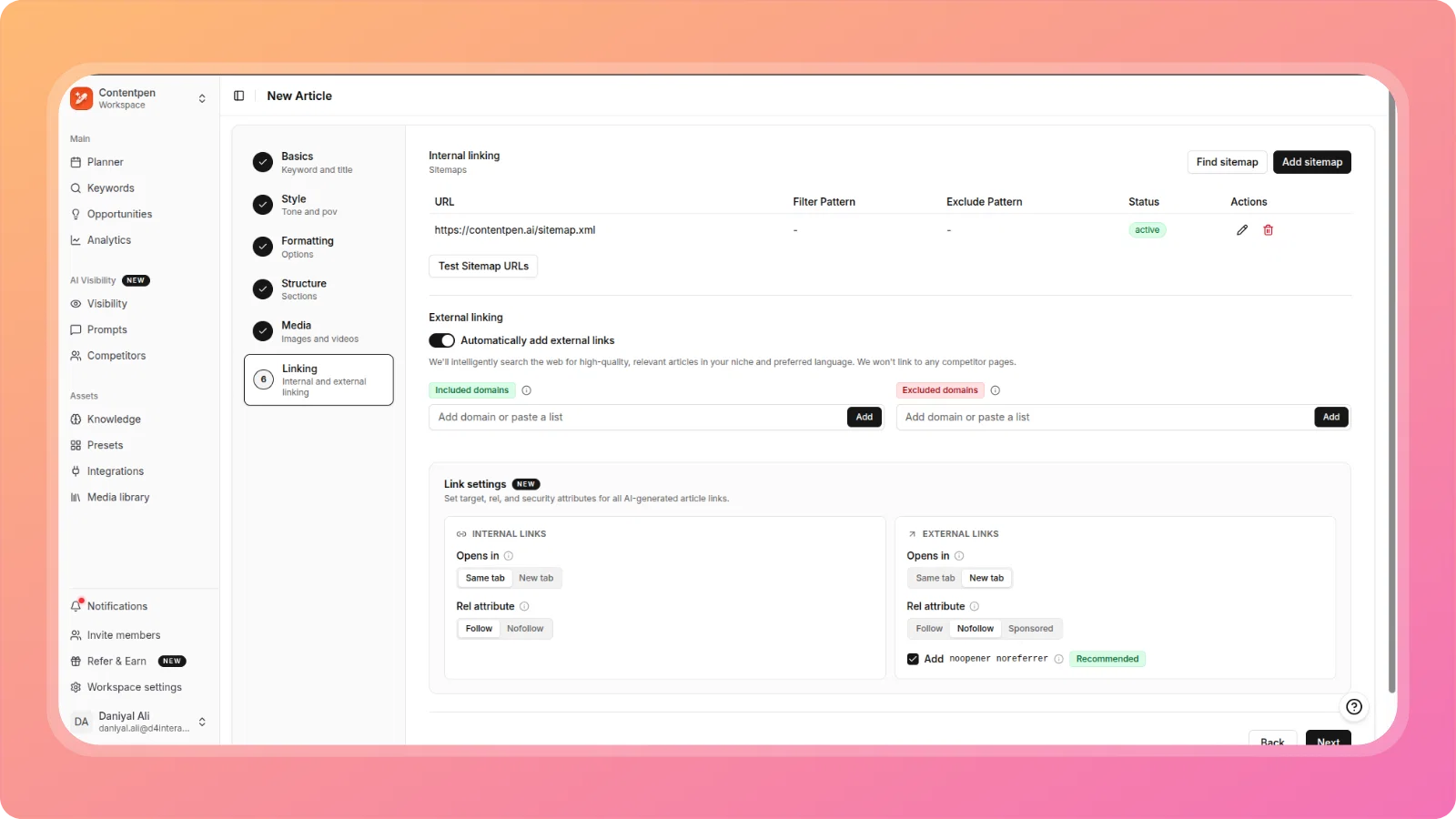
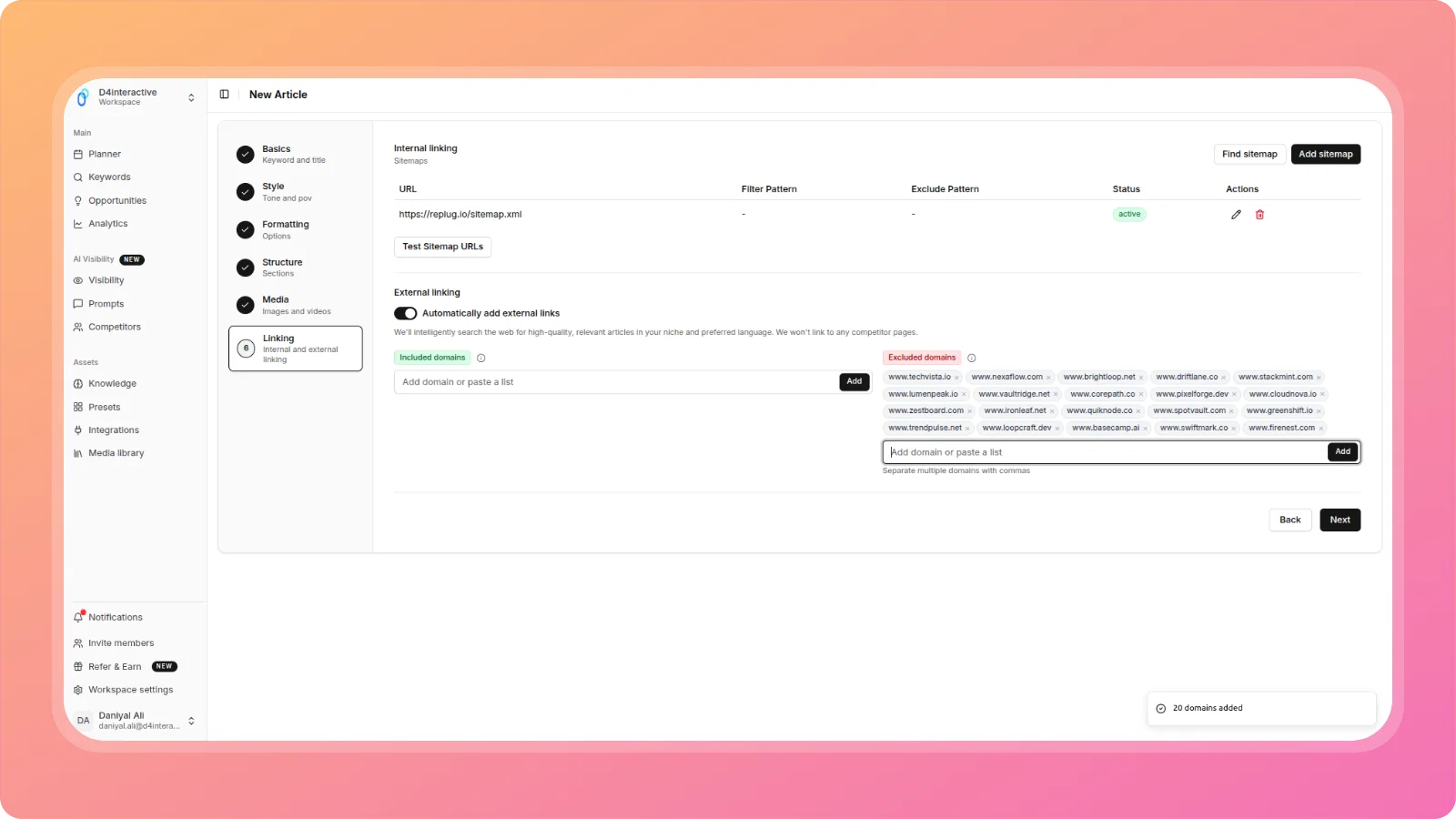
    After successfully crawling sitemap URLs, you can now manually save included links for use in internal linking and article generation context. The system also properly parses RSS/Feed.xml format sitemaps.

    cleansnap-16x9 (9)

    πŸ“Š Keyword Management

    Fixed: CSV Keyword Import

    Keyword imports via CSV upload and manual comma-separated entry now work correctly, properly parsing and saving keywords to your list.

    cleansnap-16x9 (7)

    πŸ“₯ Export Improvements

    Fixed: HTML Download Error

    Article HTML downloads no longer return 500 Internal Server Errorβ€”downloads now complete successfully.

    Fixed: Markdown Export Format

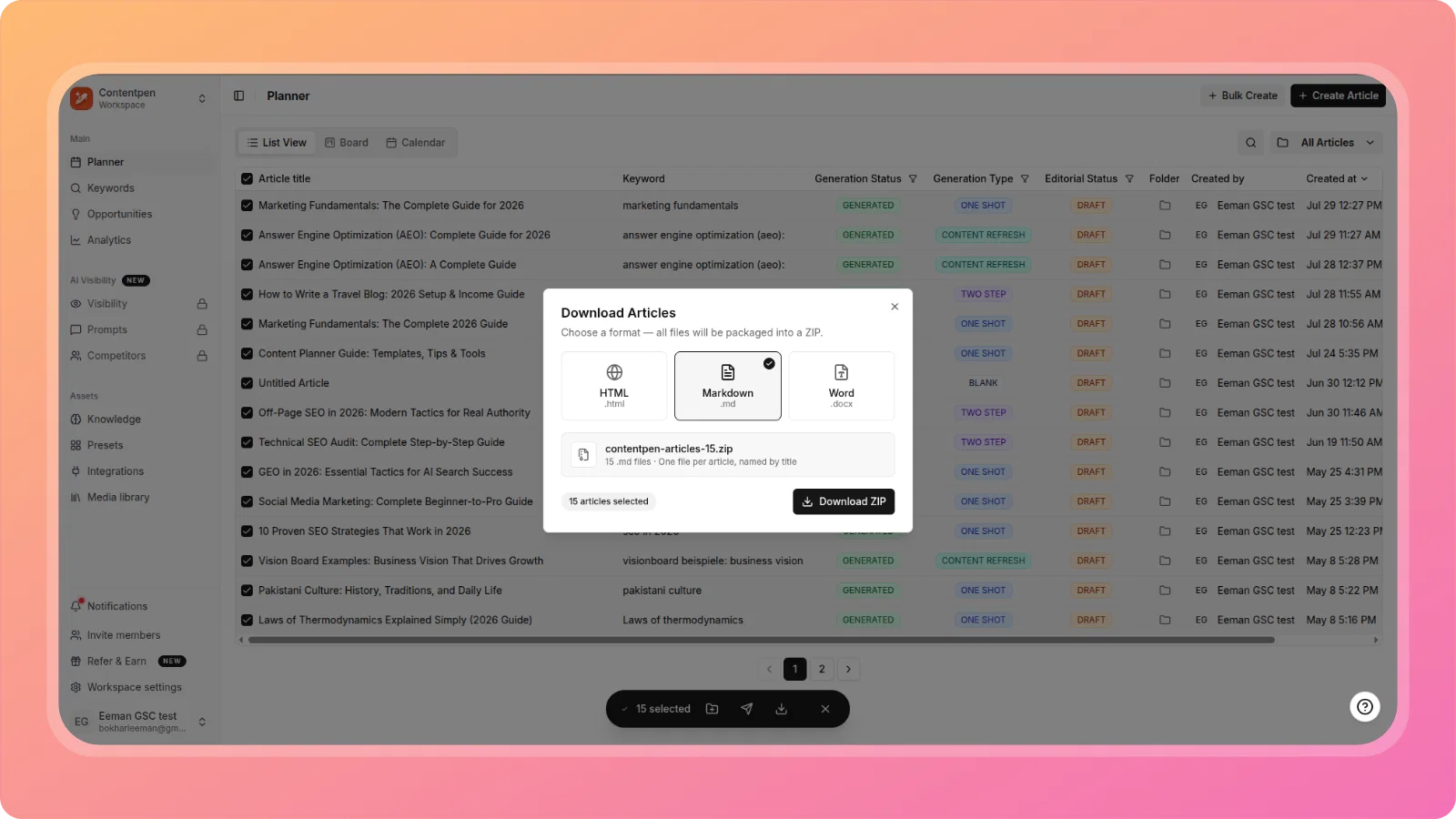
    Markdown exports now download proper .md files with standard markdown syntax instead of raw HTML.

    cleansnap-16x9 (6)

    🎯 What This Means

    These fixes and improvements address critical workflows across:

    • Smoother onboarding with fixed signup and invitation flows
    • Reliable WordPress publishing with proper updates and metadata support
    • Better article generation with correct sizing and image rendering
    • Enhanced content planning with working sitemap crawling and internal linking

    We're committed to making Contentpen.ai the best content creation platform for your needs. Stay tuned for more exciting features and improvements!

    The ContentPen.ai Team
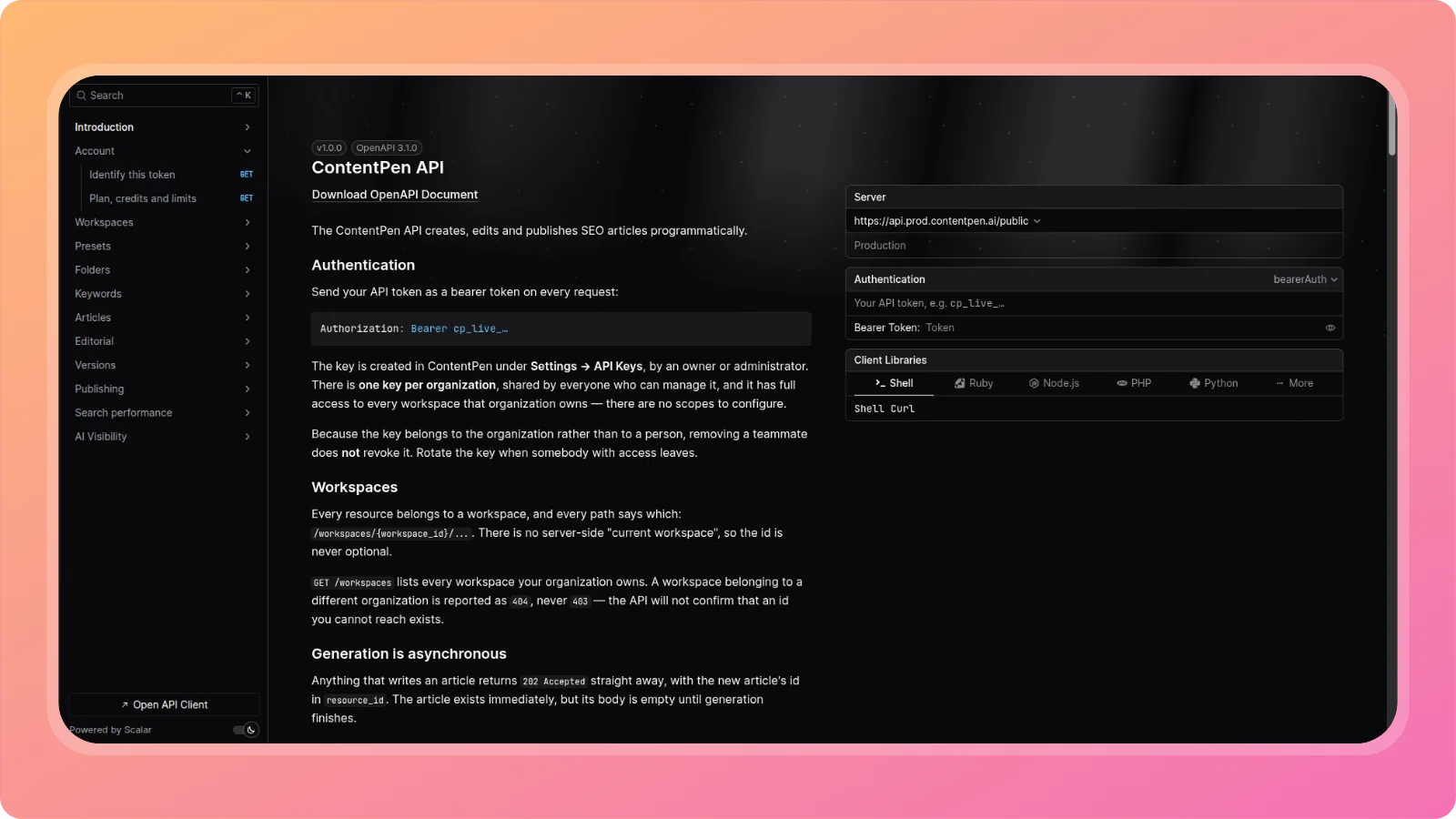
  4. Analytics and Content opportunities dashboard, Direct content refresh

    New Feature

    This release introduces deeper performance insights and actionable optimization workflows inside Contentpen.

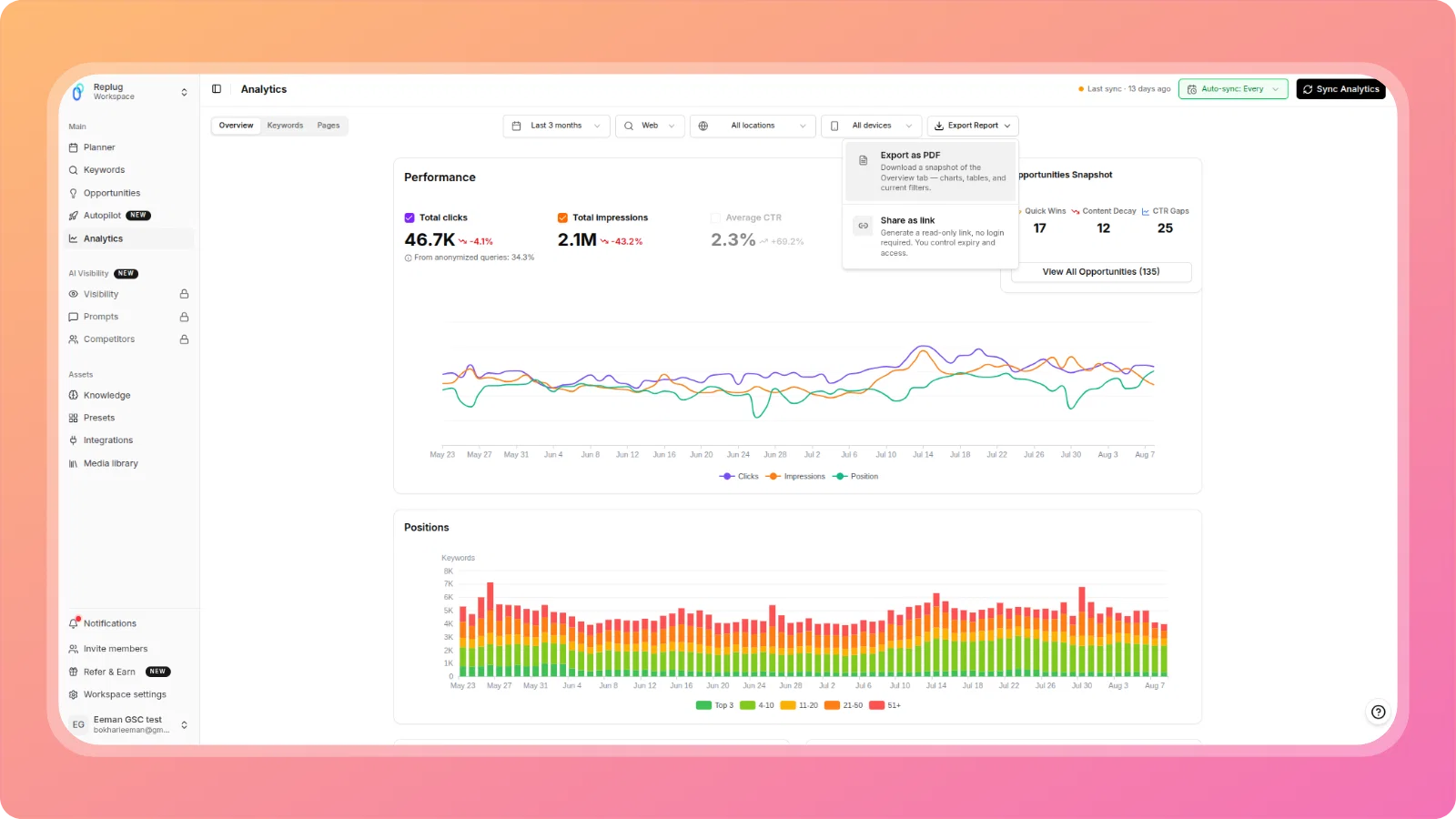
    Analytics dashboard

    cleansnap-16x9

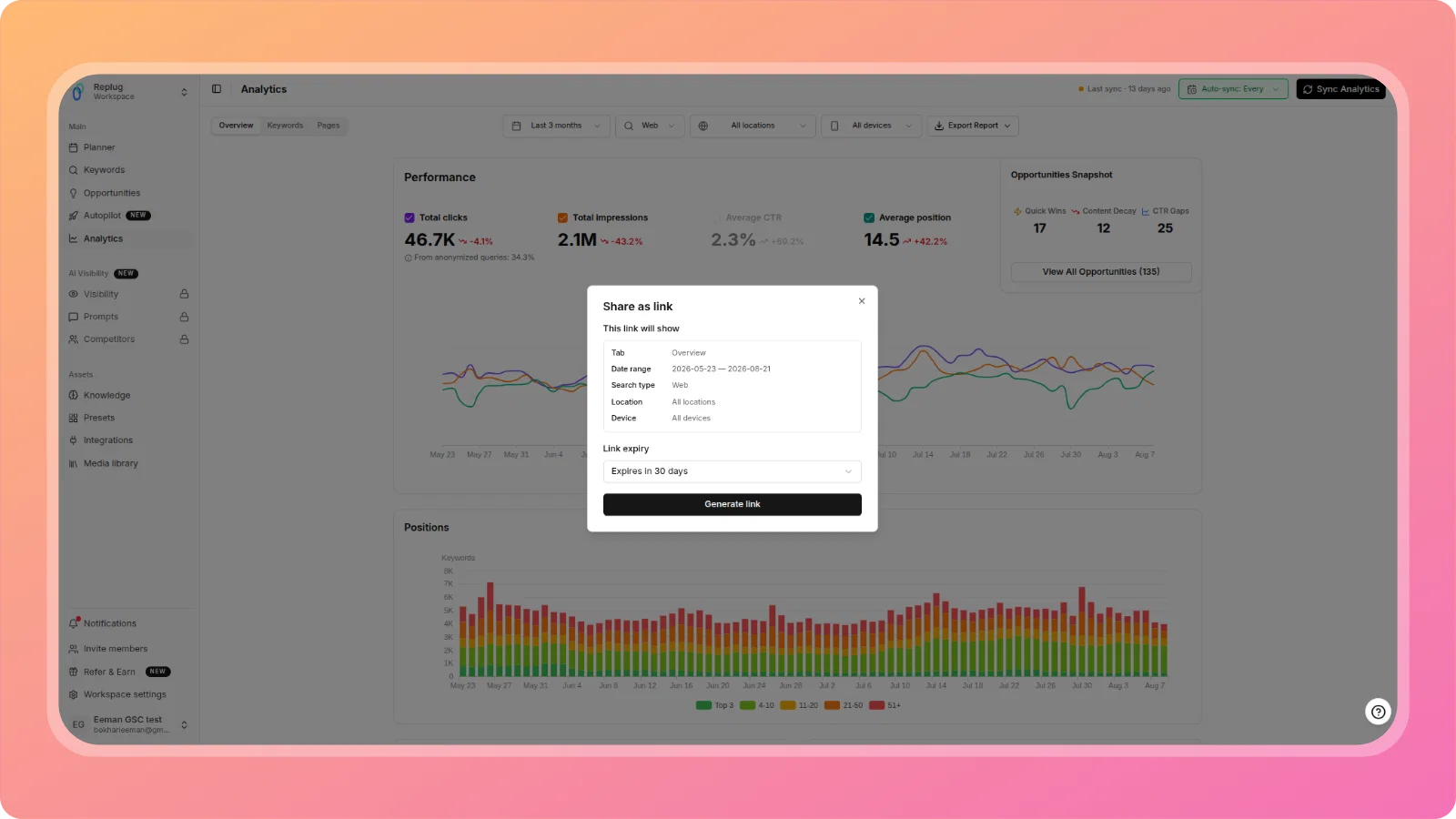
    You can now connect Contentpen directly with Google Search Console to view search performance data in one place.

    The Analytics dashboard shows:

    • Clicks, impressions, CTR, and average position
    • Top keywords by visibility and engagement
    • Top pages based on organic search performance

    This data is synced directly from Google Search Console and reflects the latest available metrics.

    Opportunities dashboard

    cleansnap-16x9 (1)

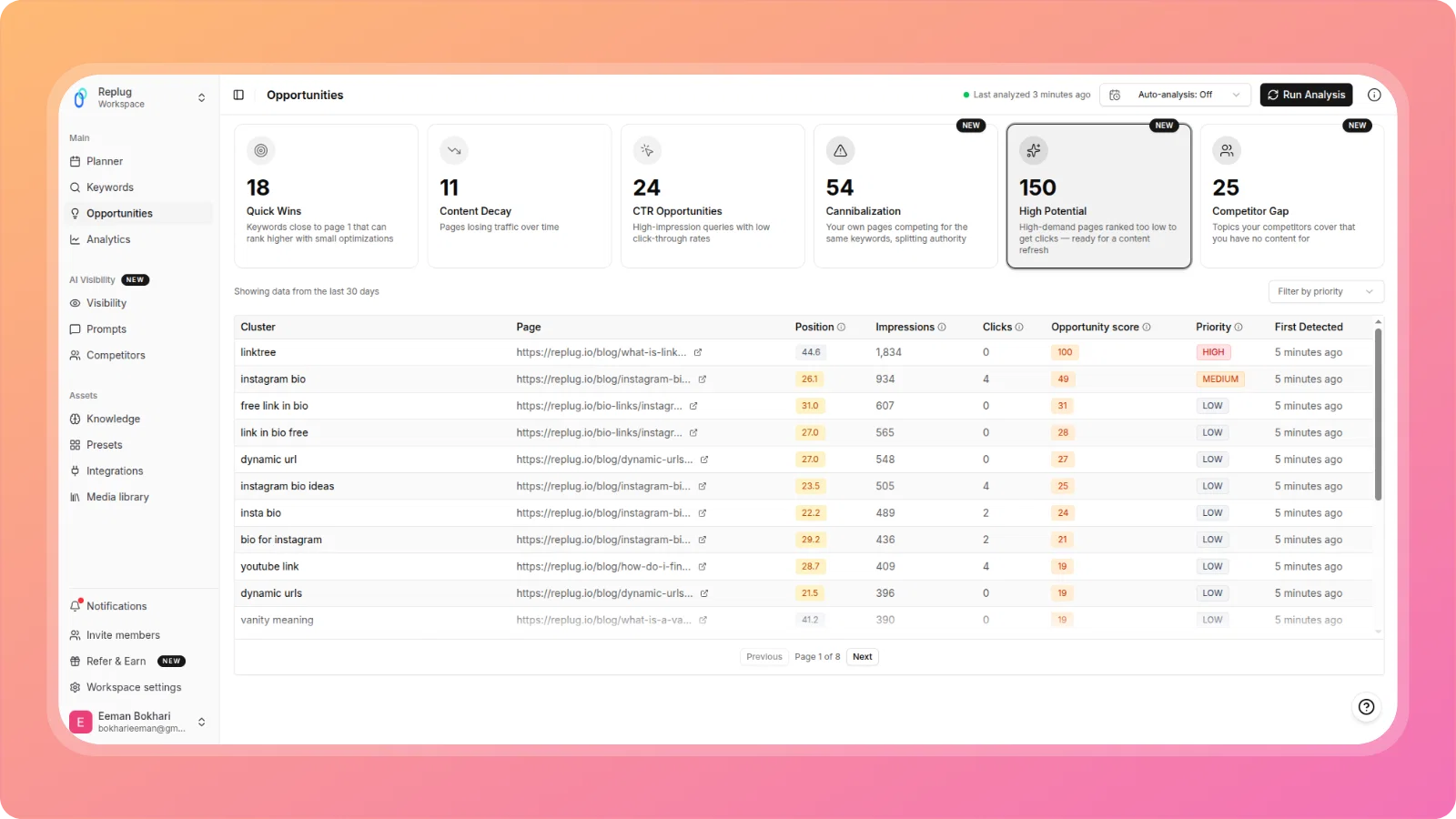
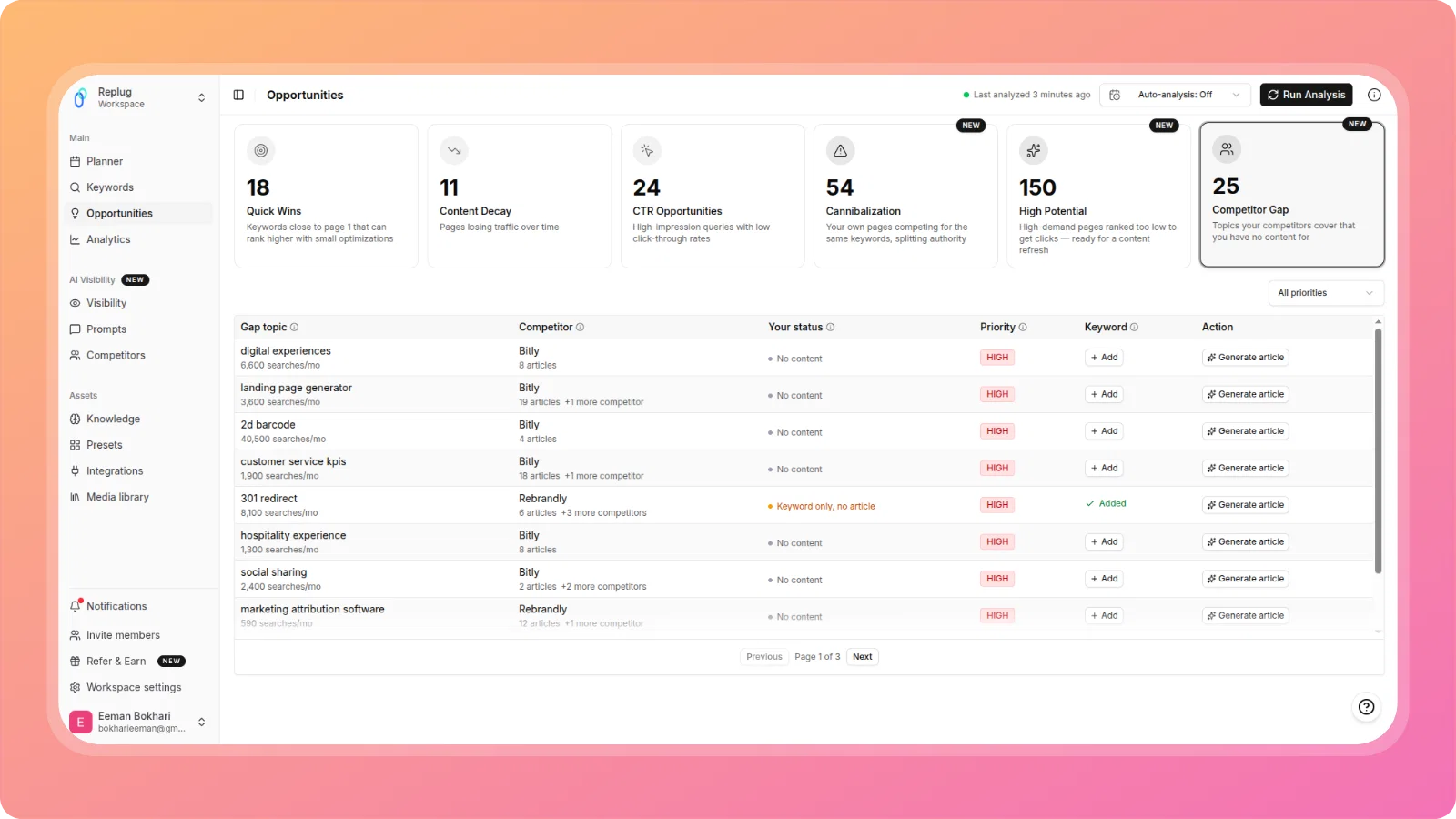
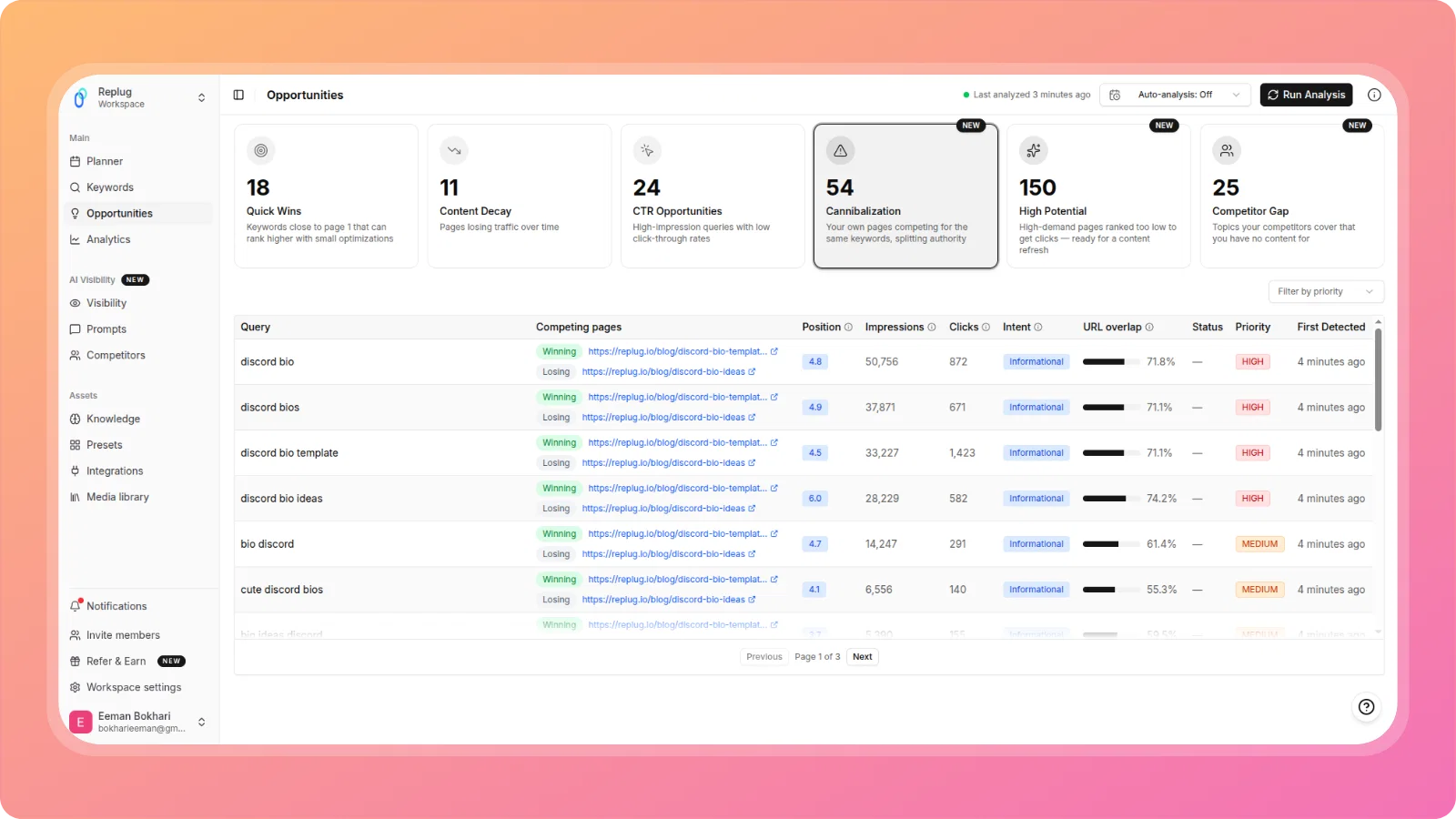
    The Opportunities dashboard analyzes your search performance data to identify content that needs improvement.

    It automatically highlights:

    • Quick wins – pages close to higher rankings
    • CTR opportunities – pages with impressions but low click-through rates
    • Content decay – pages losing traffic or rankings over time

    Each opportunity includes AI-driven analysis based on:

    • Search performance data
    • SERP patterns
    • Page-level content signals

    Suggestions are specific to the selected blog and focused on improving the identified issue.

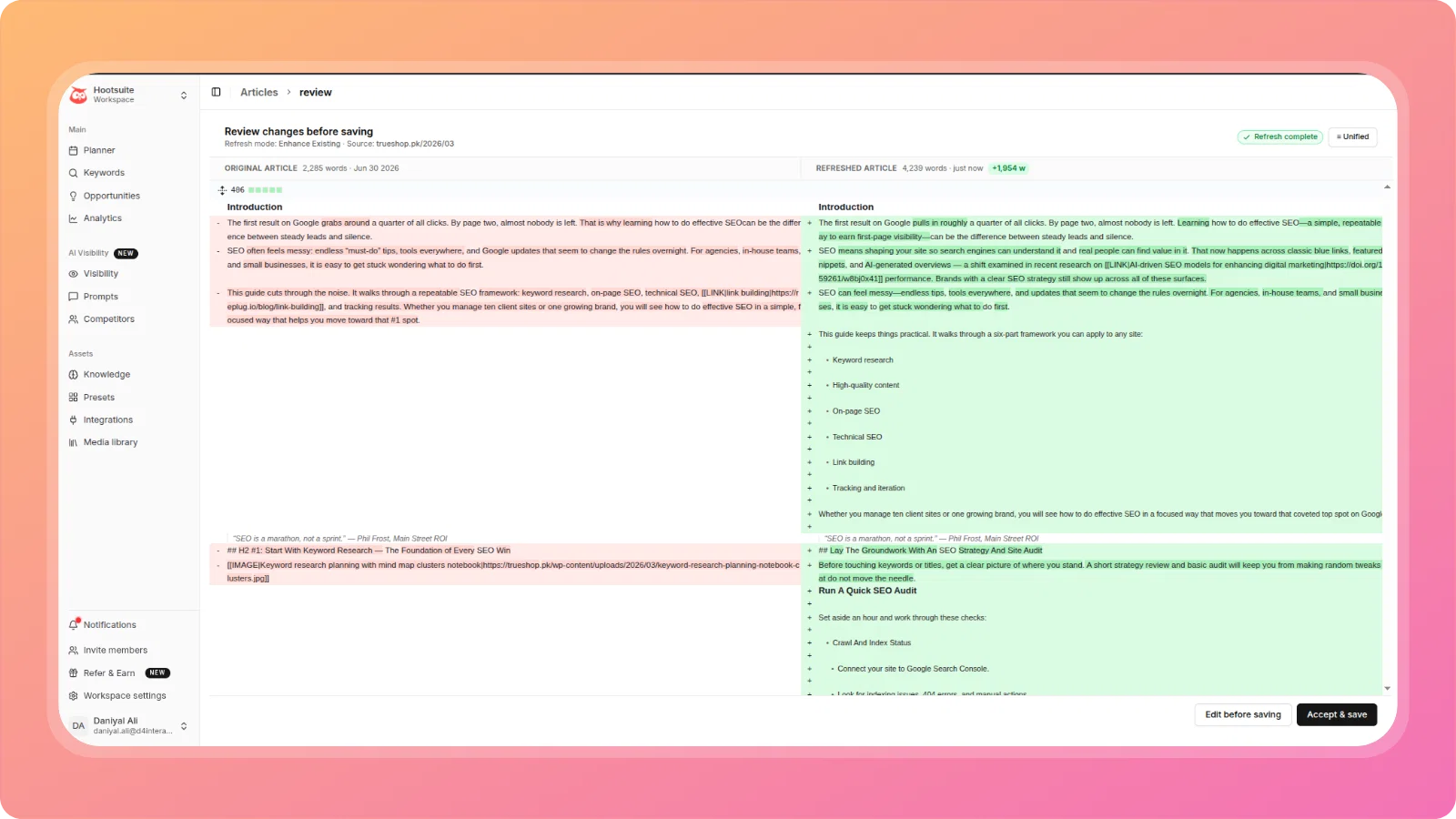
    Direct content refresh

    cleansnap-16x9 (2)

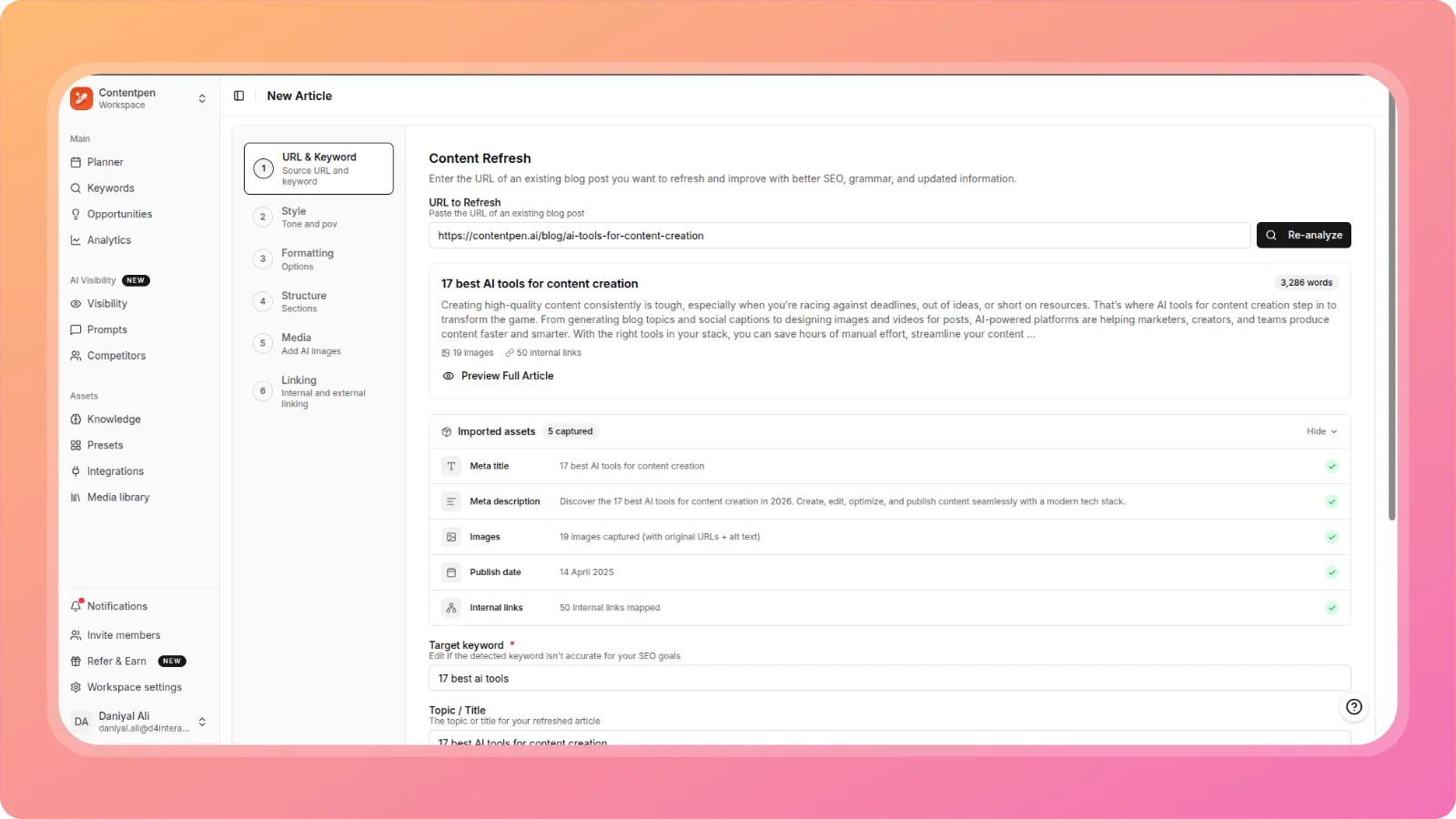
    For each opportunity, you can use the Content Refresh option to apply suggested improvements directly to the blog.

    This allows you to:

    • Update existing content instead of rewriting from scratch
    • Improve alignment with current search intent
    • Optimize pages based on real performance data

  5. Topic Clusters, Notion-style Editor, Dark Mode and more...

    New Feature
    Improvement

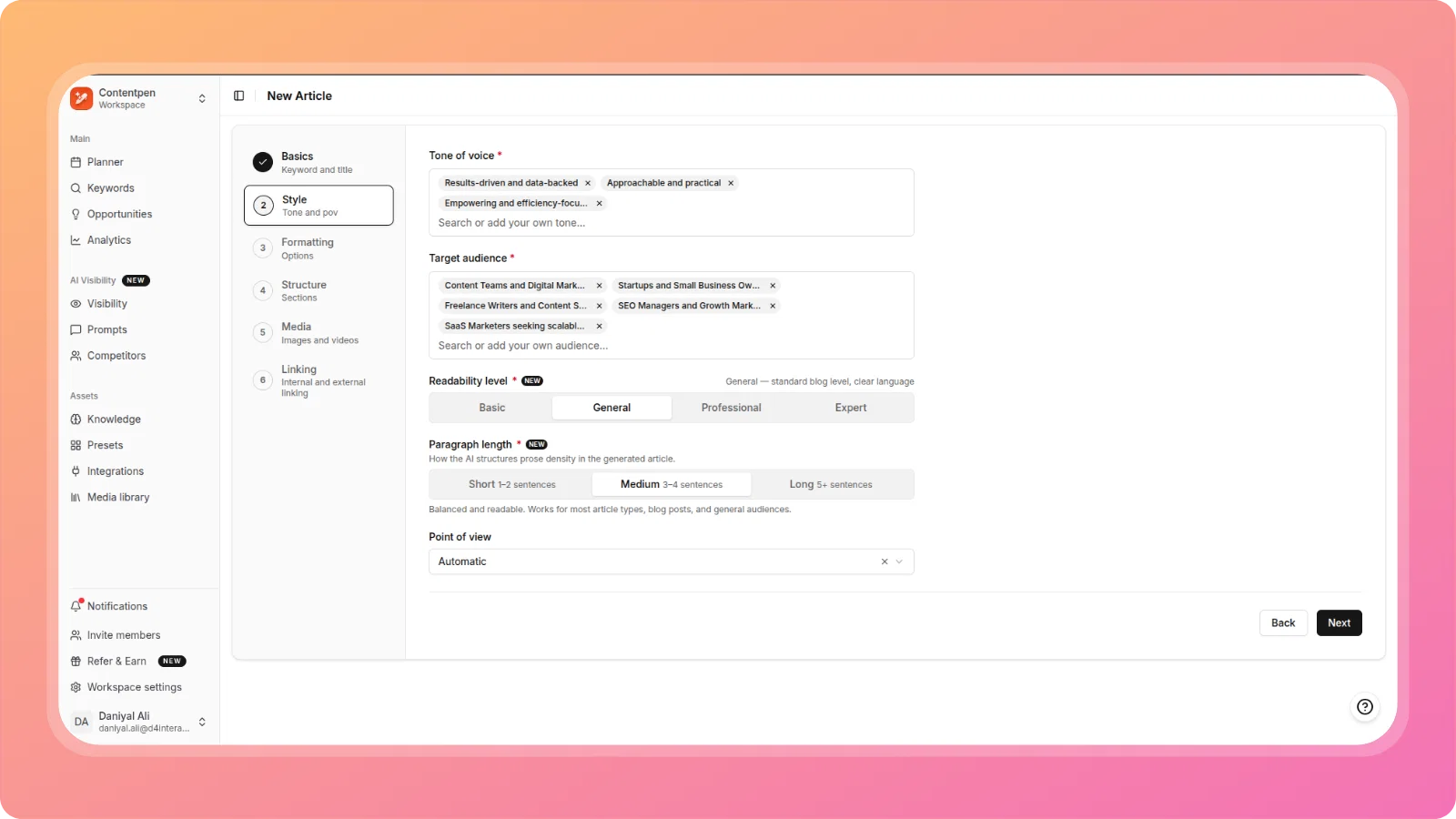
    This update brings a smarter, faster writing experience with our new Slash Command and GPT-5.1 engine. We’ve also added Topic Clusters to help you build SEO authority, a seamless Shopify integration, and the much-awaited Dark Mode.

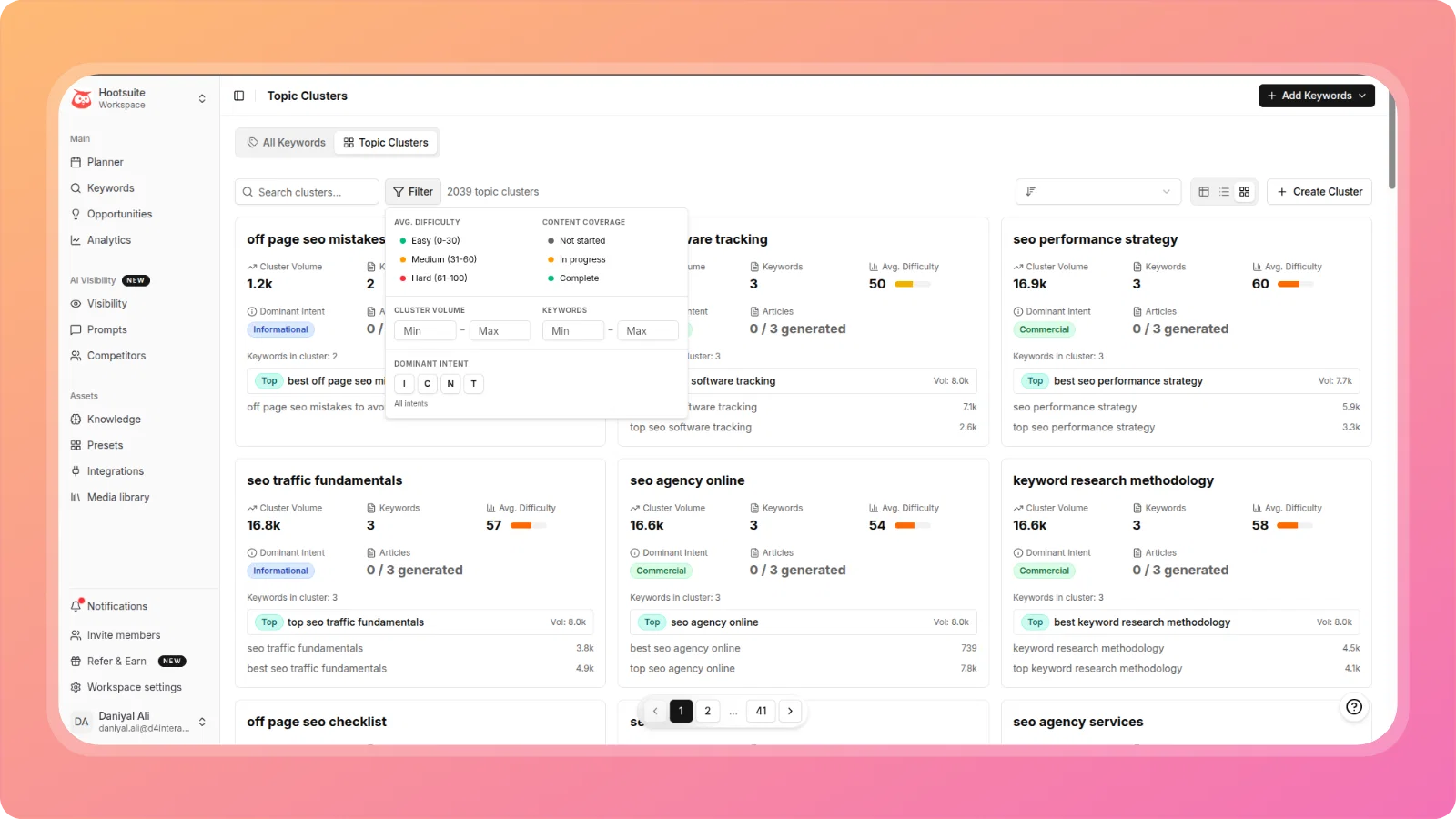
    🧠 Topic Clusters

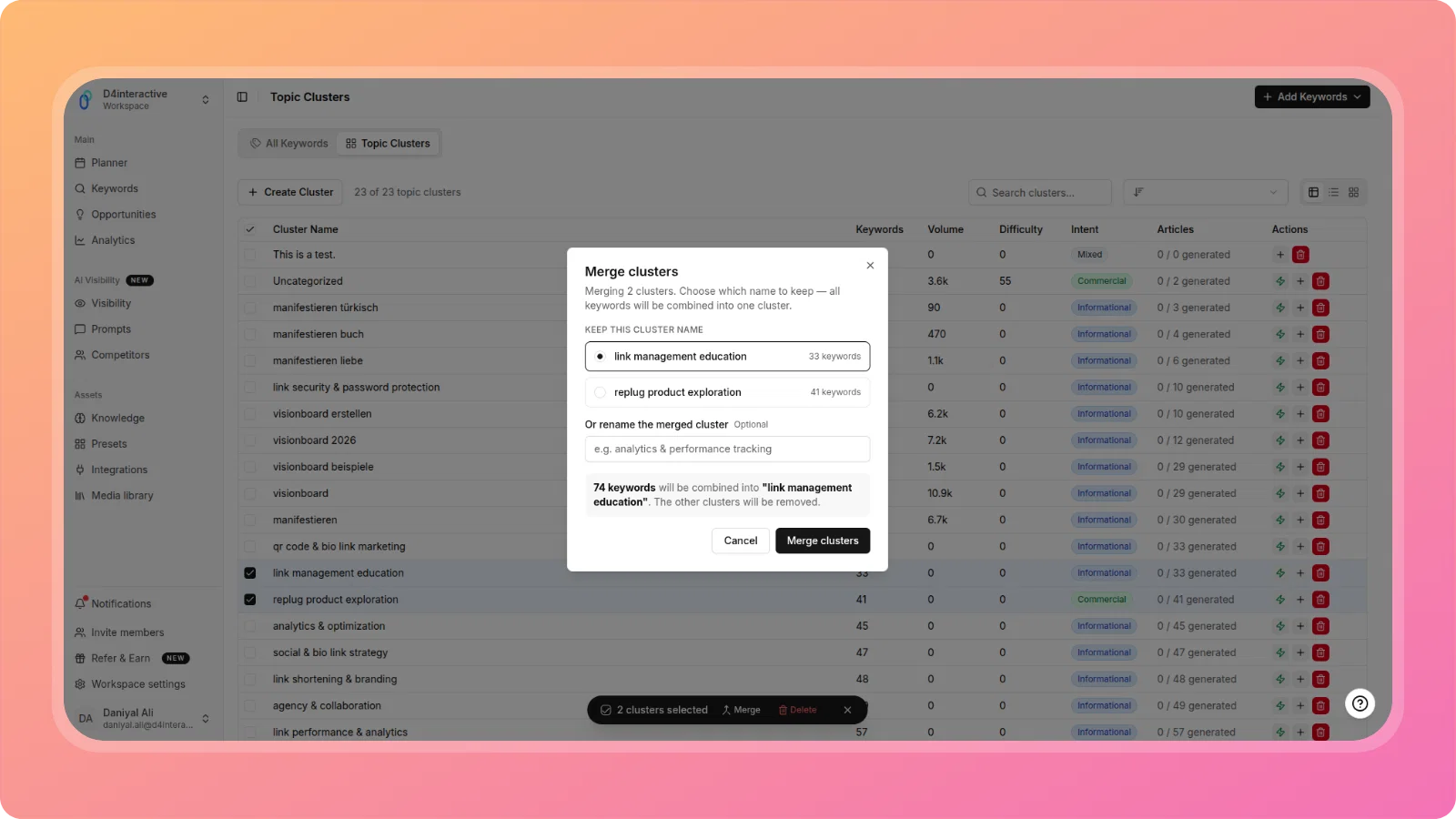
    Build authority faster with our new Topic Clusters feature. Located under the Keywords section, this tool helps you organize your content strategy by grouping related keywords and articles. This ensures you cover a subject comprehensively, signaling expertise to search engines and boosting your topical authority.

    topic-clusters

    ⚑️ The "Slash" Command & GPT-5.1

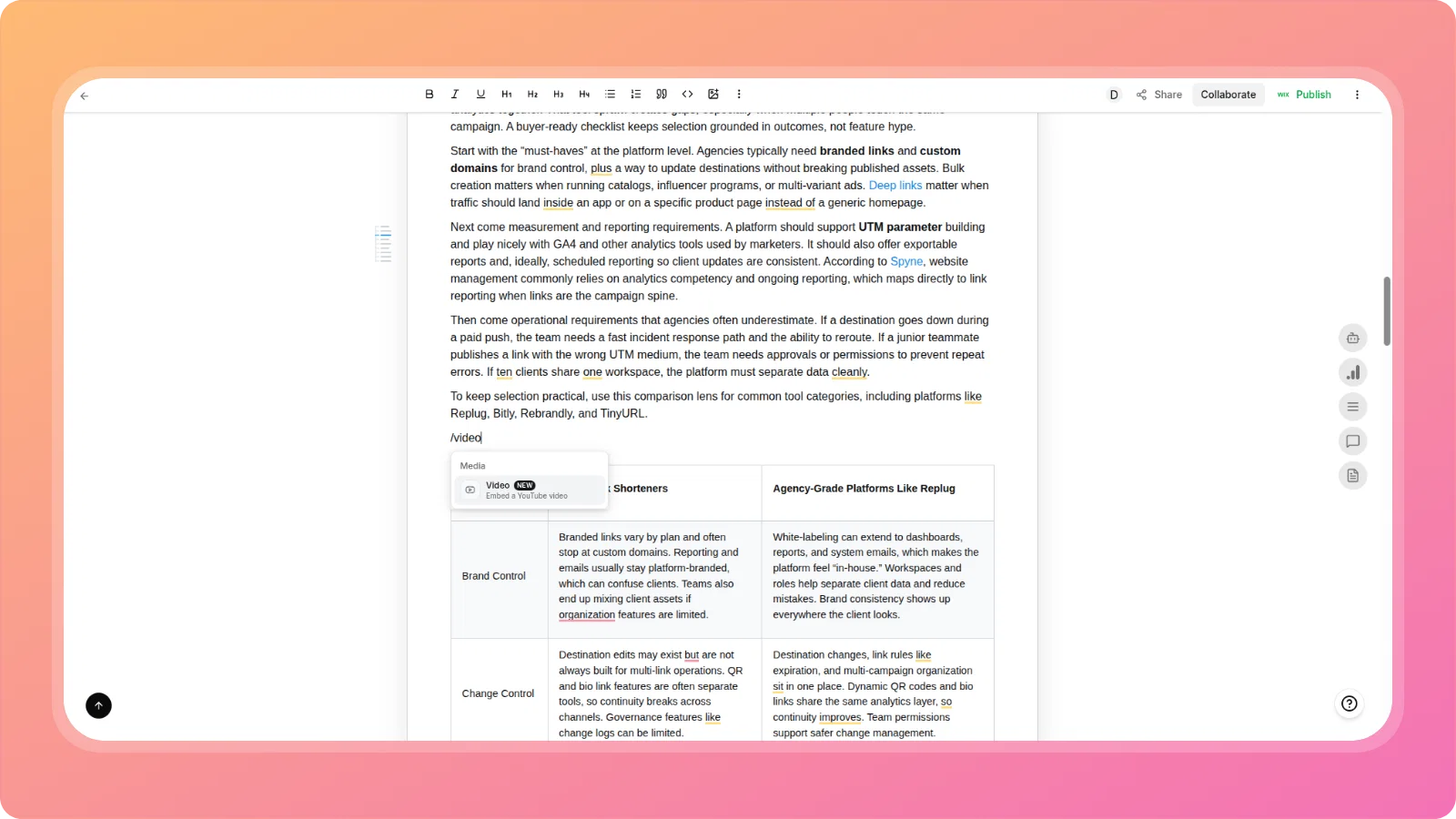
    We’ve rebuilt the editor experience to keep you in the flow.

    • Slash Command: Just type / to instantly open a Notion-style menu. Add headings, lists, or trigger AI prompts without lifting your hands from the keyboard.
    • Powered by GPT-5.1: Our in-article AI is now running on GPT-5.1, delivering significantly smarter, more human-like content generation and editing capabilities.
    • Enhanced AI Menu: Highlight any text to see our new contextual AI menuβ€”improve writing, fix grammar, or change tone instantly.
    notion-like-slash-command

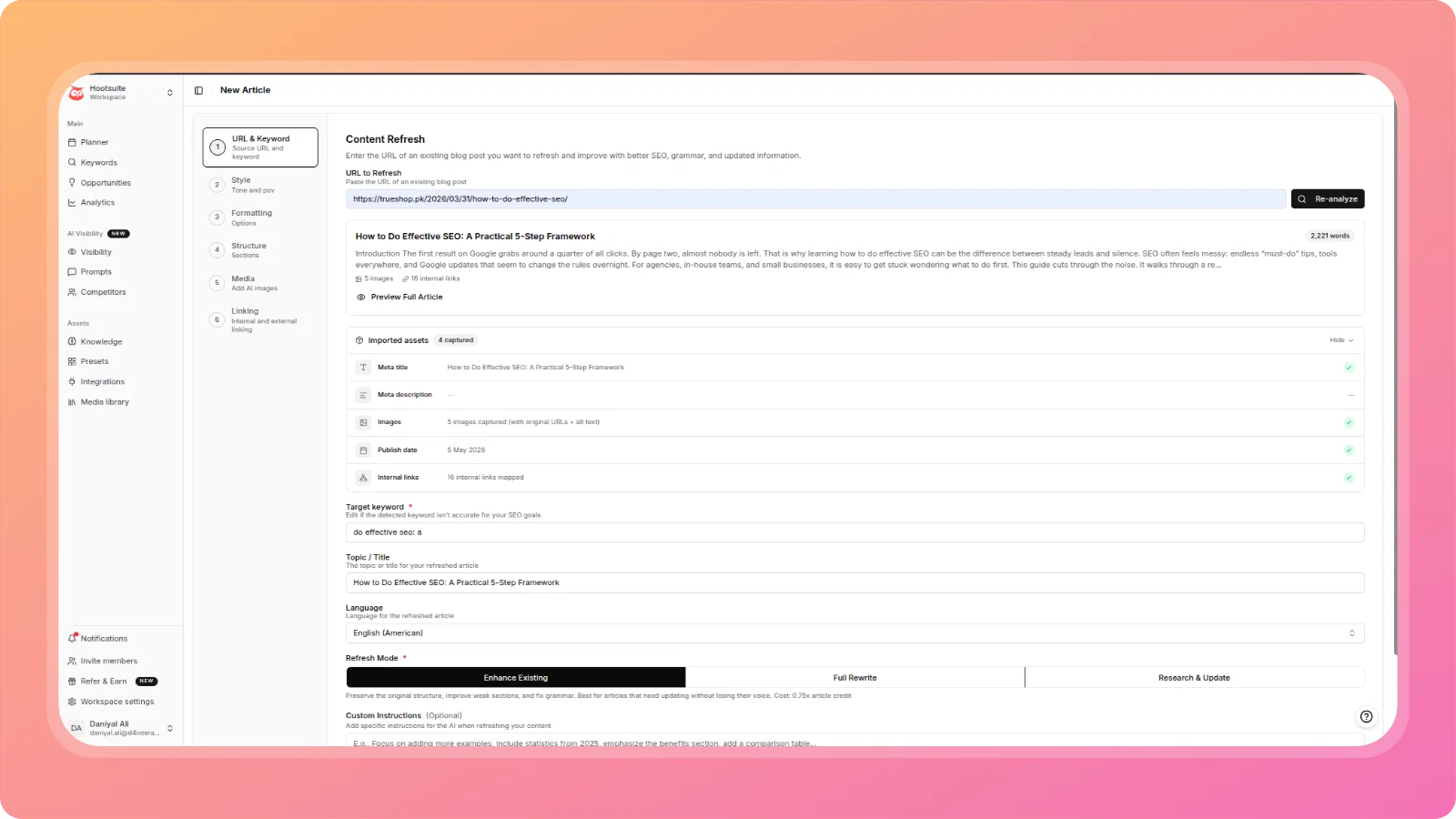
    πŸ”„ Content Refresh Template

    A specialized template designed to breathe new life into your existing content.

    Screenshot 2025-12-09 at 2.39.34β€―PM

    πŸŒ‘ Dark Mode

    You can now switch Contentpen to Dark Mode for a sleek, eye-friendly interface that looks great day or night.

    dark-mode

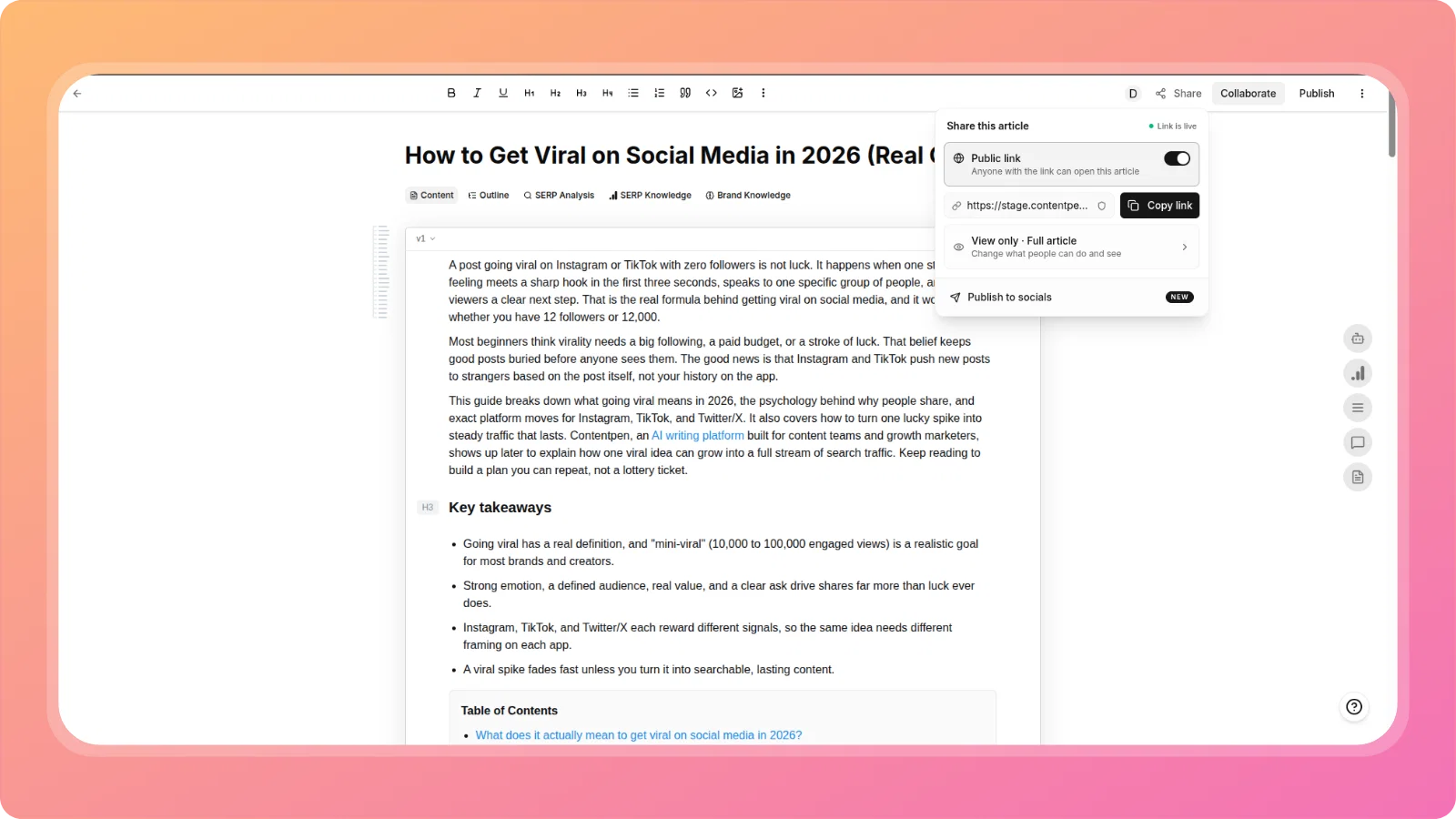
    πŸ”— Shareable Public Links

    Need approval from a client or feedback from a teammate? You can now generate a Public Link for any article. This allows anyone with the link to view the content (no-index) without needing a login.

    shareable-links

    ✨ Improvements

    • AI Meta Descriptions: Added an option to automatically generate SEO-optimized meta descriptions using AI.
    • Internal Linking Upgrade: You can now fetch content context directly by pasting a URL inside the Internal Linking recipe.
    • Bulk Actions: Added the ability to Bulk Delete and Favorite articles from the list
    • Meta Description Bug: Fixed an issue where the meta description was occasionally saving as empty.
    • Non-English Formatting: The "Unchanged" sentence case option now respects formatting constraints for non-English languages.

    21

  6. πŸš€ Powerful planning views, drag and drop scheduling & Ghost CMS integration and much more...

    New Feature
    Improvement
    Announcement

    We're excited to announce our most comprehensive update yet! This release transforms how you plan, schedule, and collaborate on content with powerful new features designed to streamline your entire content workflow.

    πŸ“… Three powerful planning views

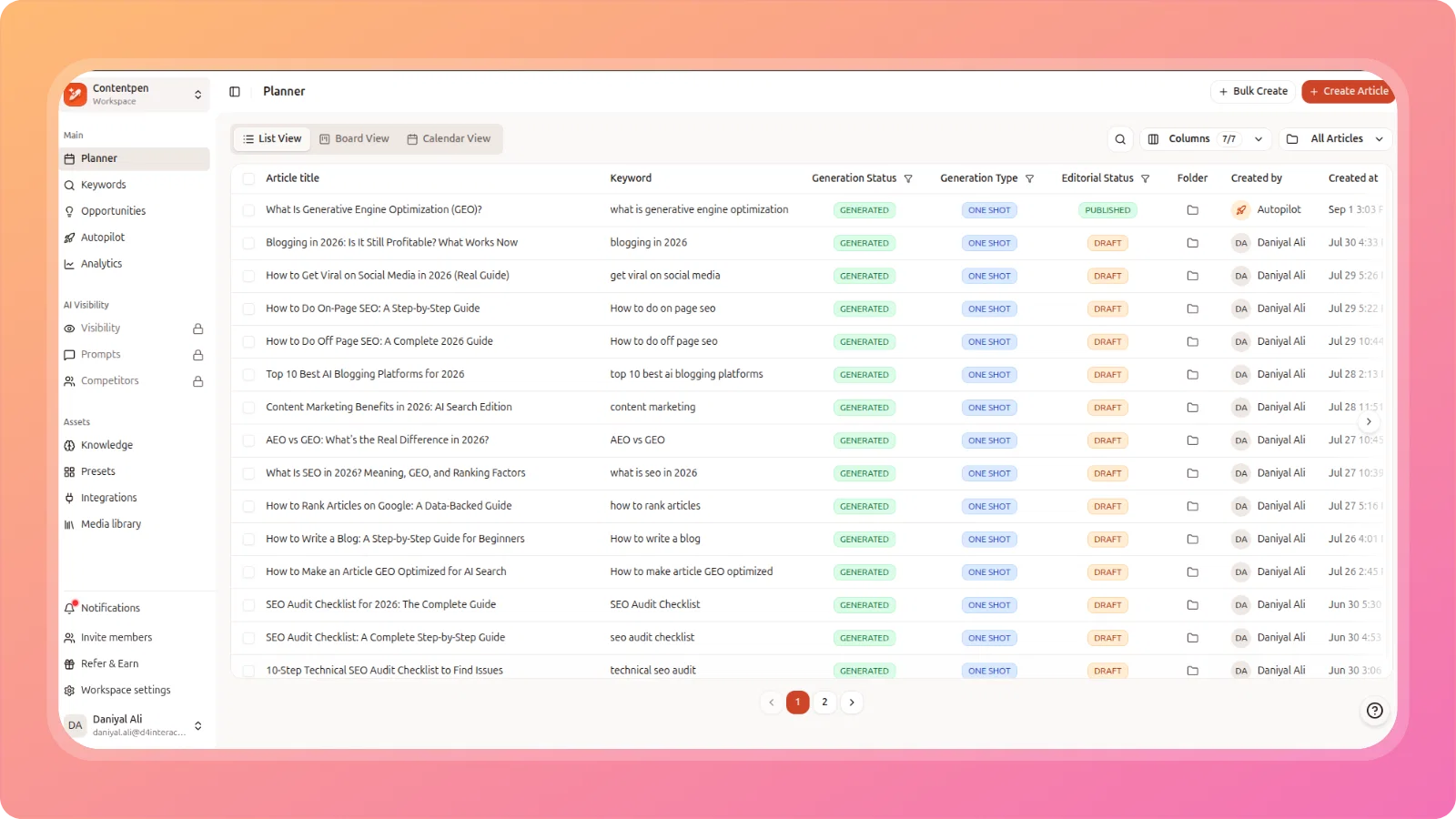
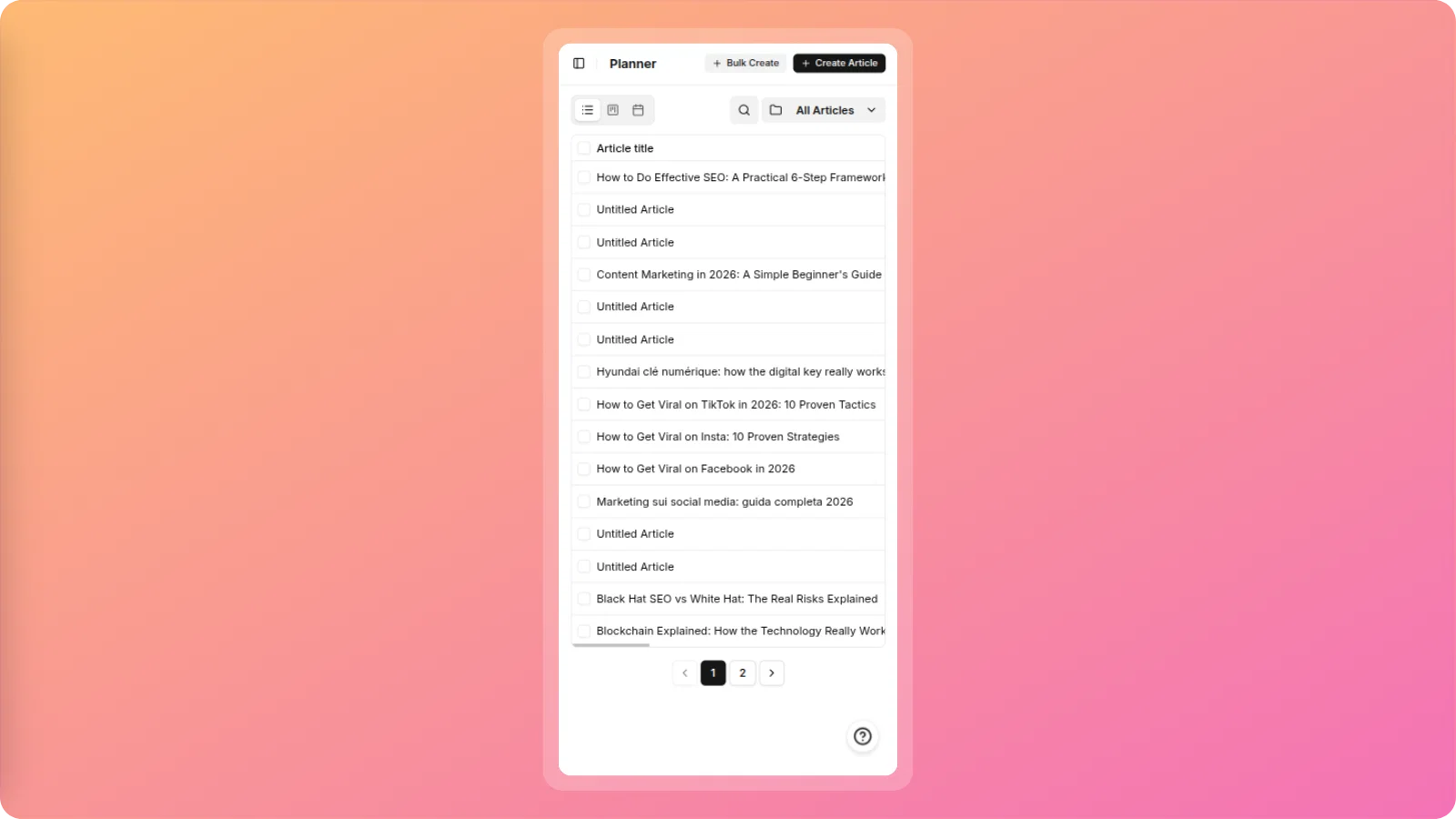
    We've completely reimagined content planning with three distinct views to match your workflow preferences:

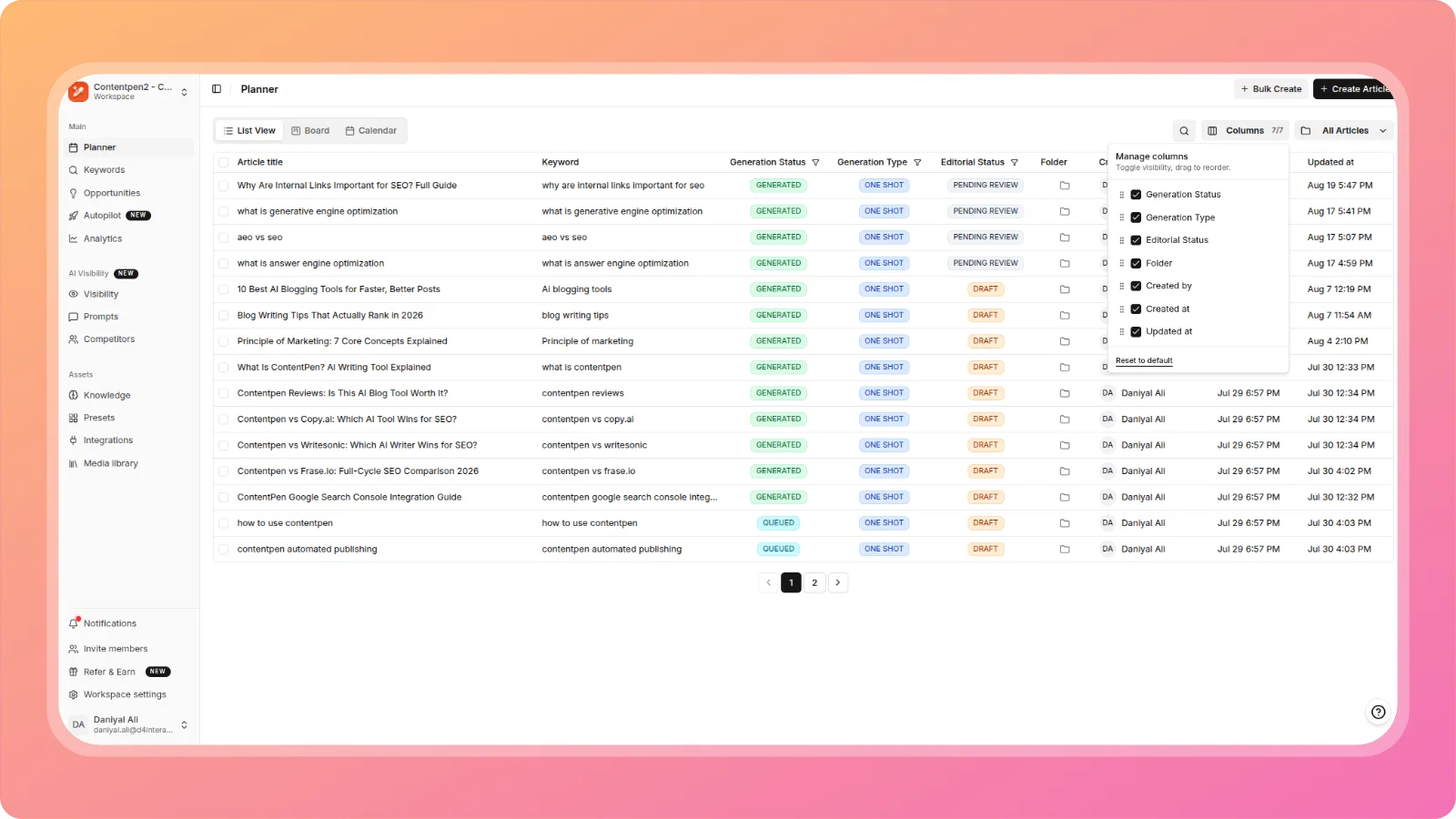
    πŸ“‹ List view

    Perfect for detailed project management with comprehensive article tracking, generation status, and editorial workflow visibility.

    cleansnap-16x9 (1)

    πŸ“Œ Board view

    Visualize your content pipeline with our new Kanban-style board featuring Draft, In Progress, Scheduled, and Published columns. Drag and drop articles between stages for effortless workflow management.

    cleansnap-16x9 (3)

    πŸ—“οΈ Calendar view

    Plan your content calendar like never before! See all your articles laid out by publication dates with easy scheduling and rescheduling capabilities.

    cleansnap-16x9 (4)

    Smart article scheduling πŸ“

    Schedule popover menu: Click on any calendar date to instantly schedule articles with our intuitive selection interface.

    cleansnap-16x9 (5)

    Sticky bottom panel: The game-changing drag-and-drop scheduling panel! Simply drag unscheduled articles from the bottom panel directly onto calendar dates. No more complex scheduling workflows.

    cleansnap-16x9 (6)

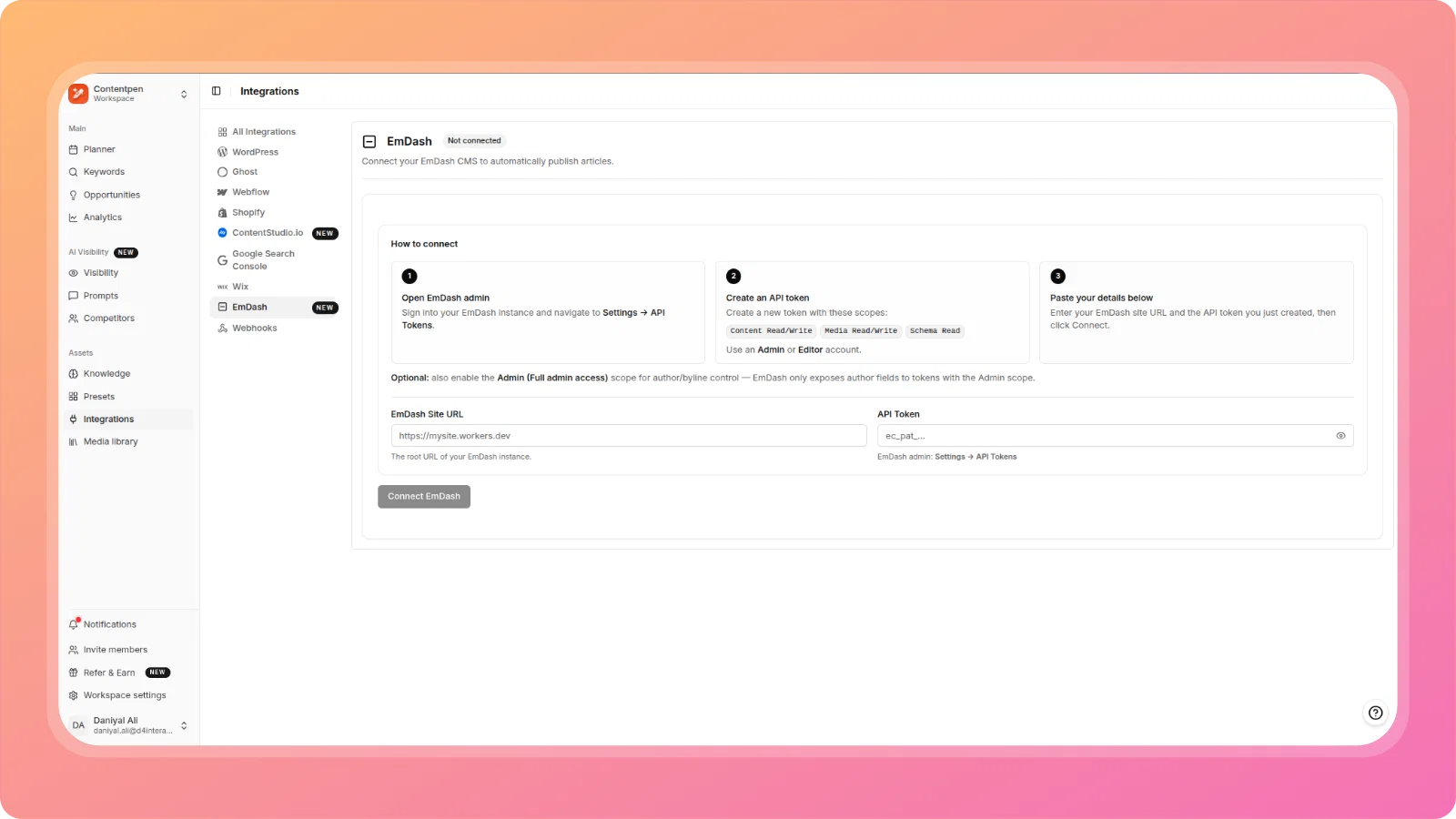
    πŸ‘» Ghost CMS integration

    Direct publishing: Connect your Ghost CMS platform and publish articles directly from Contentpen.ai!

    • Seamless site connection and verification
    • One-click publishing to Ghost
    • Streamlined publishing workflow
    cleansnap-16x9 (7)

    πŸ–ΌοΈ Resizable article images

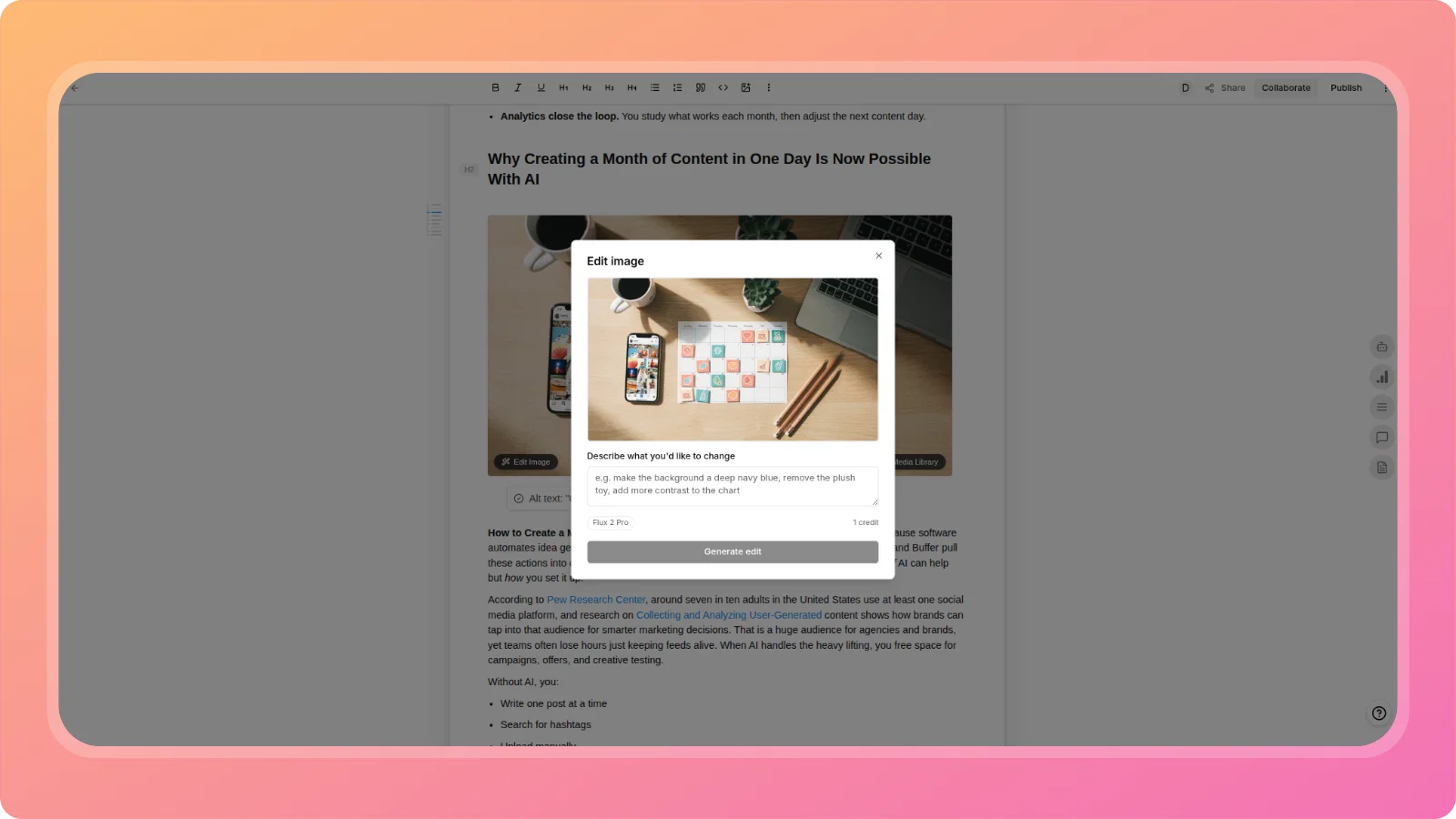
    Take full control of your visual content! Our new image resizing feature lets you adjust article images to the perfect size directly in the editor. Create visually appealing content that matches your brand aesthetic.

    cleansnap-16x9 (8)

    πŸ‘₯ Bulk workspace invitations

    Multi-workspace invites: Invite team members to multiple workspaces simultaneously! Select user roles (Administrator, Manager, Editor, or Viewer) and choose which workspaces they should access - all in one streamlined process.

    • No more repetitive individual invitations
    • Role-based access control
    • Select multiple workspaces at once
    • Efficient team onboarding
    cleansnap-16x9 (9)

    πŸ” Google OAuth integration

    One-click sign-in: Users can now sign up and log in using their Google accounts for faster, more secure access to Contentpen.ai.

    • Streamlined onboarding experience
    • Enhanced security
    • Faster login process
    • Reduced friction for new users
    cleansnap-16x9 (10)

    🎯 Why these features matter

    πŸš€ Enhanced productivity: Three planning views mean you can work the way that suits you best

    ⏰ Better time management: Visual calendar and drag-and-drop scheduling make content planning intuitive

    πŸ”„ Streamlined publishing: Direct Ghost integration eliminates platform switching

    πŸ‘¨β€πŸ‘©β€πŸ‘§β€πŸ‘¦ Improved collaboration: Bulk invitations and role management make team coordination effortless

    🎨 Professional content: Image resizing tools help create polished, branded content

    ⚑ Faster onboarding: Google OAuth reduces signup friction

    πŸ› οΈ Getting started

    All these features are now live in your Contentpen.ai workspace!

    Quick start tips:

    1. Explore the new planner views - Try List, Board, and Calendar to find your preferred workflow
    2. Set up Ghost integration in your Integrations panel for direct publishing
    3. Use the sticky scheduling panel to quickly assign dates to your unscheduled content
    4. Invite team members using the new bulk invitation feature
    5. Resize images in your articles for perfect visual presentation

    We're committed to making Contentpen.ai the best content creation platform for your needs. We'd love to hear your feedback on these new features!

    The Contentpen.ai team.

  7. πŸš€ Introducing Two-Step Article Generation: More Control, Better Results

    New Feature
    Improvement
    Announcement

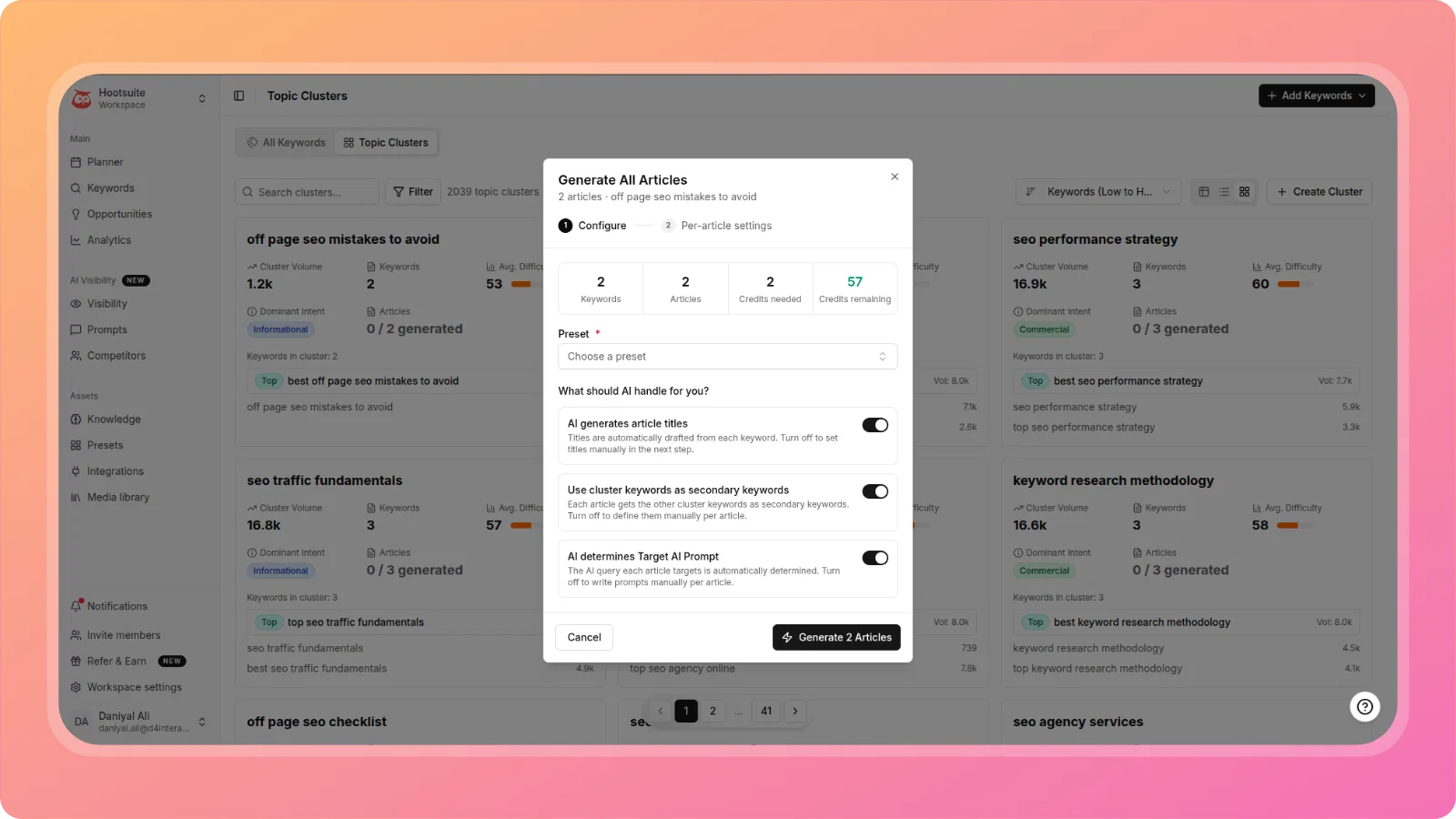
    We're excited to announce our latest game-changing feature: Two-Step Article Generation! This powerful new workflow gives you unprecedented control over your content creation process, ensuring every article aligns perfectly with your vision.

    ✨ What's New?

    πŸ“ Smart Outline Generation First

    Instead of jumping straight into full article generation, ContentPen.ai now creates a comprehensive outline first. This gives you the opportunity to review, refine, and perfect your article structure before committing to the full content generation.

    pika-1750233413979-2x

    πŸ” Comprehensive Research at Your Fingertips

    When you generate an outline, you'll receive:

    - SERP Analysis: Deep insights into what's ranking for your target keywords

    pika-1750233773784-2x

    - SERP Knowledge: Comprehensive understanding of the competitive landscape

    pika-1750233829271-2x

    - Brand Knowledge: Tailored information that aligns with your brand voice and messaging

    pika-1750233846539-2x

    🎯 Edit and Refine Your Outline

    Once your outline is generated, you can:

    - Modify headings and subheadings

    - Adjust the article structure

    - Add or remove sections

    - Ensure the content flow matches your strategy

    pika-1750233917931-2x

    🎨 Generate Your Perfect Article

    After perfecting your outline, simply click "Generate Full Article" to create content that's:

    - Structurally sound and well-organized

    - Aligned with your specific requirements

    - Optimized based on comprehensive research

    - Tailored to your brand voice

    pika-1750233961292-2x
    pika-1750233976047-2x

    🎯 Why This Matters

    More Control: Review and adjust your article structure before generation

    Better Quality: Ensure every piece of content meets your standards

    Time Efficient: Make strategic decisions upfront to avoid extensive revisions

    Research-Driven: Leverage comprehensive SERP and brand insights

    Flexible Workflow: Choose between quick generation or detailed planning

    πŸ”§ How to Use Two-Step Generation

    1. Select "Generate Article in Two Steps" from the template options

    2. Complete your article setup with keywords, tone, and preferences

    3. Review the generated outline along with SERP analysis and brand insights

    4. Edit and refine the outline to match your vision

    5. Generate the full article based on your perfected outline

    This feature represents our commitment to giving you the tools you need to create exceptional content that ranks well and resonates with your audience.

    ---

    We're committed to making Contentpen.ai the best content creation platform for your needs. We'd love to hear your feedback on these new features!

    The Contentpen.ai Team
  8. πŸš€ May 2025 product update: advanced SEO tools & enhanced editor experience

    New Feature
    Improvement
    Announcement

    We're excited to announce our first latest release packed with powerful new features and improvements to make your content creation workflow smoother and more efficient than ever!

    πŸ” Enhanced SEO capabilities

    SEO score panel

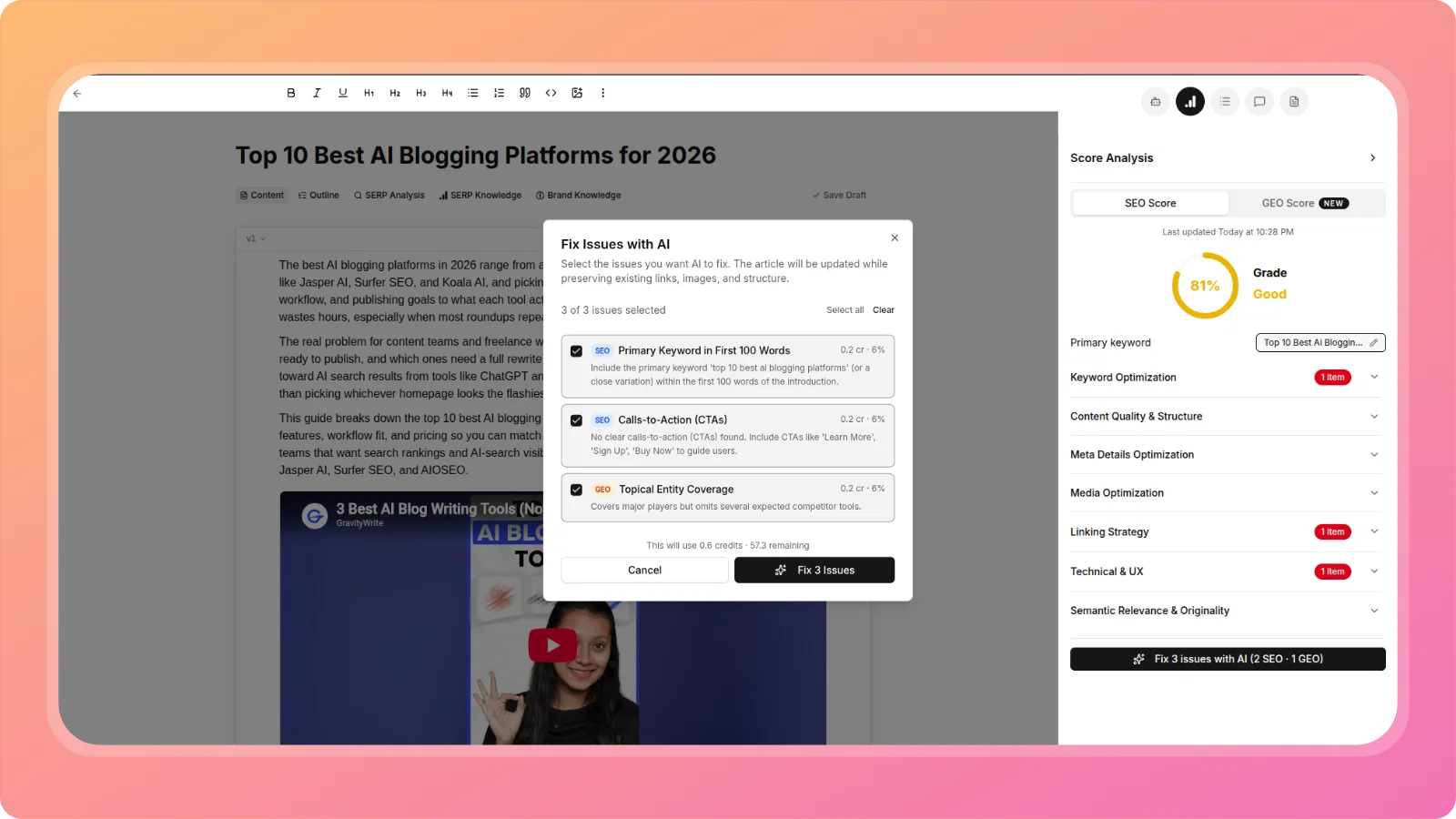
    We have launched a new version of our SEO Score feature, now powered by advanced AI, to deliver a more comprehensive analysis of your content. It provides an optimal SEO score tailored specifically for your articles, along with actionable recommendations to help you effectively boost your rankings.

    Additionally, it now checks your content for the presence of FAQs, ensuring you're well-optimized to secure featured snippets and perform better in voice search results.
    pika-1747313971846-2x

    Custom URL slugs πŸ”—

    Take full control of your URL structure with our new slug editing option. Create SEO-friendly URLs that match your content strategy and help improve your search rankings.

    pika-1747313555506-2x

    Sitemap integration πŸ—ΊοΈ

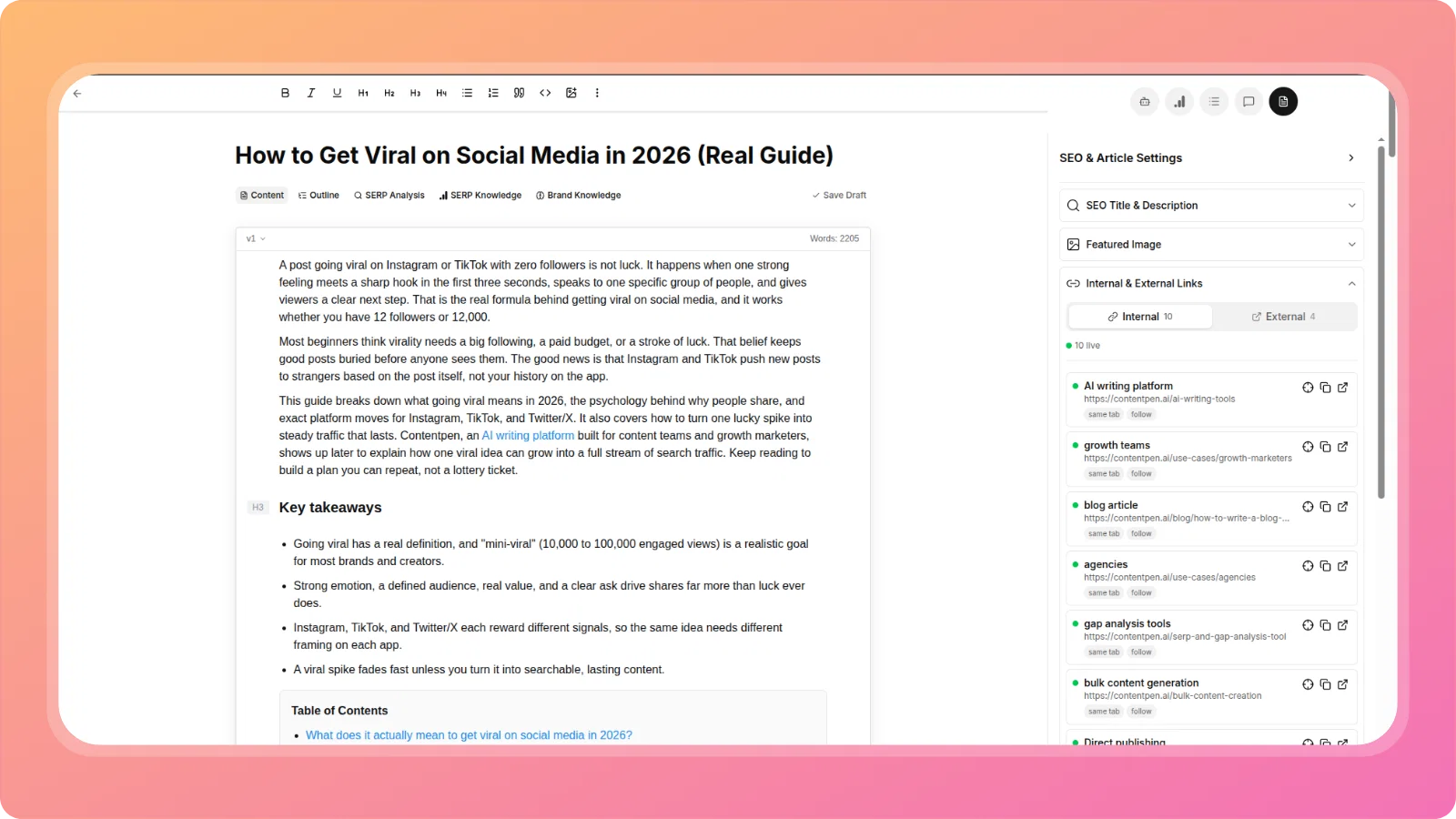
    We've introduced sitemap integration directly within the Article Editor, enabling you to easily manage and optimize internal and external links in your content. By utilizing your sitemap, the feature helps you strategically link your articles, enhancing SEO relevance, content discoverability, and overall user experience.

    pika-1747314124449-2x

    ✨ Smarter content creation

    Content pillars for keyword generation

    Define your content pillars before generating keywords with our new modal interface. This ensures that all keywords align with your core content themes and business objectives.

    pika-1747313662676-2x

    Custom AI input prompts

    Take more control over your AI-generated content by adding custom input prompts directly in the Article Editor. Get precisely the content you need by giving specific instructions to the AI.

    pika-1747313719642-2x

    πŸ“ Enhanced editor experience

    Auto-save functionality

    We've implemented an auto-save feature that saves your work every 5 seconds after you stop typing. Never worry about losing your content again!

    pika-1747313770091-2x

    Edit hyperlink functionality

    Easily edit your hyperlinks with our new editing modal. Change link text and URLs without having to delete and recreate links.

    pika-1747313806560-2x

    πŸ“Š Improved workflow management

    Interactive metrics cards

    We've made our metrics cards interactive - simply click on them to apply the corresponding filter, making data analysis faster and more intuitive.

    pika-1747313850369-2x

    Due date management for managers

    Managers can now add and update due dates for articles, making project management and content calendaring more efficient.

    pika-1747313893040-2x

    πŸ› οΈ Improvements & fixes

    • Improved keyword generation logic that now includes competitor names in suggested keywords
    • Fixed the glitch where AI input prompts would appear in the wrong position over selected text
    • Resolved sitemap issues when user websites reject sitemap link extraction requests with 405 error codes
    • Fixed user issues related to failed sitemap processing jobs

    ---

    We're committed to making Contentpen.ai the best content creation platform for your needs. We'd love to hear your feedback on these new features!

    The Contentpen.ai Team