🚀 Brand Imagery, Publish & Schedule from the Editor, Quarterly Billing & Much More
The new Brand Imagery puts your real logo on every generated image, exactly as you uploaded it, with Light and Dark versions so it reads on any background. You can now also publish or schedule an article from the editor in one step, pay quarterly, and keep one competitor list across the Knowledge Base and AI Visibility.
✨ New Features
🎨 Brand Imagery
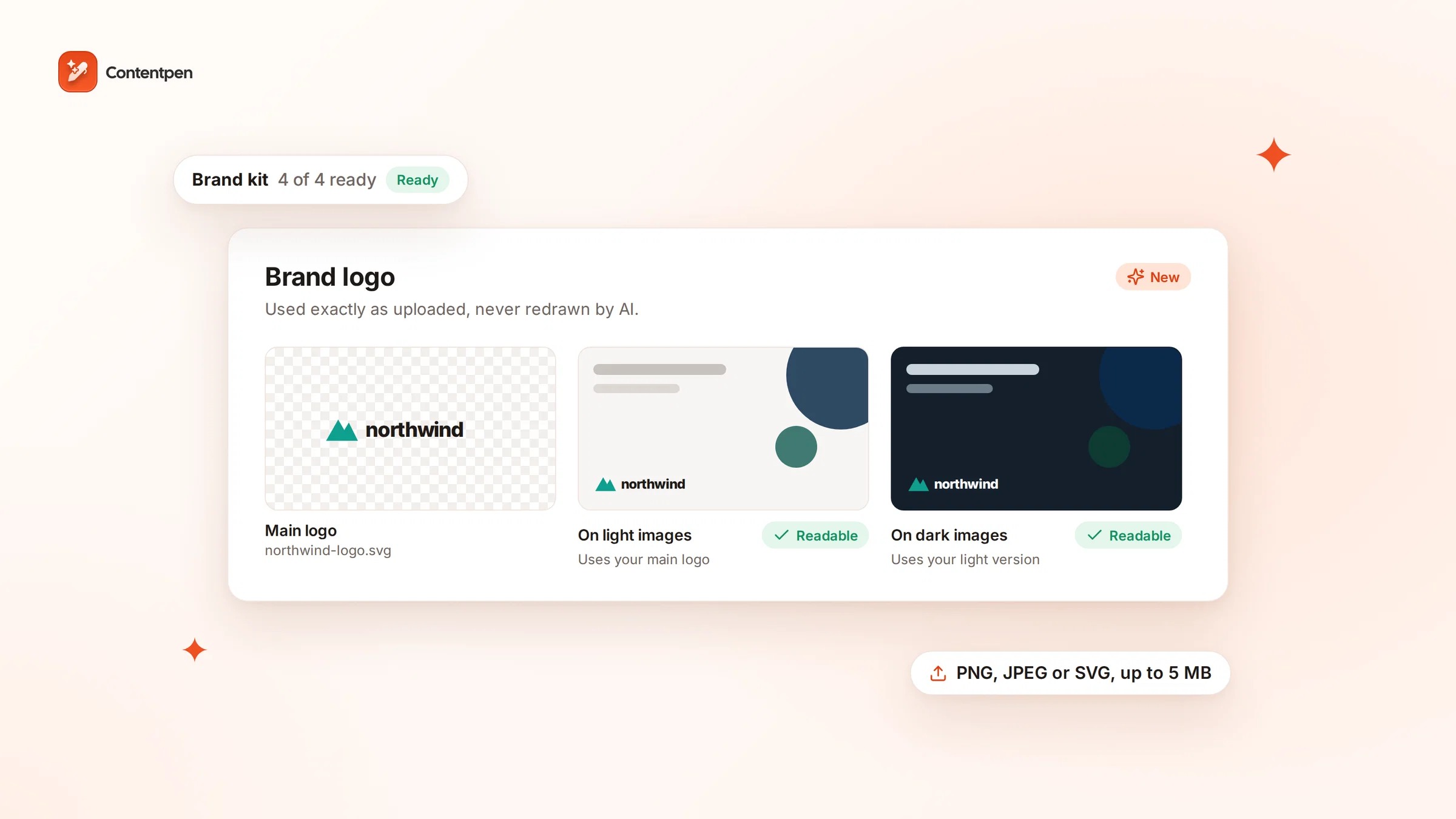
Your logo is now added to every infographic and generated image as the real file, never redrawn by AI. That means no more misspelled, doubled, or slightly off logos on your in-article images. The Brand Imagery page is new too, so you can see exactly how your logo will look before you generate anything.
📤 Publish & Schedule from the Editor
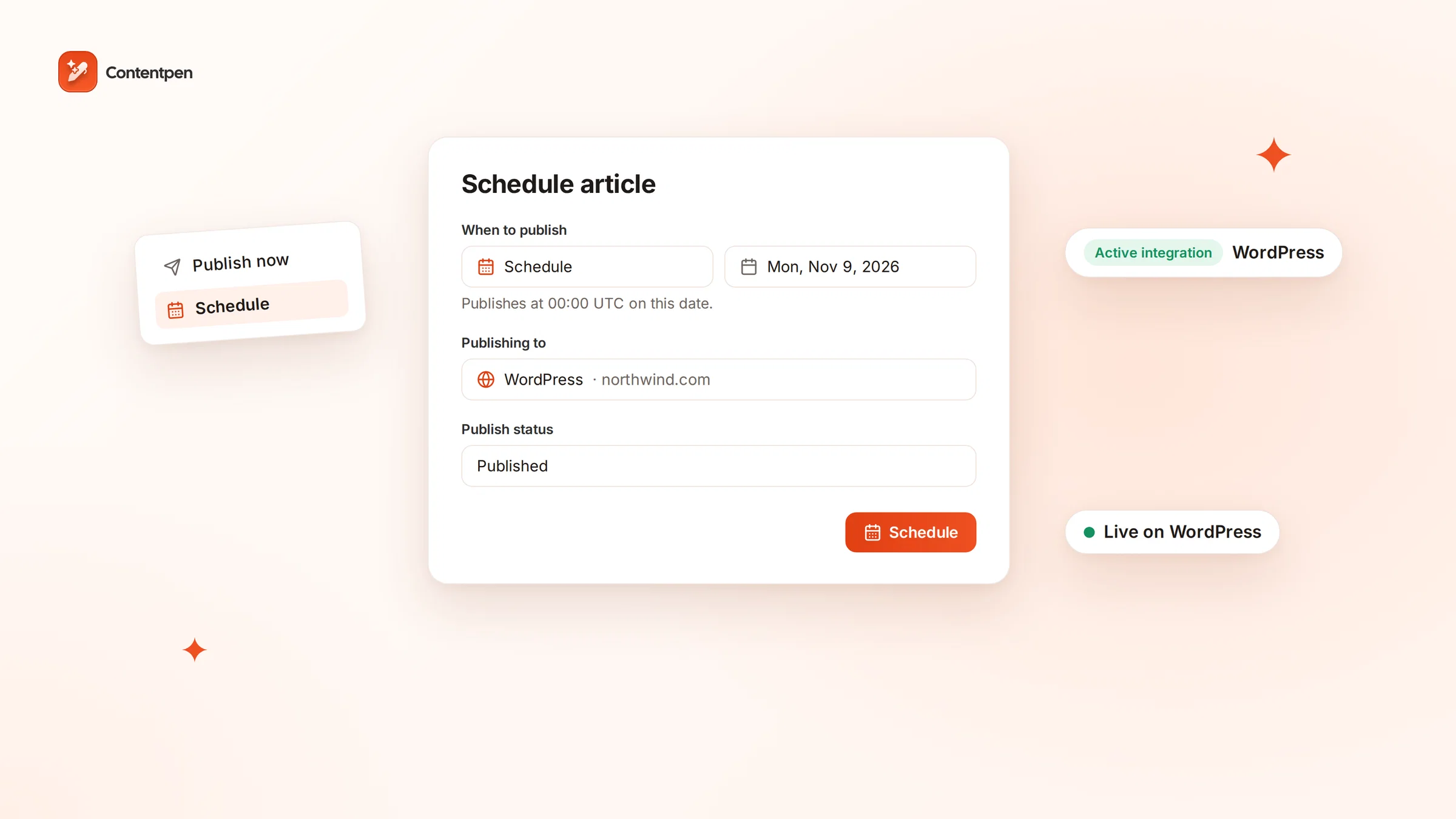
The Publish button in the article editor now opens one simple window. Choose Publish now or Schedule under When to publish, pick a date, and you are done. Every article you publish or schedule yourself goes to your Active integration, so you never have to pick a destination again.
💳 Quarterly Billing
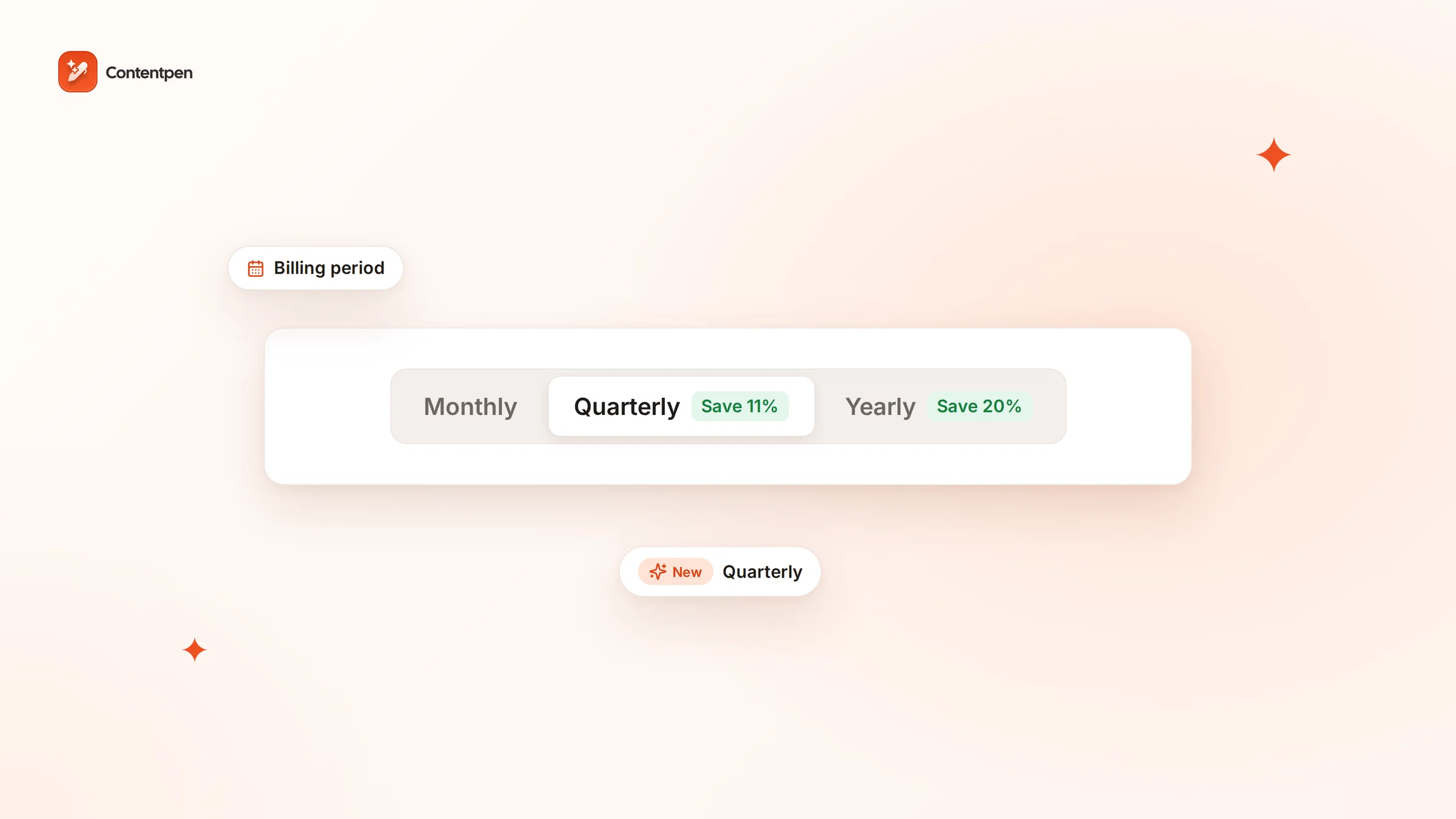
Starter, Growth, Scale, and Agency can now be billed every quarter, alongside Monthly and Yearly. Quarterly is a middle option: it costs less than paying monthly, without the yearly commitment. Quarterly saves up to 11%, and Yearly still saves 20%.
🏁 Competitors
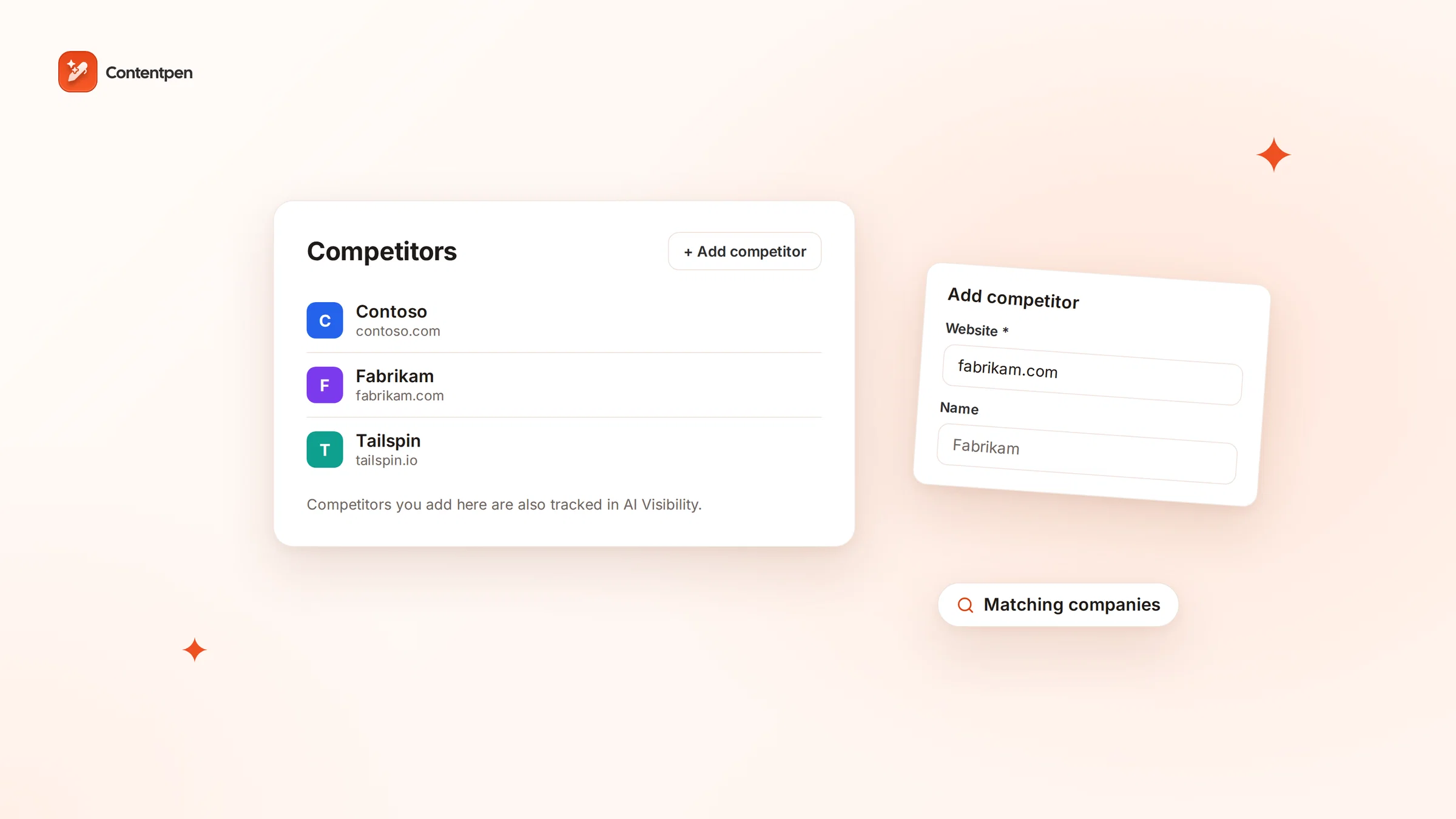
Your Knowledge Base and AI Visibility now share one competitor list. Add a competitor once, and it is used for your content and, once AI Visibility is set up, tracked there as well.
📣 What's new
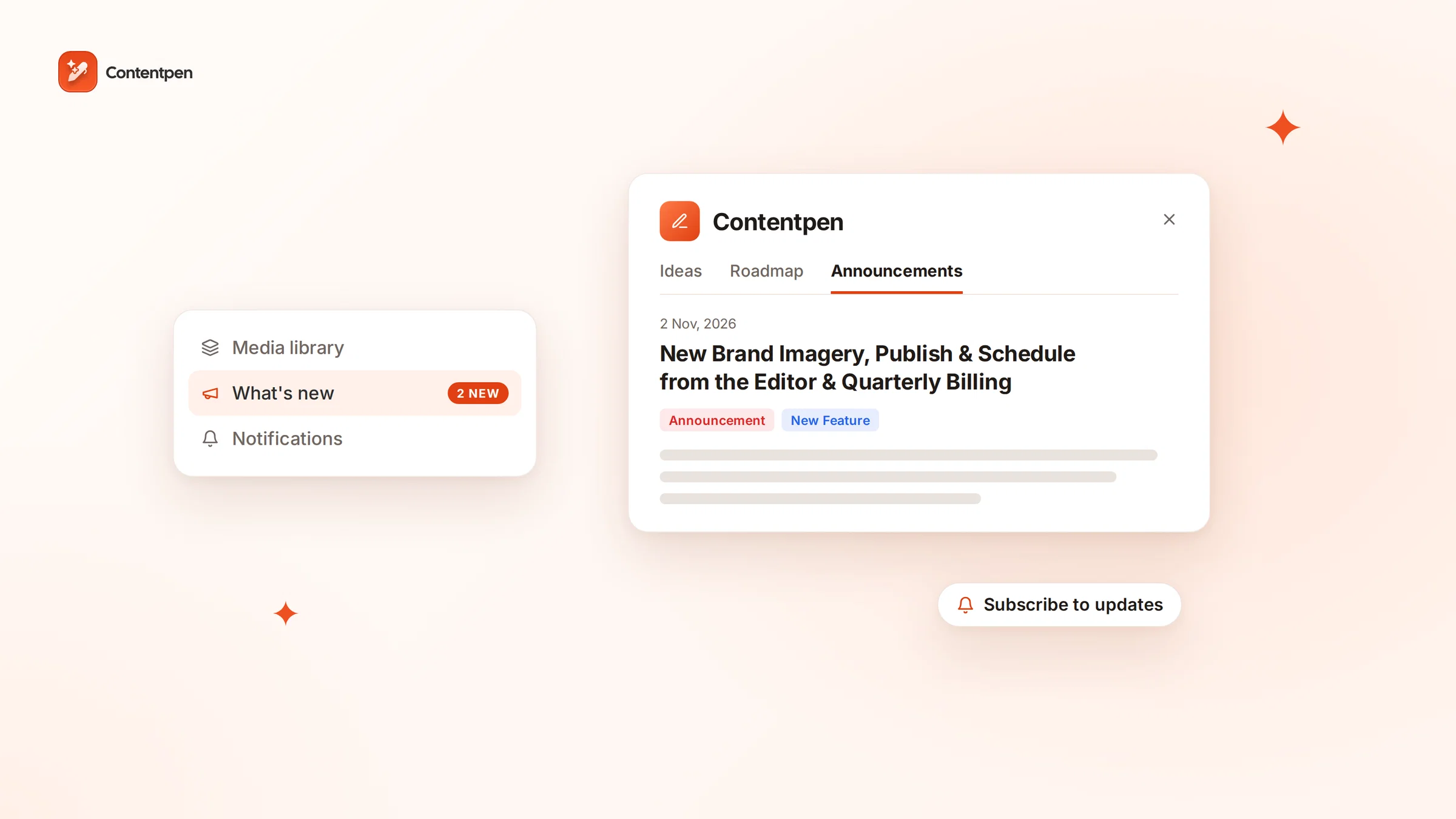
There is now a What's new item in the sidebar, with a badge that shows when there are updates you haven't seen. It opens a panel right inside ContentPen where you can read our latest Announcements, browse the Roadmap, and share Ideas. You can also click Subscribe to updates to follow new releases.
🔧 Improvements & Fixes
Publishing:
- Clear failed publishes - If a scheduled article can't publish, it now moves to Publish failed and stays visible on the board and calendar, instead of silently staying scheduled.
- No CMS connected - You now get an in-app and email notification when a scheduled article can't publish because no CMS is connected.
- Right date, right place - Scheduled articles always go to the CMS you chose and no longer publish a day late.
- WordPress drafts - Drafts on WordPress now show as drafts in the Publish window, with the status set to Draft and an Update draft button.
- Faster publishing fields - The publish and bulk publish fields load faster, and a newly connected CMS shows up without reloading the page.
- Publish permission - Team members with publishing permission, including Editors, can now publish and schedule from the editor and bulk publish.
- No CMS yet - The Publish menu now shows a single Go to Integrations option, and it no longer hides under the page header.
Planner:
- Calendar and board - Cancelling a drag to Scheduled no longer leaves a card without a date, calendar drags keep their publishing settings, and the calendar loads every day it shows.
Article Generation:
- Very Large articles - Very Large articles now reach their full word count instead of stopping around 1,500 words.
- Accurate details - Articles no longer make up places, businesses or products to match a number in the title. Named items and their details now come from the research.
Autopilot:
- Published Topics - When you publish an Autopilot article from the editor, the board or the API, its Topic now shows as published and stops asking for review.
Keywords:
- Deleting clusters - Deleting large topic clusters no longer times out, and the delete dialog stays open until it finishes.
Billing:
- Purchased credits - Your purchased credits card now stays visible when the balance reaches zero, with a quick way to buy more.
- Locked features - The screen for features outside your plan is simpler and takes you straight to the right plan picker.
Workspace:
- Emails in dark mode - The ContentPen logo in our emails stays readable when Gmail, Outlook or Zoho switch to dark mode.
- Faster workspace deletion - Deleting a large workspace is now much faster.
WordPress Plugin:
- Security update - WordPress plugin v1.1.1 no longer writes sensitive request details to your site's error log. Please update the plugin.
- WordPress 7.1 - The plugin is now tested up to WordPress 7.1.
We're committed to making Contentpen.ai the best content creation platform for your needs. Stay tuned for more exciting features and improvements!
The ContentPen.ai Team