🚀 New Onboarding, New Sign In & Sign Up, More Reliable AI Visibility & Much More
Getting started with Contentpen now takes just your website. New signups type their site and watch a content plan come together in about a minute, with their first articles, a 30-day calendar, and what AI answers say about them. Signing in and signing up have a new look, and this release also makes AI Visibility runs more reliable, adds an Auto-analysis switch for Search Console, and brings a long list of improvements and fixes.
✨ New Features
🧭 Onboarding from Your Website
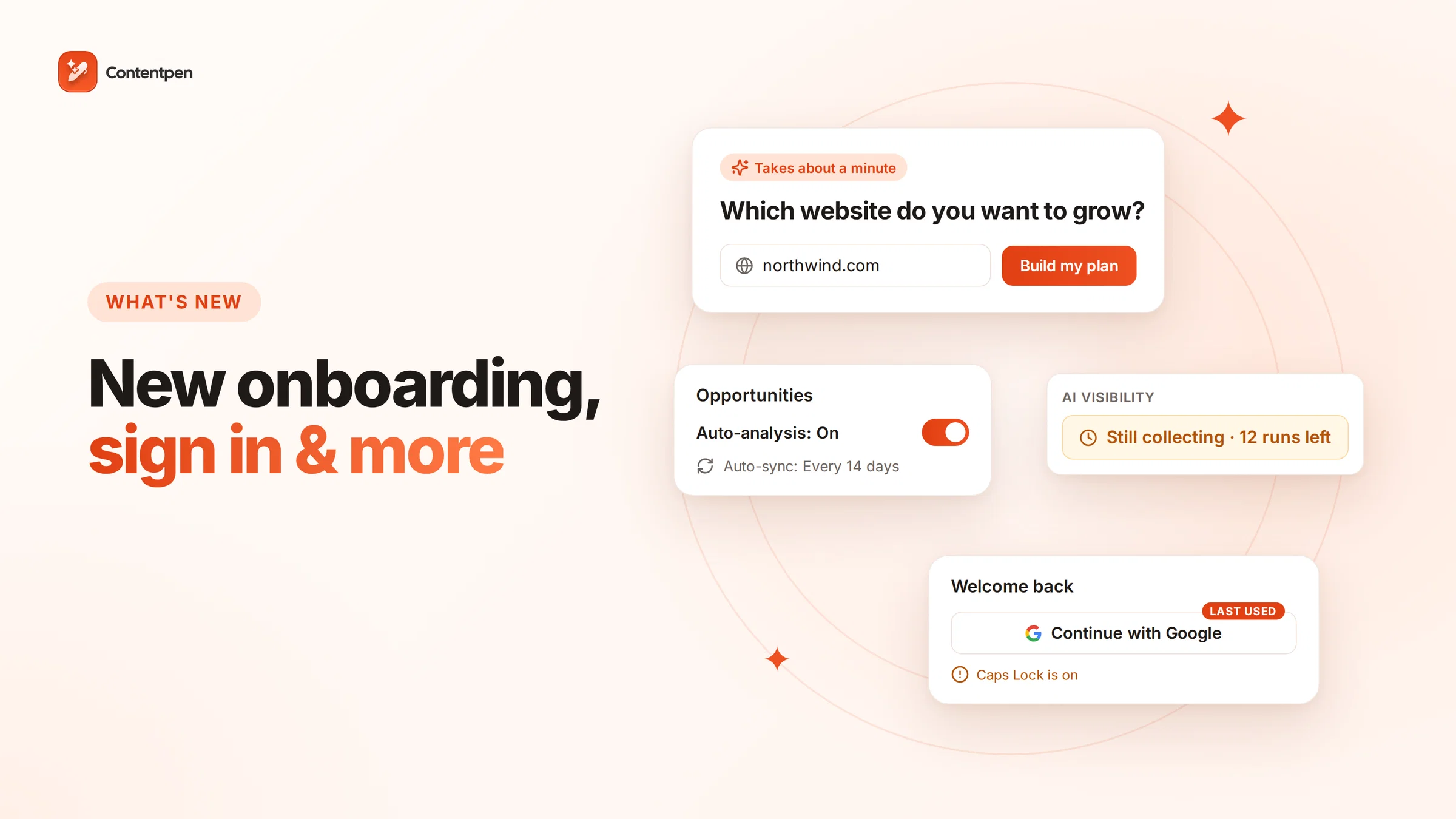
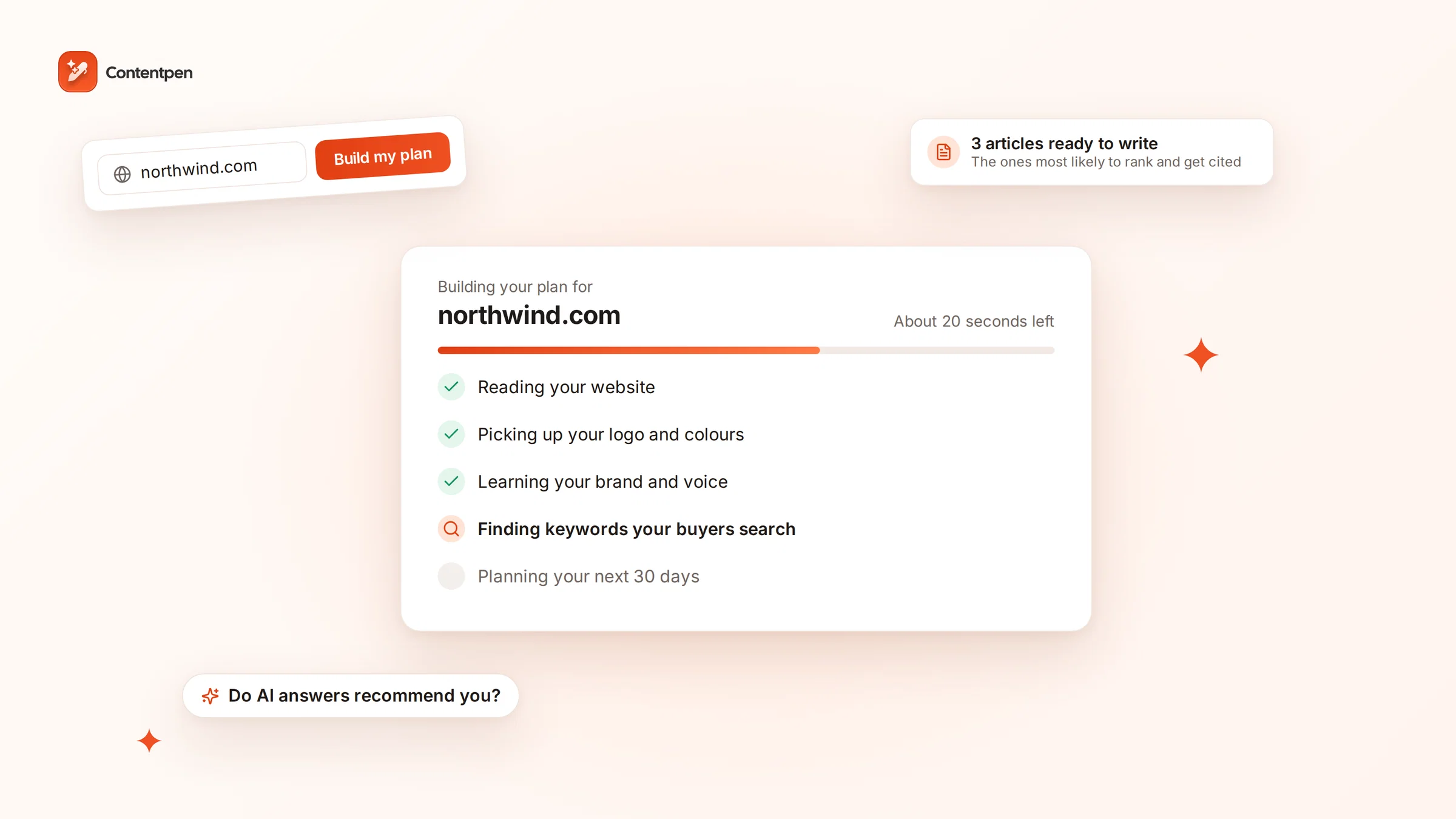
New signups now start with one question: Which website do you want to grow? Contentpen reads your site, your competitors, and what AI answers say about you, then builds a plan in about a minute, with 3 articles ready to write, your next 30 days calendar, and Do AI answers recommend you?. Once you start, your brand kit, keywords, sitemaps, AI Visibility and, on plans that include it, Autopilot are set up for you. You land in a workspace that is ready to run from day one.
🔐 New Sign In & Sign Up
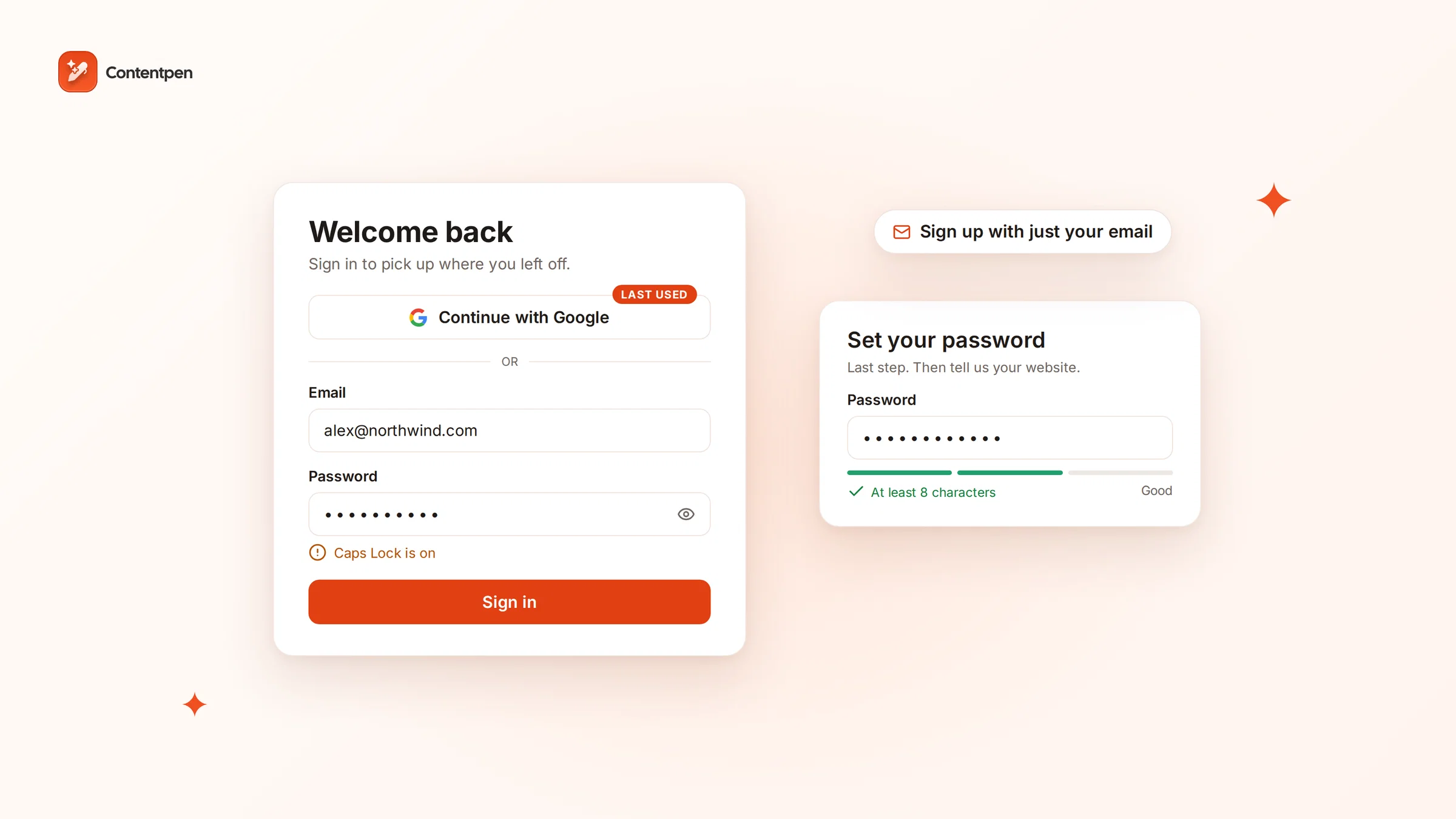
Signing in and signing up now happen on a cleaner page. Signing up takes just your work email or Google, then a password with a strength check, and you go straight on to building your plan. Signing in shows errors right under the field, warns you when Caps Lock is on, and marks the way you signed in before with a Last used badge, so getting back to work takes a few seconds.
🔧 Improvements & Fixes
AI Visibility:
- Late answers kept - Prompt runs no longer fail when an AI engine answers slowly. Late answers are collected and counted, and the Prompts page shows Still collecting with how many runs are left.
- Perplexity fallback - When Perplexity can't answer for a Global or US location, the run now uses Perplexity Sonar instead of failing.
- Country locations - Prompts tracked for a country now get answers for that country.
- Competitor lookups - The setup wizard shows Finding website… while it looks up your competitors' websites.
Search Console:
- Auto-analysis switch - Opportunities Auto-analysis is now a simple on/off switch that runs after each Auto-sync. New connections start with Auto-sync every 14 days and Auto-analysis on.
- Off means off - When Auto-sync or Auto-analysis is set to Off, nothing runs in the background anymore.
- Full schedule label - The Auto-sync dropdown on Analytics no longer cuts off its label.
Keywords:
- Country and language targeting - Keyword research now returns keywords for more language and country combinations. UK, Canada and Australia presets now use their own country's search volumes, so those numbers may change.
Brand Imagery:
- Brand colors - Colors picked up from your website now favor your real brand colors over dark shades.
Autopilot:
- No surprise starts - Autopilot campaigns that were never turned on no longer start by themselves.
Content Refresh:
- Published refreshes - A refresh you publish from the editor, bulk publish, the API or your CMS no longer asks you to review changes again once it is live.
Account:
- Set up password - If you signed up with Google, you can now add a password in Settings > Account security with Set up password.
- Google sign-in - Signing in with Google takes you straight in, without an extra password step.
Workspace:
- Workspace deletion - Deleting a workspace no longer fails, and its shared AI Visibility report links stop working once it is deleted.
- Highlighted comments - Articles and workspaces with highlighted comments can now be deleted without an error.
Billing:
- Trial status - The upgrade page no longer says your trial has expired while your trial is still running.
WordPress Plugin:
- Focus keywords - Publishing to WordPress now fills the focus keyword in Rank Math, Yoast and AIOSEO, adds secondary keywords in Rank Math and AIOSEO, and sets the featured image alt text. Update to plugin 1.1.2 to get the keywords.
We're committed to making Contentpen.ai the best content creation platform for your needs. Stay tuned for more exciting features and improvements!
The ContentPen.ai Team