🚀 YouTube Video Embeds, Claude AI Engine, Cluster Management & More
We're excited to announce YouTube video embedding in articles, giving you full control over how video content is placed and sourced, plus Claude added to AI Visibility, Topic Cluster management improvements, a reconfigurable Table of Contents, bulk keyword import, and a round of critical fixes across the platform.
✨ New Features
🎬 YouTube Video Embeds in Articles
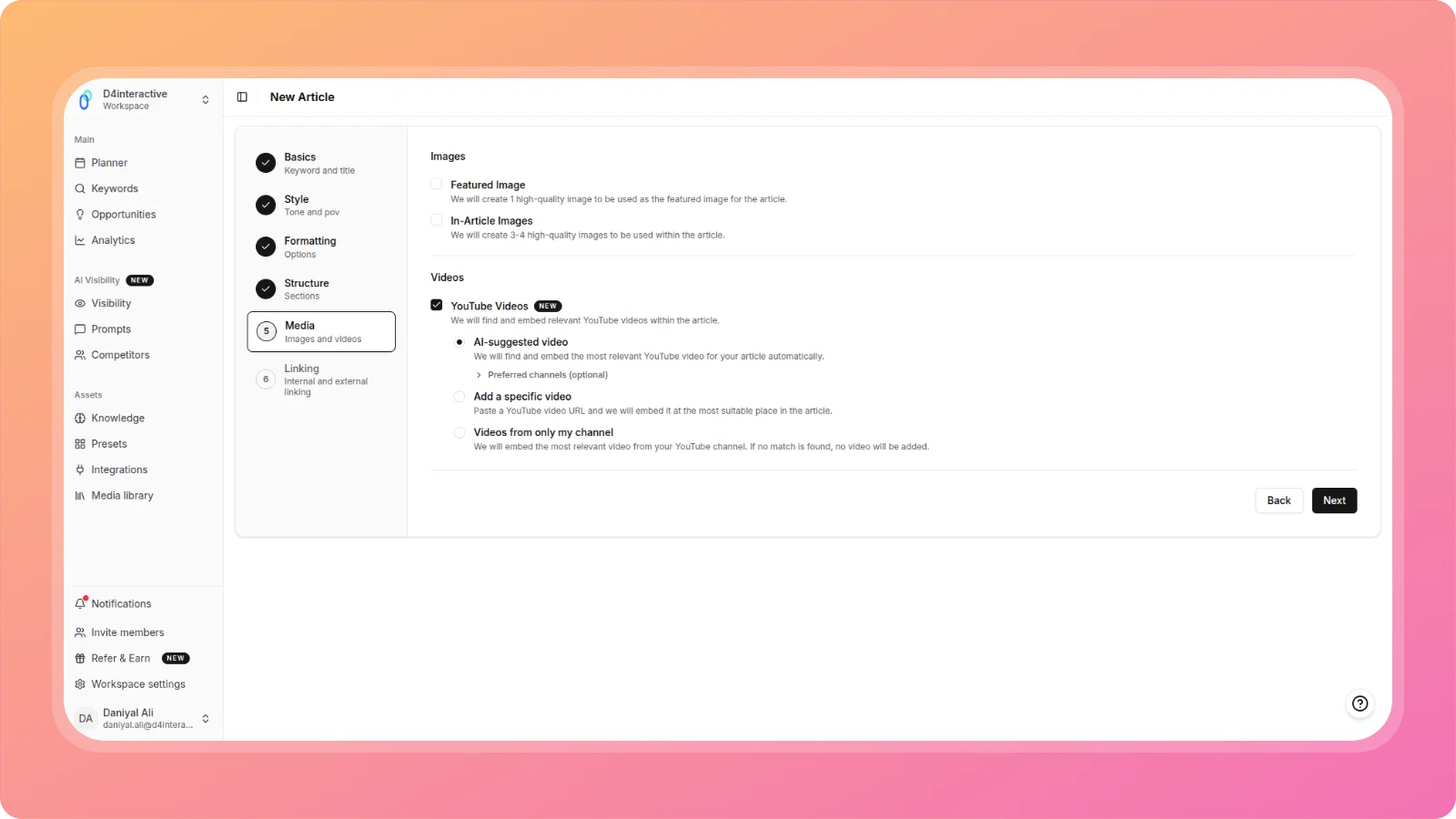
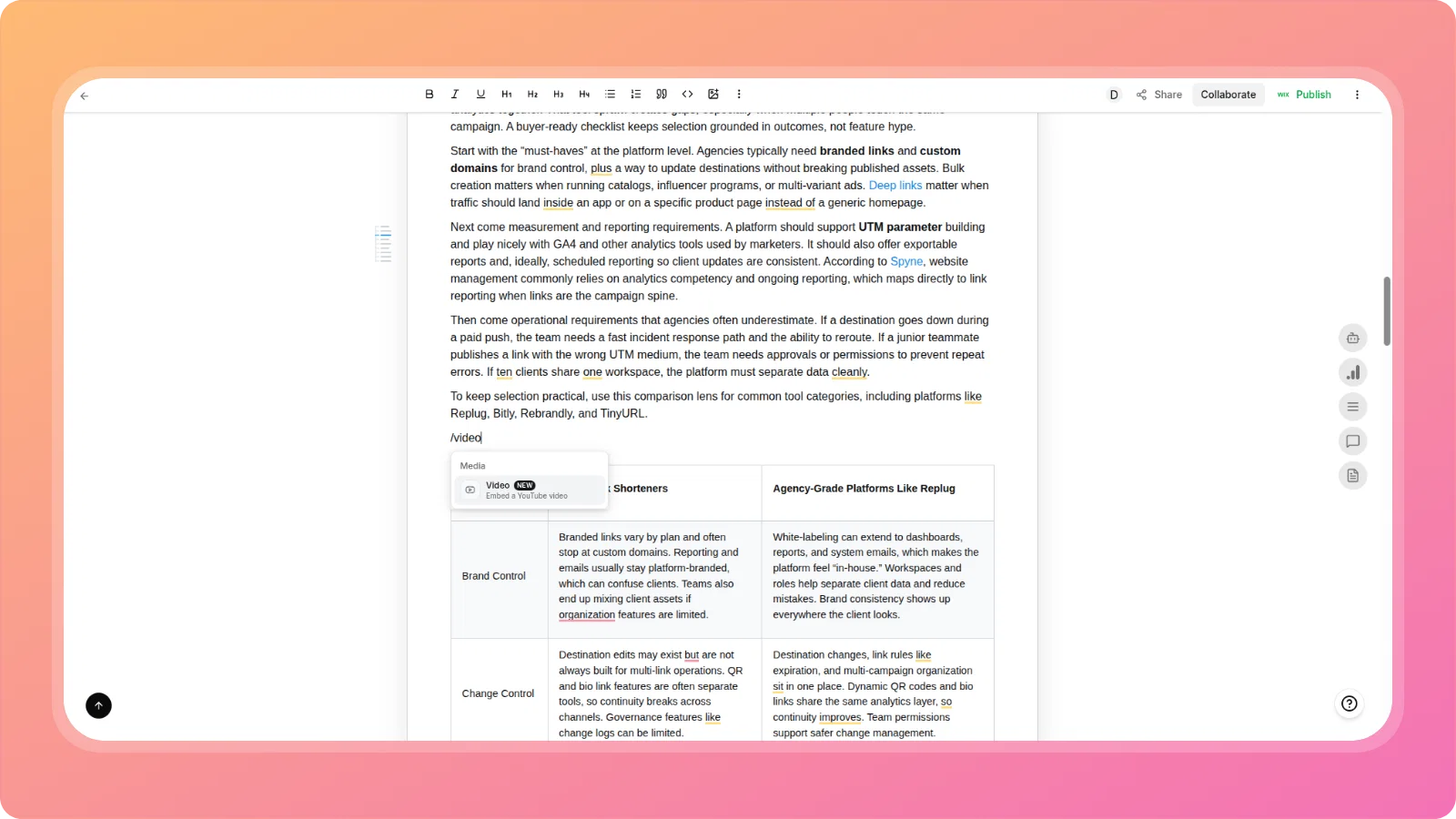
Embed relevant YouTube videos directly into your articles, both during creation and from inside the editor.
In the Article Creation Wizard (Media step): Choose from three embedding modes:
- AI-suggested video — ContentPen finds and places the most relevant YouTube video for your topic automatically. Optionally set preferred channels to prioritize.
- Add a specific video — Paste any YouTube URL and we'll embed it at the most contextually appropriate position.
- Videos from only my channel — Embed the most relevant video from your own YouTube channel. If no match is found, no video is added.
In the Article Editor: Use the slash command or toolbar menu to insert a Video block at any point in your article. The Video option now appears in the Insert menu alongside existing block types.
🗂️ Merge Topic Clusters & Move Keywords Between Clusters
Reorganize your keyword strategy without starting over.
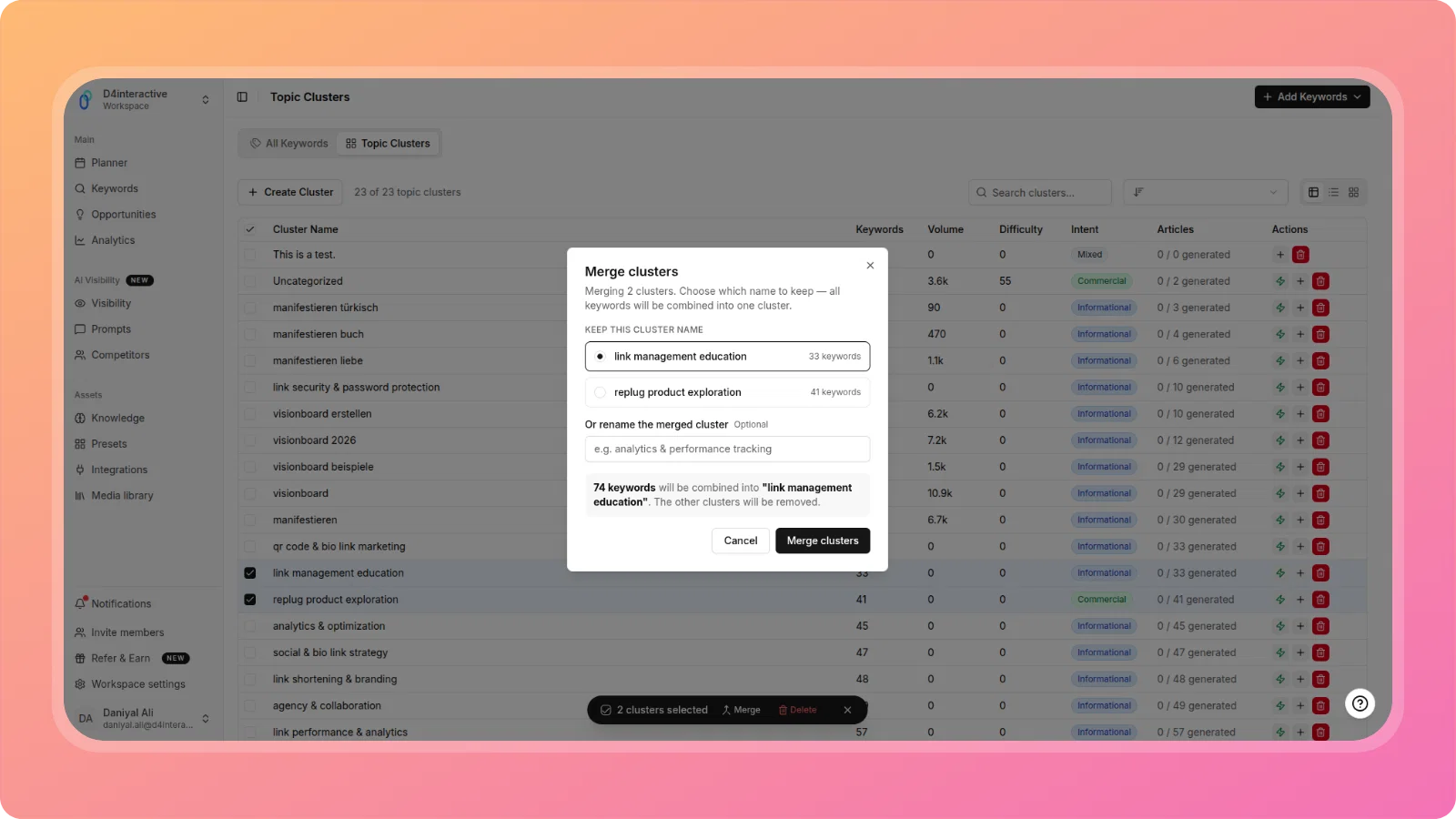
- Merge Topic Clusters — Select multiple clusters and merge them into a single unified cluster directly from the Topic Clusters view.
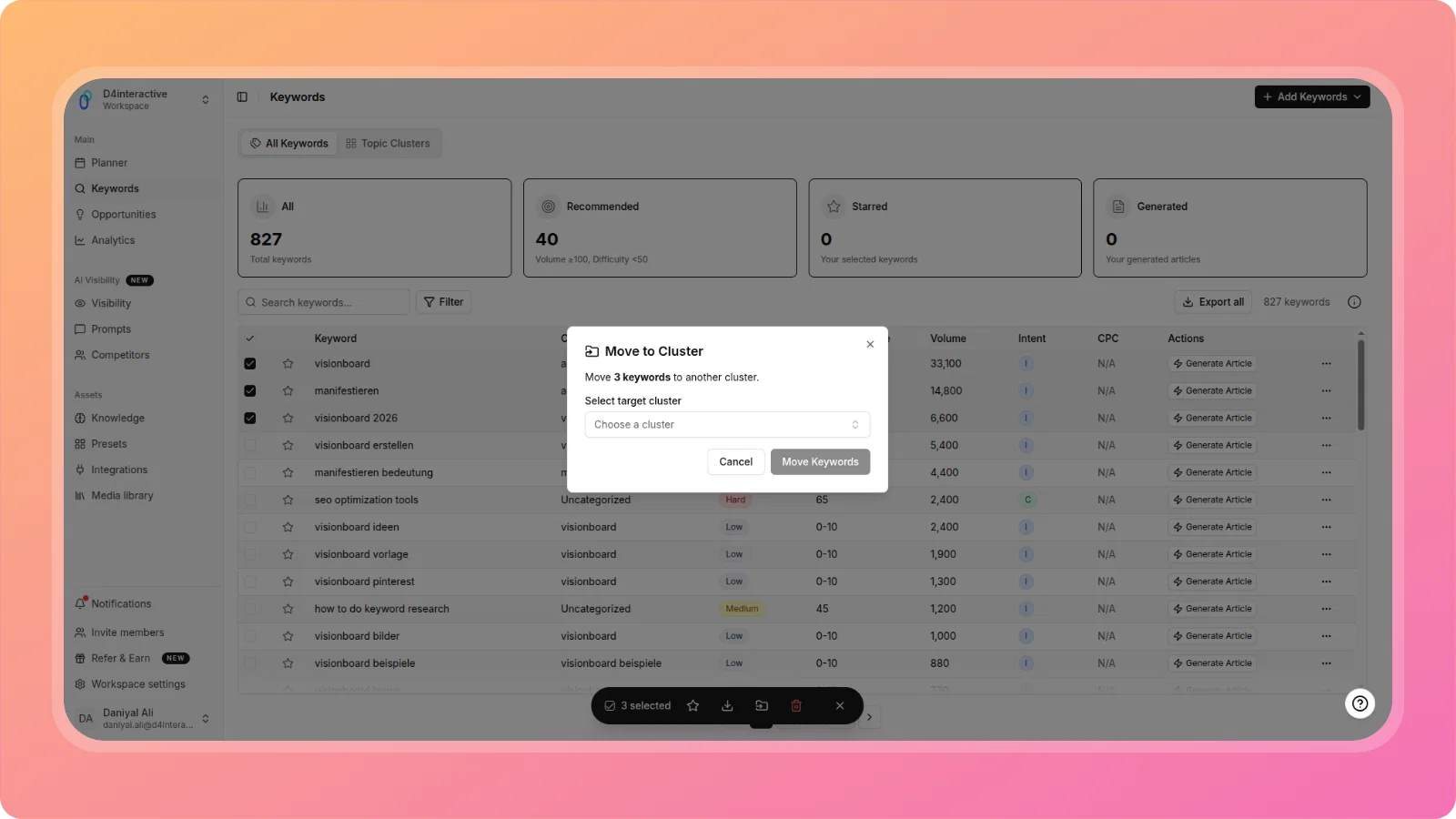
- Move Keywords Between Clusters — Select one or more keywords from the Keywords table and move them to a different cluster using the bulk action bar.
Both actions are available via the multi-select bulk action toolbar, making large-scale keyword reorganization fast and intuitive.
📋 Regenerate Table of Contents from the Editor
The Table of Contents block in your article editor is now fully reconfigurable post-generation.
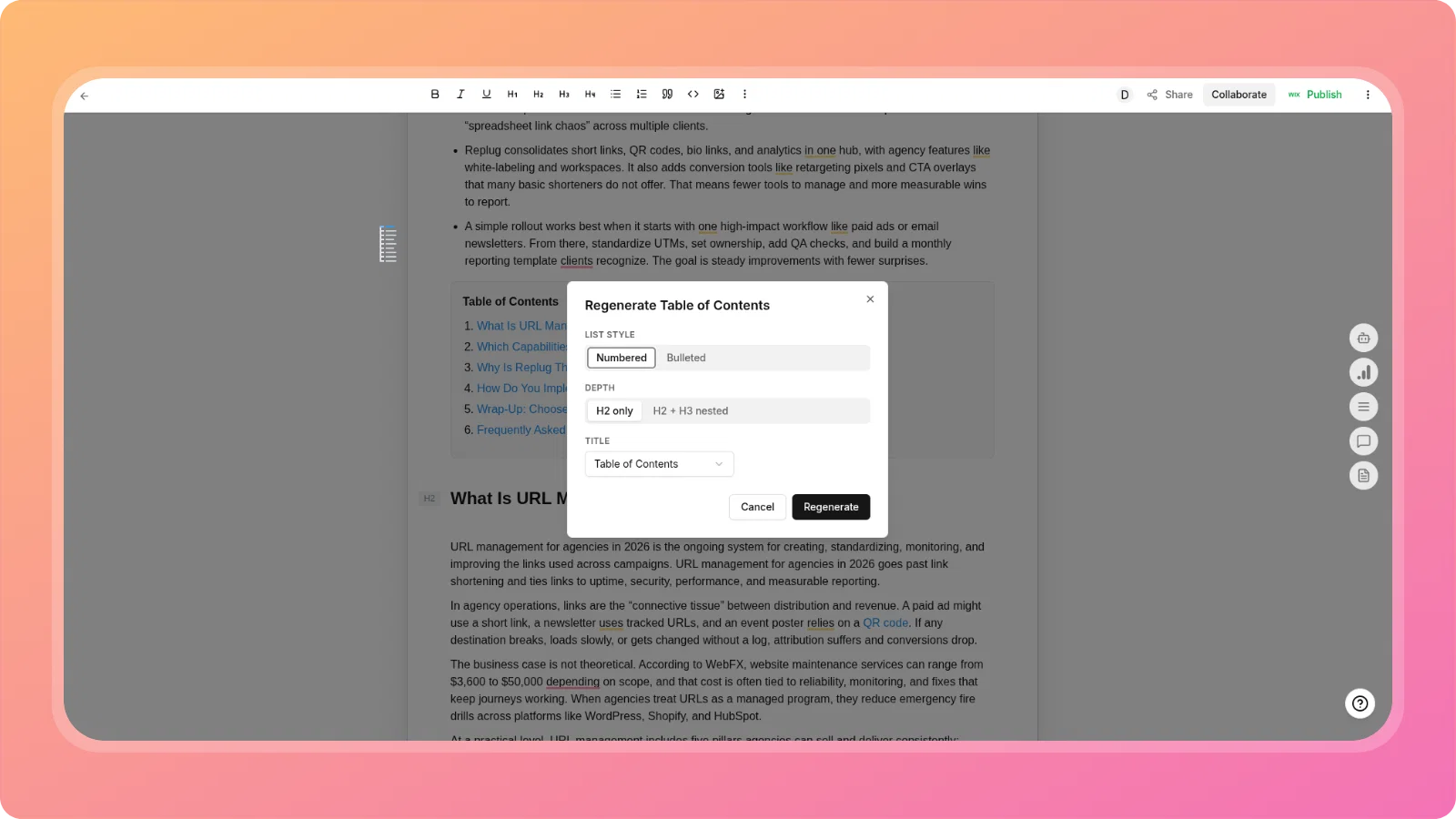
Click Regenerate TOC from the TOC block to open a configuration modal where you can adjust:
- List style — Numbered or Bulleted
- Depth — H2 only, or H2 + H3 nested
- Title — Choose how the TOC section is labeled
Use Refresh TOC to sync the TOC to your latest article structure without changing your settings.
🤖 Claude (Anthropic) Added to AI Visibility
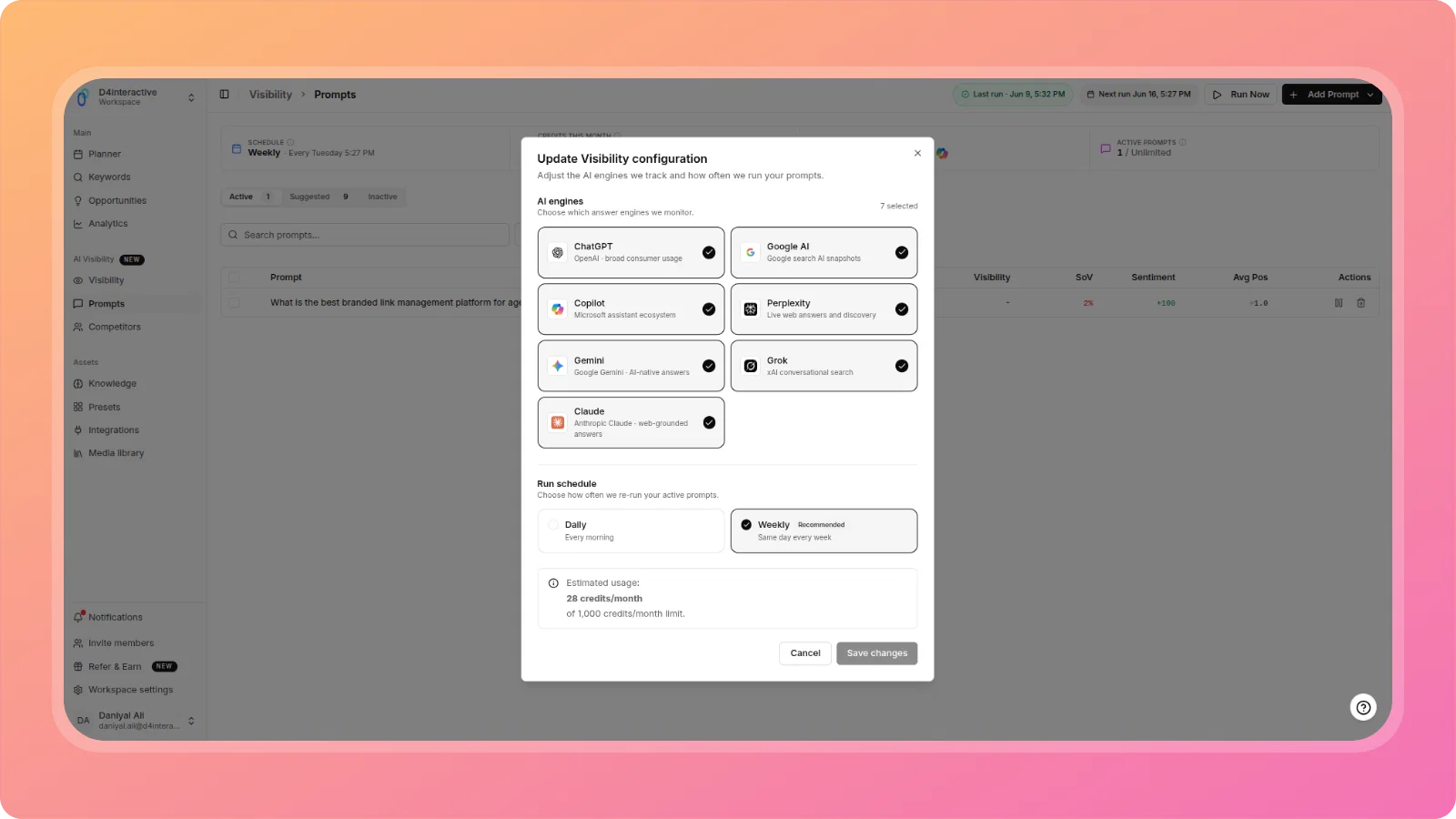
Your AI Visibility tracking now covers 7 AI engines — including Claude.
The Visibility configuration now includes Claude (Anthropic · web-grounded answers) alongside ChatGPT, Google AI, Copilot, Perplexity, Gemini, and Grok. Select or deselect any engine when configuring your active prompts and tracking schedule.
📥 Keyword Import - 10,000 Keyword Cap with Over-Limit Handling
Large CSV keyword imports are now handled gracefully.
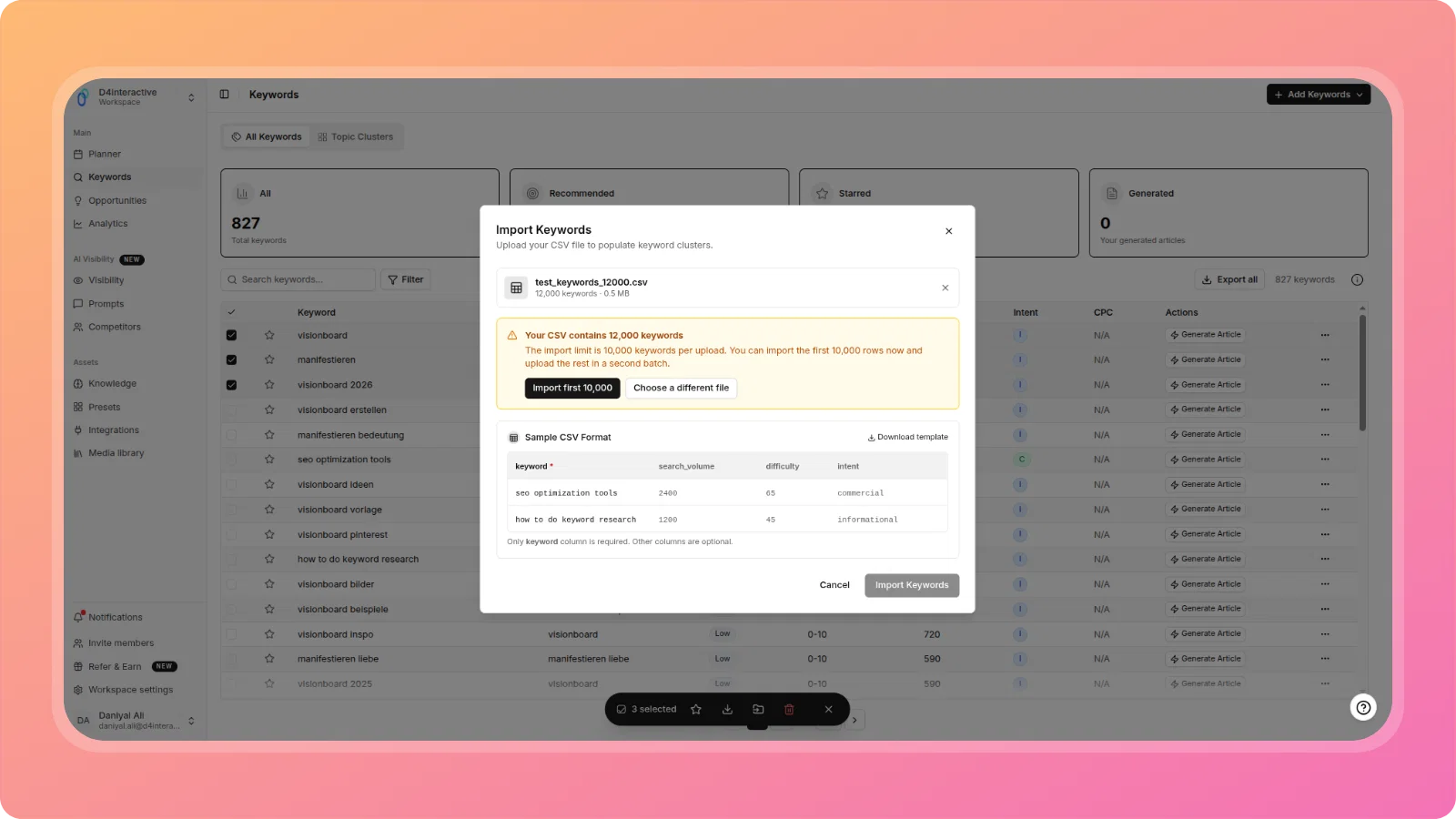
When you upload a CSV that exceeds the 10,000 keyword limit, ContentPen displays a clear warning with the file size and keyword count, and offers two actions: Import first 10,000 or Choose a different file. A sample CSV format with a downloadable template is shown inline so you always know the correct structure.
🔗 Bulk Add Domains — External Linking (Comma-Separated)
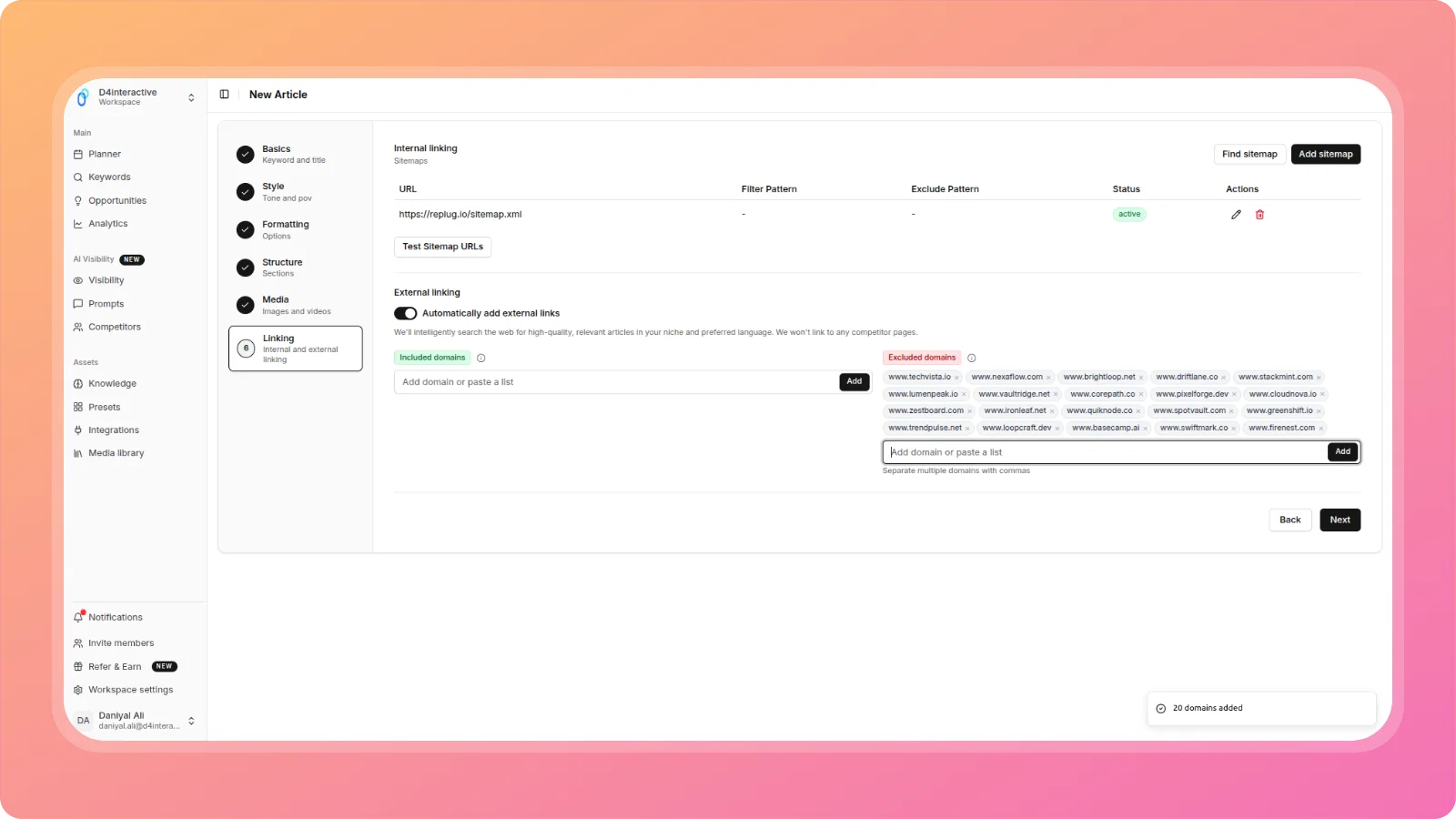
Adding multiple domains to your Included or Excluded domain lists in the Article Creation Wizard just got faster.
Paste a comma-separated list of domains into the input field and add them all in one action. Both the Included domains and Excluded domains fields support bulk input independently, with clear visual separation between the two lists.
🔐 Remember Me — 30-Day Session
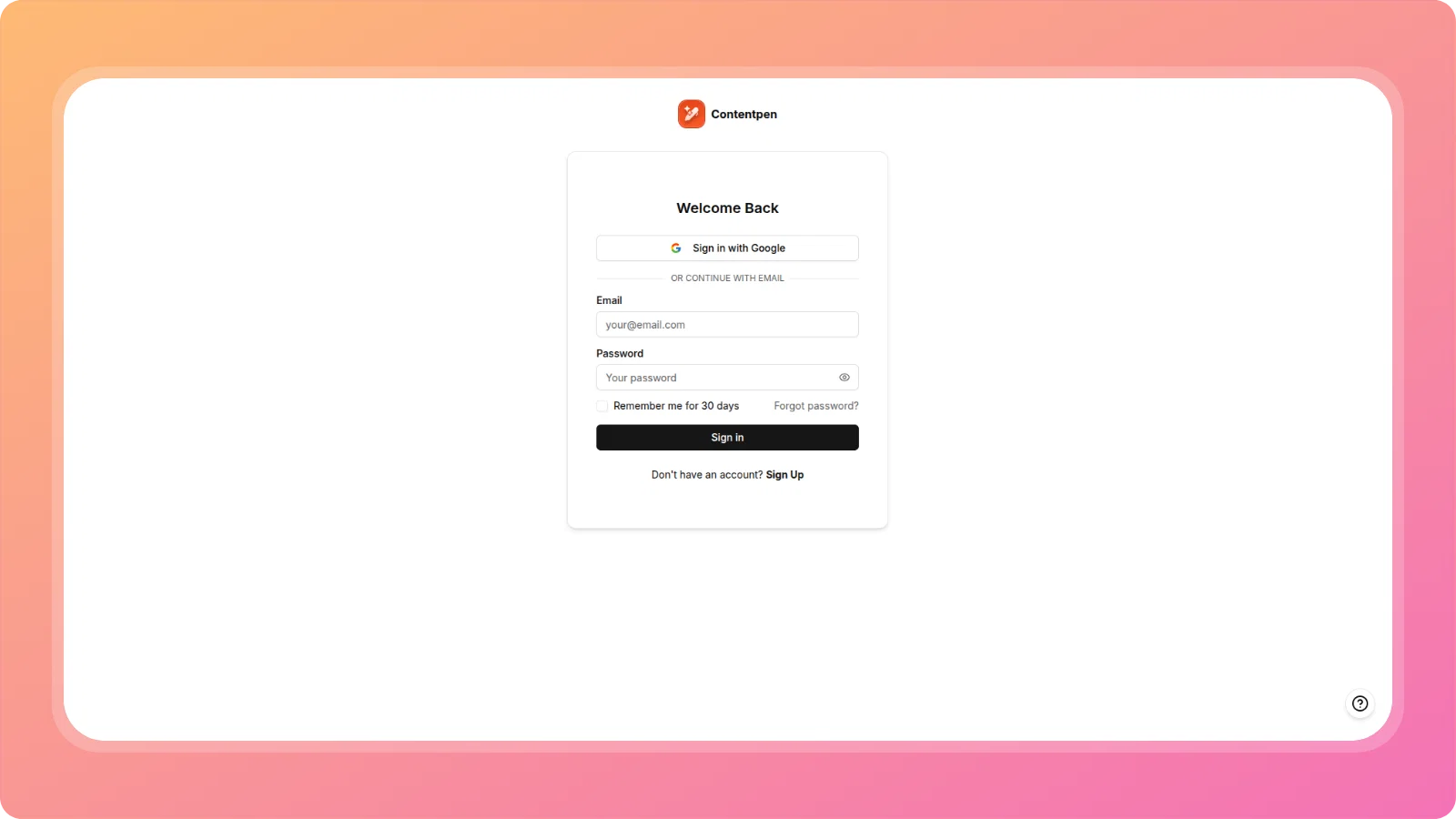
Users can now stay logged in for 30 days by checking Remember me for 30 days on the sign-in page. No repeated logins across your regular working sessions.
🔧 Improvements & Fixes
- AI Visibility: Grok execution timeouts — Resolved Grok prompt runs timing. Grok tracking now executes reliably within expected windows.
- Knowledge Base formatting rules not applied during generation — Fixed an issue where formatting rules defined in the Knowledge Base were being ignored during article generation. KB rules are now consistently applied across the full generation pipeline.
- External linking — domain input fields mirroring each other — Wizard Step where typing in the Included domains field would mirror input into the Excluded domains field (and vice versa). Both fields now operate independently.
- AI article generation ignoring user context on ambiguous keywords — Fixed an issue where user-defined context was not being passed to the generation pipeline when the article topic contained ambiguous or broad keywords, causing generic output. User context is now reliably applied.
- ContentStudio social sharing blocked — Fixed the "Article needs to be published for sharing to work" error blocking ContentStudio social sharing for articles that were already published. Sharing now triggers correctly.
- BYOK Straico key — article generation failure — Fixed a generation failure caused by
max_tokensexceeding the provider model limit when using a Straico BYOK key. Generation requests are now properly bound to the model's supported token limit.
We're committed to making Contentpen.ai the best content creation platform for your needs. Stay tuned for more exciting features and improvements!
The ContentPen.ai Team